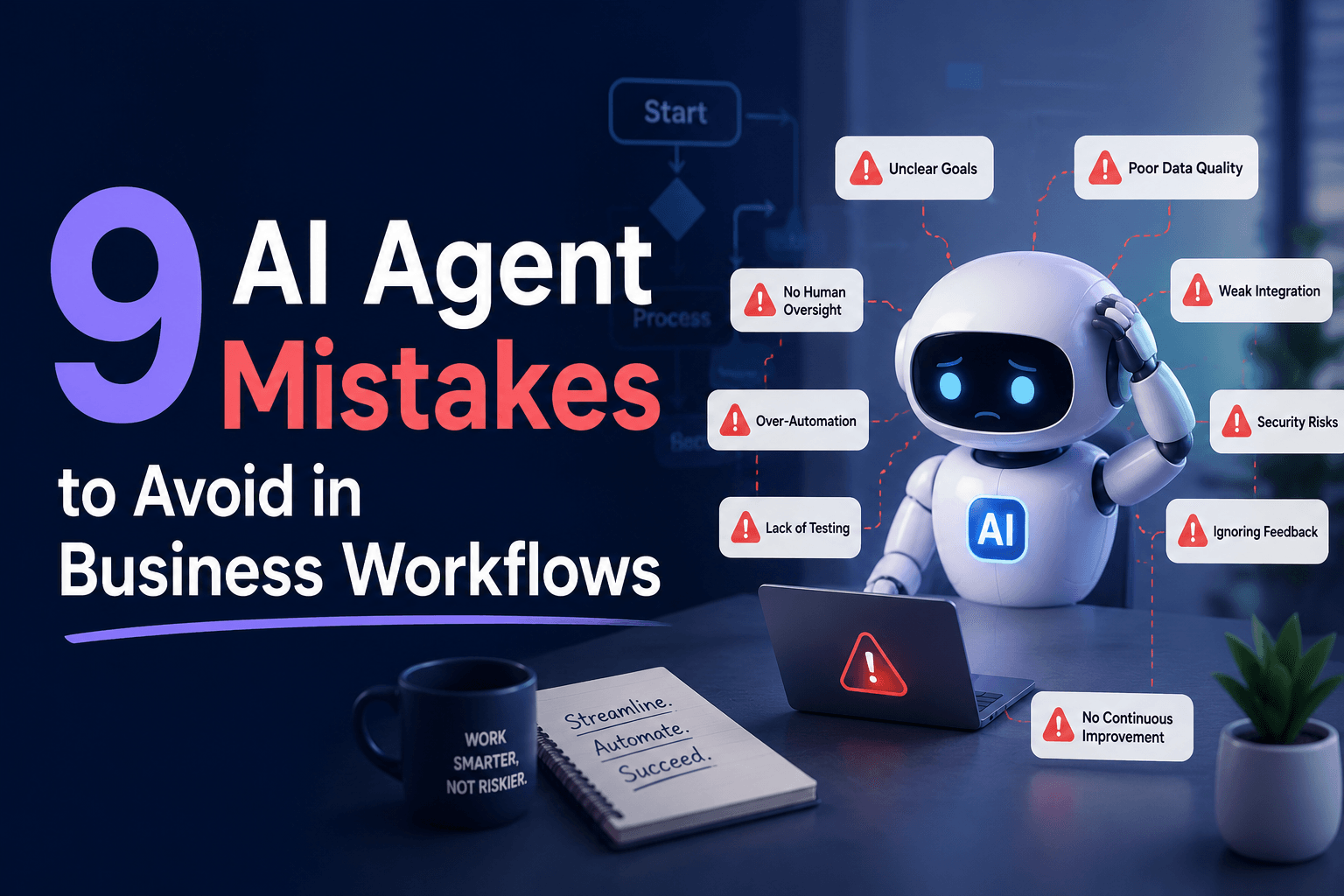
9 AI Agent Mistakes to Avoid in Business Workflows
Avoid costly AI agent failures with 9 workflow design mistakes that cause chaos, bad handoffs, and runaway costs.
Most teams don’t fail at AI agents because the model is “bad.” They fail because the workflow design quietly sets the agent up to be weirdly confident, expensively busy, or one API hiccup away from chaos.
That’s the part glossy demos skip. In a controlled test, an agent can look brilliant. In a live business workflow, it has to work with partial data, messy handoffs, real permissions, shifting priorities, and people who do not care that the prompt was elegant. They care that the lead got routed correctly, the customer got a real answer, and finance did not get surprised by a bill with too many zeros.
The market is moving fast. McKinsey’s 2025 State of AI found that 78% of organizations now use AI in at least one business function, yet more than 80% still report no tangible enterprise-level EBIT impact from gen AI. That gap tells you something important: adoption is not the same thing as operational value.
If you’re designing AI agents for actual business workflows, these are the mistakes worth avoiding before your “smart automation” turns into a very expensive intern with admin access.
1. Designing the agent before you design the workflow boundary
A lot of teams start with personality, model choice, and a heroic system prompt. Nice. But the first real design decision is simpler: where does the workflow start, stop, and hand off?
In practice, the ugliest failures happen when an agent is asked to own a process that was never clearly scoped. A support triage agent, for example, should not also be improvising refund policy, editing CRM fields, and deciding escalation thresholds unless those decisions are explicitly bounded. Otherwise you don’t have an agent, you have a politely worded risk surface.
We’ve found it helps to define the workflow like this before writing a single instruction:
Trigger -> Inputs -> Decisions allowed -> Tools allowed -> Output -> Human review point
That sounds basic, but it’s usually the difference between a workflow that scales and one that keeps spawning Slack apologies. IBM’s 2026 analysis of stalled enterprise AI projects makes the same point from a bigger-company angle: projects often break not because of the model, but because they never integrate cleanly into real workflows and governance constraints.
Takeaway: design the business boundary first, then the agent inside it.
2. Giving the agent “all the context” instead of the right context
More context is not automatically better context. This is one of the fastest ways to build a confident mess.
Teams often dump docs, URLs, knowledge bases, and CRM notes into the agent and hope relevance magically sorts itself out. What actually happens is the agent pulls from stale policy docs, contradictory notes, or irrelevant long-tail material because no one decided what counts as authoritative.
This gets worse at scale. In the 2026 Confluent Data Streaming Report, covered by IBM Think, 72% of IT leaders said insufficient real-time data infrastructure is a barrier to AI adoption, and only 32% of organizations said they have agentic AI running in production. Translation: the problem is usually not “we need a smarter model.” It’s “the agent can’t reliably find the right truth at the right moment.”
The fix is boring, which is why it works:
- designate authoritative sources
- separate reference knowledge from transactional state
- restrict retrieval by workflow stage
- pass fresh structured inputs when timing matters
If you’re using a platform with scoped knowledge and structured tables, use both. In AffinityBots, for example, agents can be paired with Knowledge for retrieval and Smart Tables for controlled structured data updates, which is much safer than asking one prompt to remember everything and write everywhere.
Takeaway: don’t feed agents more information. Feed them cleaner information.
3. Letting the agent act before it has earned the right to act
The surprising mistake is not under-automation. It’s premature autonomy.
A draft-writing agent can get away with being occasionally wrong. An agent that updates a CRM, sends a customer email, changes a ticket status, or triggers a downstream workflow needs a much higher bar. Yet teams often let agents take irreversible actions after passing a handful of happy-path tests.
That’s backwards. The more operational authority an agent gets, the more conservative the rollout should be. IBM’s 2025 CEO study summary reports that only 16% of organizations have scaled AI across the enterprise and only 25% of AI initiatives delivered expected ROI. One reason is simple: companies move from “it generated something useful” to “let it run the process” far too quickly.
A better progression looks like this:
| Stage | Agent role | Human role |
|---|---|---|
| 1 | Suggest | Approve every action |
| 2 | Draft and route | Approve exceptions |
| 3 | Execute low-risk actions | Audit samples |
| 4 | Execute with guardrails | Review metrics and failures |
If you want automation without regret, don’t start with full autonomy. Start with earned autonomy.
Takeaway: action rights should be staged, not assumed.
4. Treating prompts like architecture
Prompts matter. They are not the architecture.
This is where a lot of smart teams get trapped. They keep iterating on wording while the real issue lives elsewhere: poor tool access, weak retrieval rules, missing fallback logic, no state model, or a workflow that asks one agent to do five incompatible jobs. If you’ve tweaked the prompt 17 times and the output is still flaky, congratulations, you’ve discovered a systems problem wearing a prompt-shaped hat.
A useful rule of thumb: if the failure is consistent, it’s usually design. If it’s intermittent, it’s often context, tooling, or workflow state.
That’s why no-code agent platforms tend to outperform one-off prompt stacks in production. You need repeatable control over tools, triggers, knowledge, and execution history, not just clever phrasing. AffinityBots’ workflow model is built around that exact idea: agents, workflows, tools, knowledge, and deployments live in one system, so you’re not duct-taping orchestration onto a chatbot after the fact.
Takeaway: when an agent fails repeatedly, stop rewriting the prompt and inspect the system around it.
5. Building one “super agent” for everything
This always sounds efficient right up until it isn’t.
The all-purpose agent usually starts as a shortcut: one agent that qualifies leads, answers product questions, updates records, summarizes calls, writes follow-ups, and maybe cures seasonal allergies while it’s at it. What you get instead is instruction collision, messy tool permissions, hard-to-debug failures, and outputs that feel slightly off in every context.
Specialization wins because workflows are not conversations, they are chains of responsibilities. A lead intake flow might need one agent to classify the inquiry, another to enrich account data, and another to write a response in the correct tone. Separate roles create cleaner prompts, tighter access control, and easier evaluation.
This is also how you keep maintenance sane. When one step degrades, you fix one step. You don’t perform neurosurgery on a giant everything-bot.
In practice, we’d rather orchestrate a few narrow agents than trust one generalist with broad powers. AffinityBots supports exactly this pattern with multi-step workflows and hub-style delegation, which makes it easier to assign the right agent to the right task instead of hoping one agent can moonlight across departments.
Takeaway: split responsibilities by task, not by wishful thinking.
6. Ignoring observability until something embarrassing happens
If an agent makes a bad decision and you can’t tell why, you do not have automation. You have suspense.
This is the most underappreciated design mistake in business workflows. Teams focus on launch, then realize too late they have no usable history of which tool was called, what context was passed, where latency spiked, or why cost jumped on Tuesday for no obvious reason.
That is not a minor operational inconvenience. It’s a scale killer. In IBM’s 2026 piece on observability in the agentic era, 45% of executives cited lack of visibility as a major roadblock to agentic integration.
Your minimum observability stack should answer:
- what triggered the run
- which agent or task handled each step
- what tools were called
- where the run failed
- what output was produced
- how long it took
- what it cost
That’s why run history matters so much. With AffinityBots workflows, you can inspect run and per-task execution history, which is exactly the kind of operational visibility teams need once workflows move beyond toy use cases.
Takeaway: if you can’t inspect it, you can’t trust it.
7. Optimizing for clever outputs instead of measurable workflow outcomes
This is the mistake that makes demos sparkle and quarterly reviews go quiet.
A beautifully phrased response is not the goal. The goal is the workflow result: faster resolution, fewer manual touches, better routing, lower cost per processed request, higher conversion, cleaner data, fewer escalations. Too many teams judge agents by whether the output “looks smart” rather than whether the process improved.
That confusion shows up in the data. Microsoft Research’s 2025 study on M365 Copilot found users spent half an hour less reading email each week and completed documents 12% faster, which is useful because those are concrete task outcomes, not vibes.
So define metrics before rollout. Not twenty metrics. Three to five.
For example:
| Workflow | Bad metric | Better metric |
|---|---|---|
| Lead follow-up | Email quality | Qualified meetings booked |
| Support triage | Response length | First-touch routing accuracy |
| Research ops | Summary detail | Analyst hours saved per brief |
Takeaway: measure business movement, not linguistic elegance.
8. Skipping the ugly edge cases because the happy path demos better
Here’s the contrarian bit: your AI agent is probably not going to fail on the normal case. It’s going to fail on the weird Tuesday case with missing fields, duplicate records, contradictory policy, or a customer who replies with three questions and a screenshot from 2022.
Most teams know this intellectually and still under-test it because happy-path demos are easier to sell internally. Then production arrives wearing clown shoes.
The market keeps confirming the same pattern. Fivetran’s 2025 enterprise AI data-readiness research found that nearly half of enterprise AI projects are delayed, underperforming, or fail due to poor data readiness, and 38% of enterprises reported increased operational costs due to AI project failures. Not model failure, operational failure.
So test the workflow where things get ugly:
- missing required fields
- conflicting records
- tool timeout
- stale knowledge
- permission denied
- ambiguous user intent
- duplicate submissions
If the agent cannot recover, route, or pause safely, it is not ready.
Takeaway: edge cases are the workflow. The happy path is just marketing.
9. Launching without a maintenance model
An AI agent is not a one-time asset. It’s a living operational component. If nobody owns updates, evaluation, permissions, prompt drift, knowledge freshness, and workflow changes, performance will decay slowly enough to be annoying and fast enough to hurt.
This is where many teams quietly lose the plot. The first version works, then policy changes, integrations shift, fields get renamed, and the agent keeps operating on assumptions from three months ago. That’s not intelligence. That’s fossilized confidence.
You need an owner and a cadence:
- weekly review for failed runs
- monthly review for prompt and tool changes
- quarterly review for workflow redesign
- immediate review after policy or system changes
Platforms matter here because maintenance is easier when the agent, tools, knowledge, and triggers live in one place. With AffinityBots’ unified builder and deployment model, teams can update agents and workflows without juggling separate orchestration, knowledge, and endpoint layers.
Takeaway: if no one owns the agent after launch, the workflow is already drifting.
The Bottom Line
Good AI agent design is less about making the agent sound impressive and more about making the workflow behave reliably. That means tighter boundaries, cleaner context, staged autonomy, specialized roles, real observability, outcome-based metrics, edge-case testing, and actual ownership after launch.
The teams that get value are usually not the ones with the flashiest demos. They’re the ones that build AI agents like operational systems, because that’s what they are.
If you want to build those systems without stitching together five separate tools, AffinityBots lets you create custom AI agents, connect them into multi-step workflows, attach knowledge and tools, and deploy them from one platform. Start with one workflow that matters, then make it boringly reliable. That’s where the real wins live.
Related Articles
Continue exploring more insights on ai strategy