
12 Repetitive Tasks You Can Automate with AI Agents (Best Examples & Tools)
Discover 12 repetitive tasks you can automate with AI agents to save time and boost productivity. Learn how platforms like AffinityBots make automation easy for businesses and individuals.
Repetitive work has a way of quietly taking over your day. A few emails here, a status update there, one invoice, one report, one follow-up, and suddenly your best hours are gone.
That is exactly where AI agents can help.
Instead of spending your time on routine tasks that follow the same pattern every day, you can use AI agents to handle the busywork for you. The result is simple: less manual effort, fewer avoidable mistakes, and more time for work that actually needs your attention.
In this article, you’ll find 12 practical tasks that AI agents can automate, along with real-world examples and tools worth considering.
If you are thinking about these as part of a bigger operating model rather than one-off automations, AI-first workflows is a helpful next read.
What Are AI Agents, and Why Use Them for Repetitive Work?
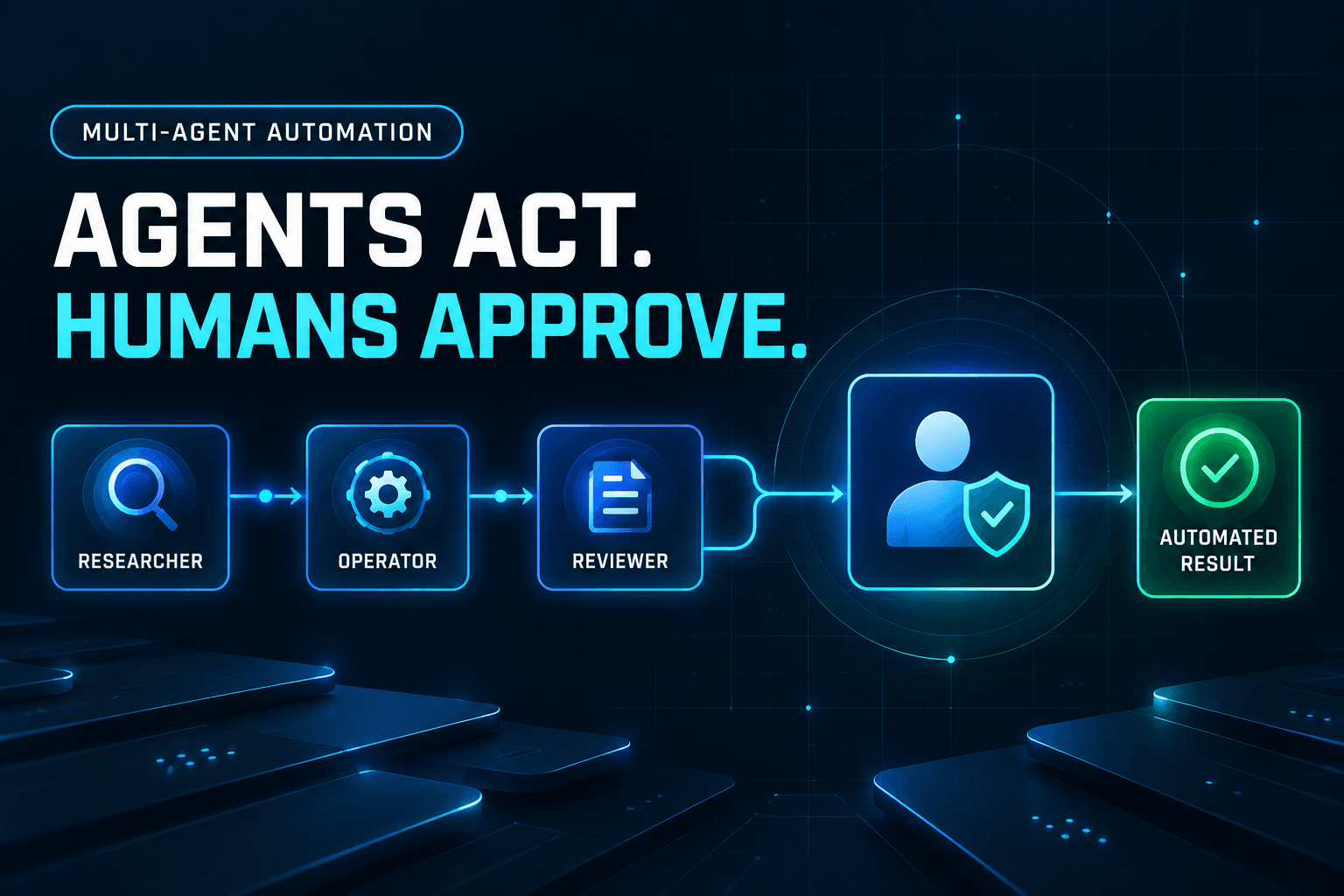
AI agents are software assistants that can follow instructions, work across apps, and complete multi-step tasks with minimal oversight. Unlike a one-off script or simple rule, an AI agent can handle context, respond to changing inputs, and keep a workflow moving.
That makes them especially useful for repetitive tasks such as:
- sorting information
- moving data between tools
- sending updates or reminders
- generating routine content
- organizing files and records
The biggest benefits are usually straightforward:
- Time savings: You spend less time on manual admin work.
- Consistency: Tasks get done the same way every time.
- Fewer errors: Automation reduces missed steps and copy-paste mistakes.
- Scalability: You can handle more work without adding more busywork.
If you want a practical place to start, these are some of the most useful workflows to automate.
1. Email Sorting and Auto-Responses
Inbox management is one of the easiest wins for automation. AI agents can sort incoming emails by topic, urgency, sender, or intent. They can also draft or send replies to common questions, flag messages that need a human response, and route certain requests to the right person.
For example, you can automate tasks like:
- moving invoices into a finance folder
- flagging support emails for immediate review
- replying to common scheduling or pricing questions
- tagging leads based on what they asked for
This kind of workflow helps you keep your inbox organized without checking every message manually.
Recommended tools: Gmail, Microsoft Outlook
For a more business-focused take on the same idea, 10 Business Tasks You Can Delegate to AI Instead of Hiring Staff shows how inbox and follow-up automation can reduce hiring pressure.
2. Data Entry and Form Filling
Manual data entry is slow, repetitive, and easy to get wrong. AI agents can pull information from emails, PDFs, forms, and uploaded documents, then move that data into a spreadsheet, CRM, or database automatically.
Common examples include:
- copying lead details from a contact form into your CRM
- extracting invoice details from PDF attachments
- updating order records from email confirmations
- populating spreadsheets from web form submissions
This is one of the best use cases for automation because it removes a task that is both tedious and error-prone.
Recommended tools: Zapier, UiPath
3. Scheduling Meetings and Calendar Management
Few things waste more time than scheduling by email. AI agents can check availability, suggest time slots, send calendar invites, and follow up when someone needs to reschedule.
They can also help with:
- sending reminders before meetings
- blocking focus time on your calendar
- creating recurring events
- updating invites when plans change
If your week involves a lot of calls, demos, or internal check-ins, automating scheduling can remove a surprising amount of friction.
Recommended tools: Calendly, Google Calendar
4. Social Media Posting and Monitoring
Publishing consistently on social media takes more admin work than most teams expect. AI agents can help schedule posts, queue content across platforms, monitor brand mentions, and surface simple engagement opportunities.
Useful tasks to automate include:
- scheduling a week’s worth of content in advance
- posting blog content to multiple channels
- monitoring mentions of your brand or product
- alerting your team when a response may be needed
Automation will not replace good strategy or original ideas, but it can absolutely reduce the repetitive parts of managing social media.
Recommended tools: Buffer, Hootsuite
5. Invoice Generation and Processing
Invoices are essential, but the process around them often eats up time. AI agents can create invoices from completed work, send them on schedule, track payment status, and follow up on overdue balances.
That can include:
- generating invoices from project or order data
- sending recurring invoices automatically
- matching payment confirmations to records
- issuing reminders for outstanding payments
For freelancers, agencies, and service businesses, this is a practical way to cut down on routine financial admin.
Recommended tools: QuickBooks, FreshBooks
6. Customer Support Ticket Routing
When support requests pile up, response quality often drops. AI agents can categorize incoming tickets, detect urgency, assign the right owner, and send immediate replies for common issues.
A few common support automations are:
- routing billing questions to finance
- sending password reset instructions automatically
- prioritizing tickets that mention outages or failed orders
- tagging repeat issues so your team can spot patterns
This helps support teams respond faster while making sure the right person handles the right issue.
Recommended tools: Zendesk, Freshdesk
If customer support is the first workflow you want to automate, 5 Ways AI Agents Transform Customer Support goes deeper on routing, escalation, and service quality.
7. Lead Capture and Qualification
Lead management often breaks down because the first steps are repetitive. AI agents can capture incoming leads, enrich records with available business details, score leads based on your criteria, and route the best opportunities to sales.
Examples include:
- pulling lead data from contact forms
- tagging leads by company size or interest level
- sending qualified leads to a sales rep immediately
- triggering a follow-up email sequence for new inquiries
The goal is not to remove the human side of sales. It is to make sure your team spends less time organizing leads and more time talking to the right people.
Recommended tools: LinkedIn Sales Navigator, HubSpot
That same specialist handoff pattern shows up in broader agent systems too, which we cover in AI Agent Teams in 2026.
8. Report Generation and Distribution
Reporting is one of the most common time drains inside a business. AI agents can gather data from multiple sources, format it into a usable summary, and send it to the right people on a schedule.
That might look like:
- weekly sales reports sent every Monday morning
- monthly marketing summaries pulled from dashboards
- internal KPI updates shared with team leads
- client reports generated from live campaign data
Once set up, these workflows can save hours each week and make reporting much more consistent.
Recommended tools: Looker Studio, Tableau
9. File Organization and Document Management
Files get messy fast, especially when multiple people are uploading, renaming, and moving documents. AI agents can automatically sort files into the right folders, apply naming rules, detect duplicates, and notify people when something important is added.
Typical examples include:
- moving contracts into the correct client folder
- renaming uploaded files using a consistent format
- organizing documents by date, project, or customer
- flagging missing files in a workflow
It is a simple use case, but it can save a lot of frustration, especially for operations, legal, and project teams.
Recommended tools: Google Drive, Dropbox
10. CRM Updates and Follow-Up Reminders
A CRM only works if the data stays current, and that is where teams often fall behind. AI agents can log notes, update deal stages, create reminders, and prompt follow-ups after calls, emails, or form submissions.
That can help automate tasks like:
- logging a meeting summary after a sales call
- updating contact records from new email replies
- setting reminders when a prospect goes quiet
- creating follow-up tasks after a demo or proposal
This keeps your pipeline cleaner and reduces the number of leads that slip through the cracks.
Recommended tools: HubSpot, Salesforce
11. Expense Tracking and Receipt Processing
Receipts and expense reports are small tasks that add up quickly. AI agents can pull details from receipts, categorize expenses, submit them for review, and sync approved records with accounting tools.
Common workflows include:
- extracting merchant, date, and amount from a photo receipt
- assigning expenses to the right category automatically
- flagging duplicates or missing details
- routing reimbursement requests for approval
This is especially useful for teams that travel often or handle frequent reimbursements.
Recommended tools: Expensify, SAP Concur
12. FAQ Responses and Knowledge Base Support
Teams answer the same questions over and over, whether they come from customers, employees, or partners. AI agents can use your approved documentation to answer common questions, suggest relevant articles, and escalate anything more complex to a human.
This works well for:
- internal HR or IT questions
- customer onboarding questions
- product usage FAQs
- directing users to the right documentation
It is a practical way to reduce repetitive back-and-forth while still keeping human support available when it matters.
Recommended tools: Notion, Intercom
How to Choose the Right Tasks to Automate First
If you are just getting started, do not try to automate everything at once.
Start with tasks that are:
- repeated often
- rule-based or predictable
- easy to measure
- annoying enough that your team will actually feel the benefit
If you want a shorter shortlist of common starting points, 10 Everyday Tasks You Can Automate with AI Agents is a good companion piece.
A good first automation should save time quickly without adding a lot of complexity. Email triage, scheduling, data entry, and reporting are usually strong starting points.
Final Thoughts
AI agents are not just for large enterprises or technical teams. In many cases, the best automations are the simplest ones, the tasks you already do every day that follow the same pattern every time.
If you can identify repetitive work that slows you down, there is a good chance at least part of it can be automated. Start small, improve one workflow at a time, and build from there.
Related Articles
Continue exploring more insights on ai automation