6 Ways to Turn a Knowledge Base Into a Support Agent That Gives Actually Useful Answers
Turn your knowledge base into a support agent that gives clear, accurate answers customers actually trust.
Most companies do not have a knowledge problem. They have a knowledge delivery problem.
The articles exist. The SOPs exist. The refund policy is buried in a PDF written like it was drafted by a committee trapped in a windowless room, but yes, it exists too. What fails is the last mile: turning that pile of content into a support agent that can answer real customer questions clearly, correctly, and without sounding like it swallowed your help center whole.
That gap matters more now because expectations are climbing fast. In Zendesk’s 2026 CX Trends report, 67% of consumers expect brands to tailor support based on prior interactions, and in a 2026 Gartner survey, 91% of service leaders said they’re under pressure to implement AI. The bots are being hired. The question is whether they’re actually helpful.
Here are six ways we’ve found to turn a knowledge base into a support agent that gives answers customers can use, not just admire from a distance.
1. Stop uploading documents, start designing answers
What usually goes wrong first is simple: teams dump a help center into an AI tool and expect magic. What they get is a polite remix machine.
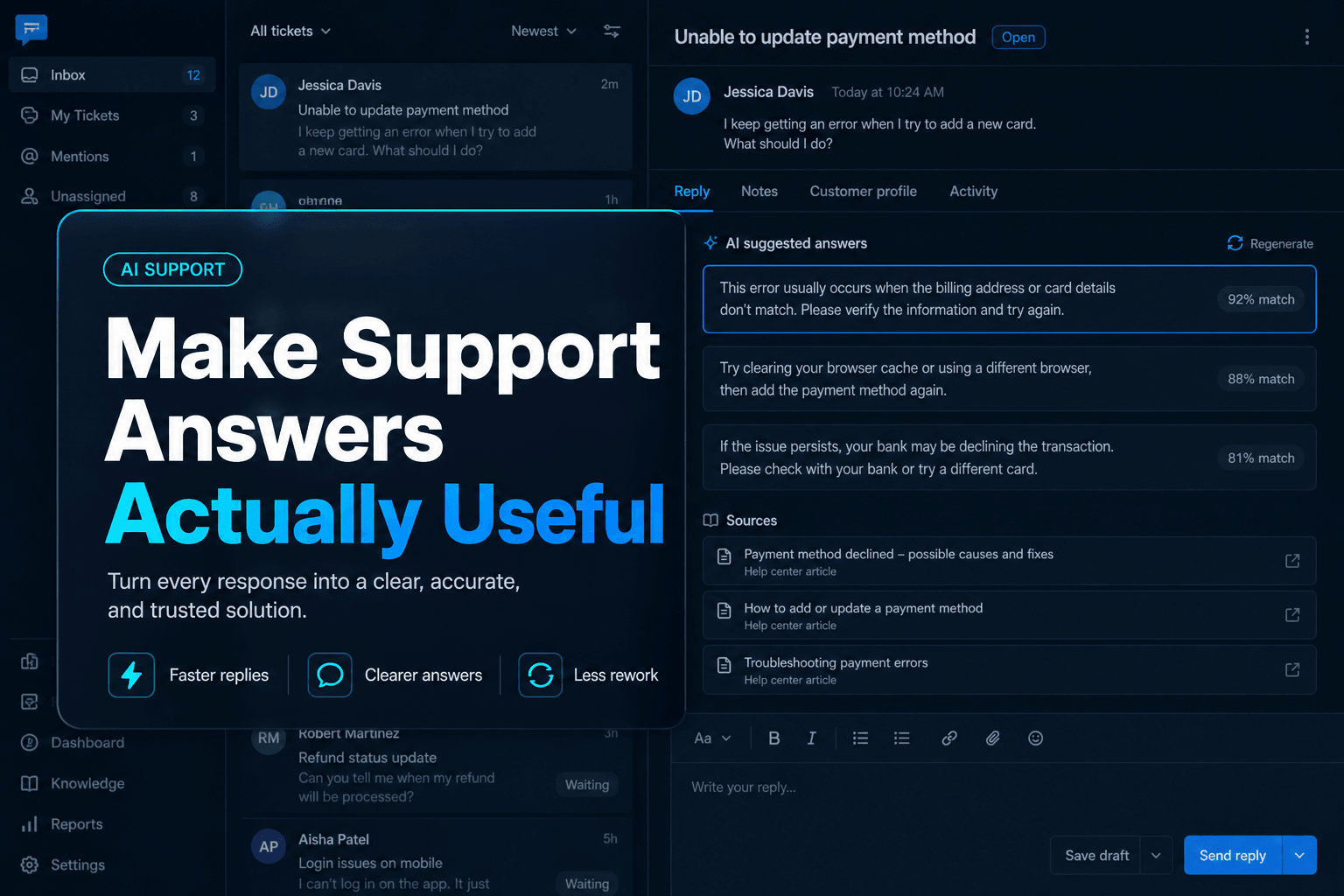
A useful support agent needs content written for retrieval and action, not just storage. That means every article should answer one concrete support intent, use the customer’s language, include decision points, and end with an actual next step. “Shipping policy overview” is weak. “How to change a shipping address before an order ships” is usable.
In practice, we’ve found the best knowledge articles read more like response modules than documentation. They should contain the exact terms customers type, the exceptions that matter, and the boundaries the agent must respect. If you want the agent to answer “Can I cancel after checkout?” then that wording needs to exist somewhere on purpose.
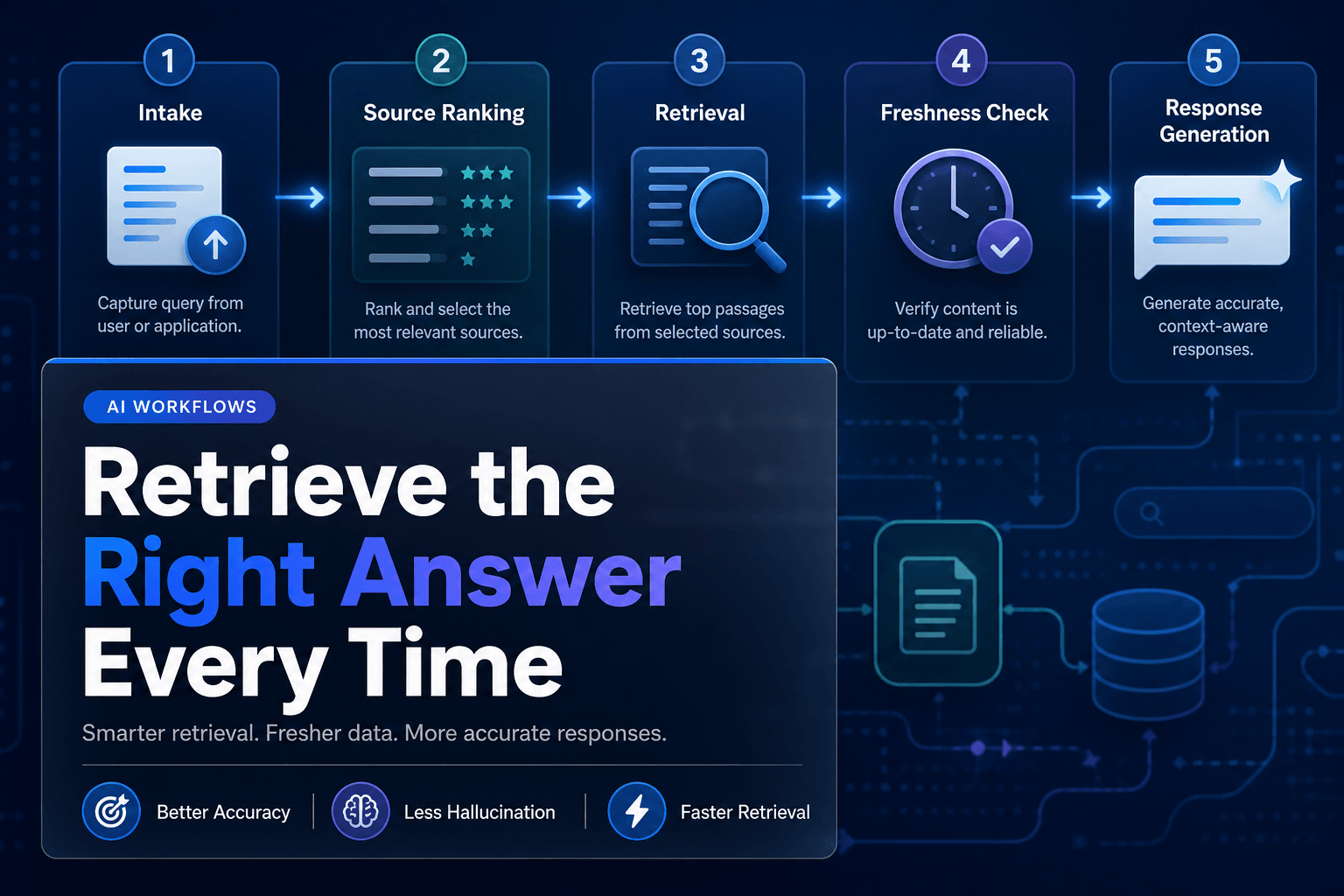
This is the same logic behind Combining RAG and Reasoning: The Secret Sauce for Reliable AI Agents: retrieval works better when the source material is built for precise grounding, not vague inspiration.
Practical takeaway: Rewrite your top 20 support articles around customer intents, not internal categories. If the article title sounds like a filing cabinet label, fix it.
2. The smartest move is often making the bot answer less
Counterintuitive, yes. Also extremely effective.
A support agent becomes more useful when it knows what not to answer. This is where many teams get burned. They celebrate broad coverage, then discover the bot is confidently improvising on refunds, billing disputes, or account-specific edge cases.
Salesforce’s public write-up on how it measures answer quality notes that its benchmark for answer quality was 60% in October 2025, with a target of 75% by year end. That number is a nice reality check. Even sophisticated teams treat answer quality as something to manage aggressively, not assume into existence.
So give your agent a narrower lane. Define approved topics, blocked topics, and escalation triggers.
If answer found + policy is clear -> answer
If answer found + account access needed -> collect info, then escalate
If no strong match -> do not guess, offer human handoff
If policy conflict detected -> cite latest source, then escalate
That kind of constraint feels less glamorous than “fully autonomous support,” but customers prefer correct to ambitious.
Practical takeaway: Build a refusal and escalation policy before you expand coverage. A support agent that declines bad-fit questions is more trustworthy than one that answers everything badly.
3. Chunk by decision, not by paragraph
This is the sneaky technical problem behind many bad answers.
If your knowledge base is chunked in giant article slabs, the agent retrieves too much mush. If it is chunked sentence by sentence, it loses context. The sweet spot is usually decision-sized chunks: one policy, one exception, one procedure, one troubleshooting branch.
For example, a return-policy article should not live as one giant wall of text. Break it into chunks like:
| Chunk type | What it should contain |
|---|---|
| Eligibility rule | Which orders qualify for returns |
| Time window | Exact number of days and start point |
| Exceptions | Final sale, custom items, opened products |
| Required action | What the customer must do next |
Now the agent can retrieve the part that actually matches the question instead of dragging in three unrelated subtopics and blending them into soup.
This matters because support teams are increasingly reorganizing around knowledge quality. In the 2026 Gartner survey, 58% of service leaders said they plan to upskill agents into knowledge management specialists. That tells you the real game is not just model choice. It is content structure.
Practical takeaway: Rebuild high-volume articles into modular chunks based on decisions and exceptions. If one chunk cannot stand on its own as a support answer ingredient, it is probably too messy.
4. Context beats content, every time
A decent answer from the knowledge base is nice. A useful answer usually needs context.
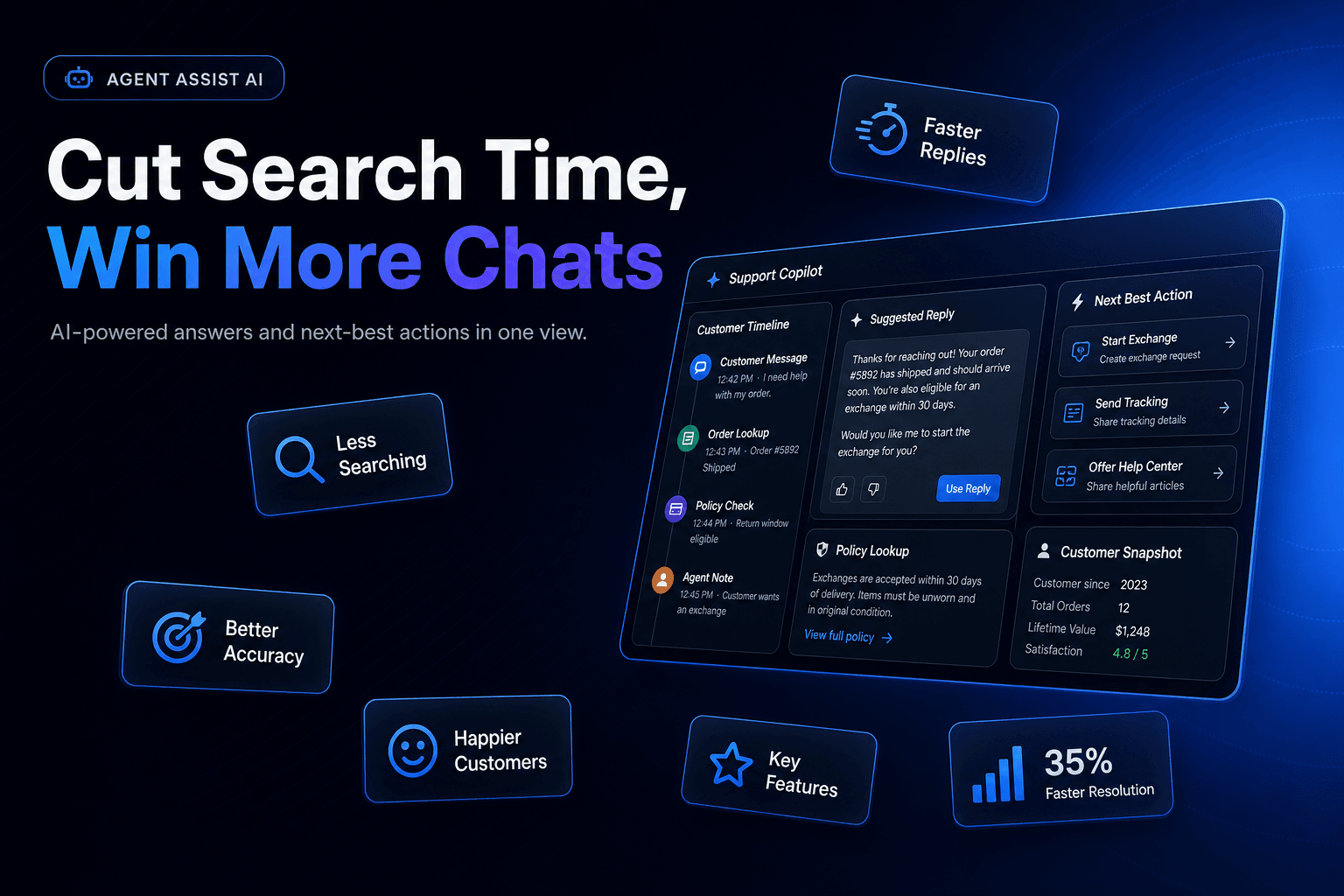
Customers do not ask, “What does article 47 say about returns?” They ask, “My order arrived yesterday and the box is damaged, can I still get a replacement?” That requires the agent to combine knowledge with session details, order data, previous interactions, or channel context.
That expectation is now mainstream. In Zendesk’s 2026 CX Trends report, 67% of consumers said they expect support tailored to prior interactions. Translation: generic answers are no longer charming.
This is where a platform approach matters. With AffinityBots, you can combine knowledge, tools, and workflows so the same support logic can retrieve policy, check an order record, and decide whether to answer, escalate, or update a Smart Table. If you also need external systems involved, MCP 101: Why This Open Standard Is Crucial for Multi-Agent Systems explains why standardized tool access makes that much less painful.
Practical takeaway: Do not ask your agent to answer from docs alone if the question depends on customer state. Pair retrieval with the minimum system context needed to make the answer specific.
5. Your highest-value content is probably not public-facing
Here is what teams often miss: the best support answers are frequently hiding in places the help center never sees.
Internal macros, saved replies, escalation notes, QA comments, and “tribal knowledge” sitting in Slack threads often contain the exact phrasing and judgment patterns your public docs lack. If your agent only learns from polished help articles, it may sound official while missing the stuff that actually resolves tickets.
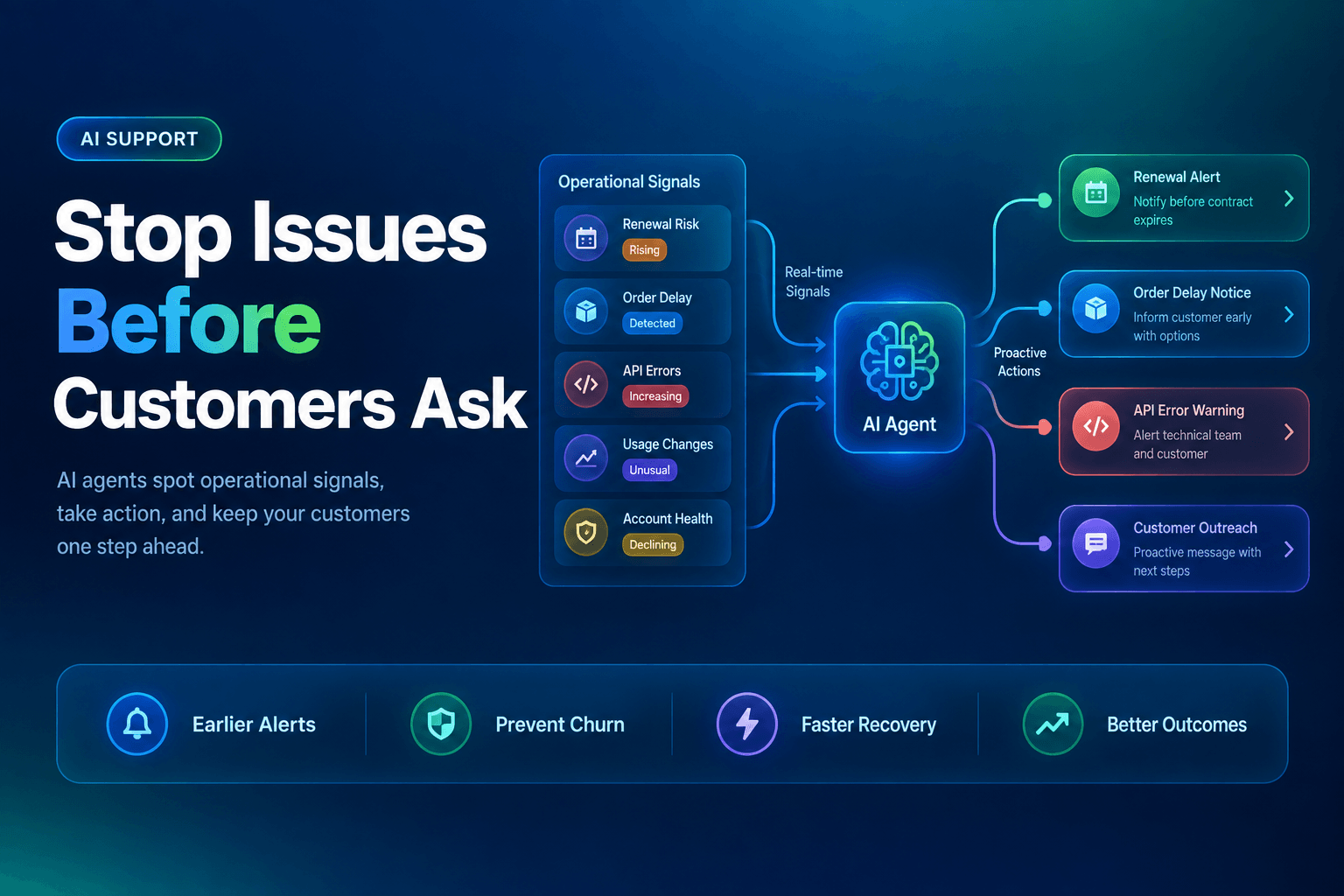
Intercom’s 2026 Customer Service Transformation Report found that 40% of teams report agents are spending more time training and optimizing AI systems. That makes sense. Once AI enters support, the hidden work becomes curating what the bot should know and how it should say it.
We’ve found one of the fastest wins is turning internal support knowledge into governed retrieval material. Not everything should be exposed to customers, obviously. But a lot of internal guidance can be sanitized, tagged, and assigned to an agent as operational context.
If you need a related blueprint for grounding answers well, How to Automate Customer Inquiries: A Step-by-Step Guide for Modern Businesses pairs nicely with this approach.
Practical takeaway: Audit your top-performing support reps’ internal materials. The phrases they use to solve messy cases are often more valuable than your prettiest help-center article.
6. Measure usefulness, not just deflection
A bot that deflects tickets by giving flimsy answers is not a support win. It is a delayed support loss.
This is the contrarian part many teams need to hear: self-service metrics can flatter a bad system. A customer can leave the help center without opening a ticket and still be confused, annoyed, or one step away from a chargeback.
Zendesk highlights self-service and help-center reporting in its support reporting guidance, but the useful move is combining those metrics with answer quality, reopen rate, escalation rate, and downstream CSAT. If you only optimize for containment, the bot learns to be efficiently unhelpful.
A better scorecard looks like this:
| Metric | Why it matters |
|---|---|
| Answer acceptance rate | Did the customer actually use the answer? |
| Escalation after AI reply | Did the answer fail on first contact? |
| Reopen rate | Did the issue come back later? |
| Policy-correctness audit | Was the answer right, not just fluent? |
For a deeper look at where agent systems go sideways operationally, 9 Mistakes to Avoid When Designing AI Agents for Business Workflows is worth your time.
Practical takeaway: Review 50 real AI-handled conversations every month. Score them for correctness and resolution quality, not just whether they avoided a human.
The Bottom Line
A useful support agent is not built by sprinkling AI dust on a knowledge base and whispering “good luck.” It comes from structured content, tight retrieval, clear escalation rules, and enough context to answer like a competent operator instead of a very confident intern.
That is the good news too. You do not need a moonshot. You need a better system.
With AffinityBots, you can turn documents into knowledge, connect the agent to tools and integrations, route edge cases through workflows, and deploy a support experience that is actually governable. If you want to build a support agent that answers clearly, escalates safely, and improves over time, AffinityBots gives you the pieces to do it without duct-taping five products together.
Related Articles
Continue exploring more insights on customer support