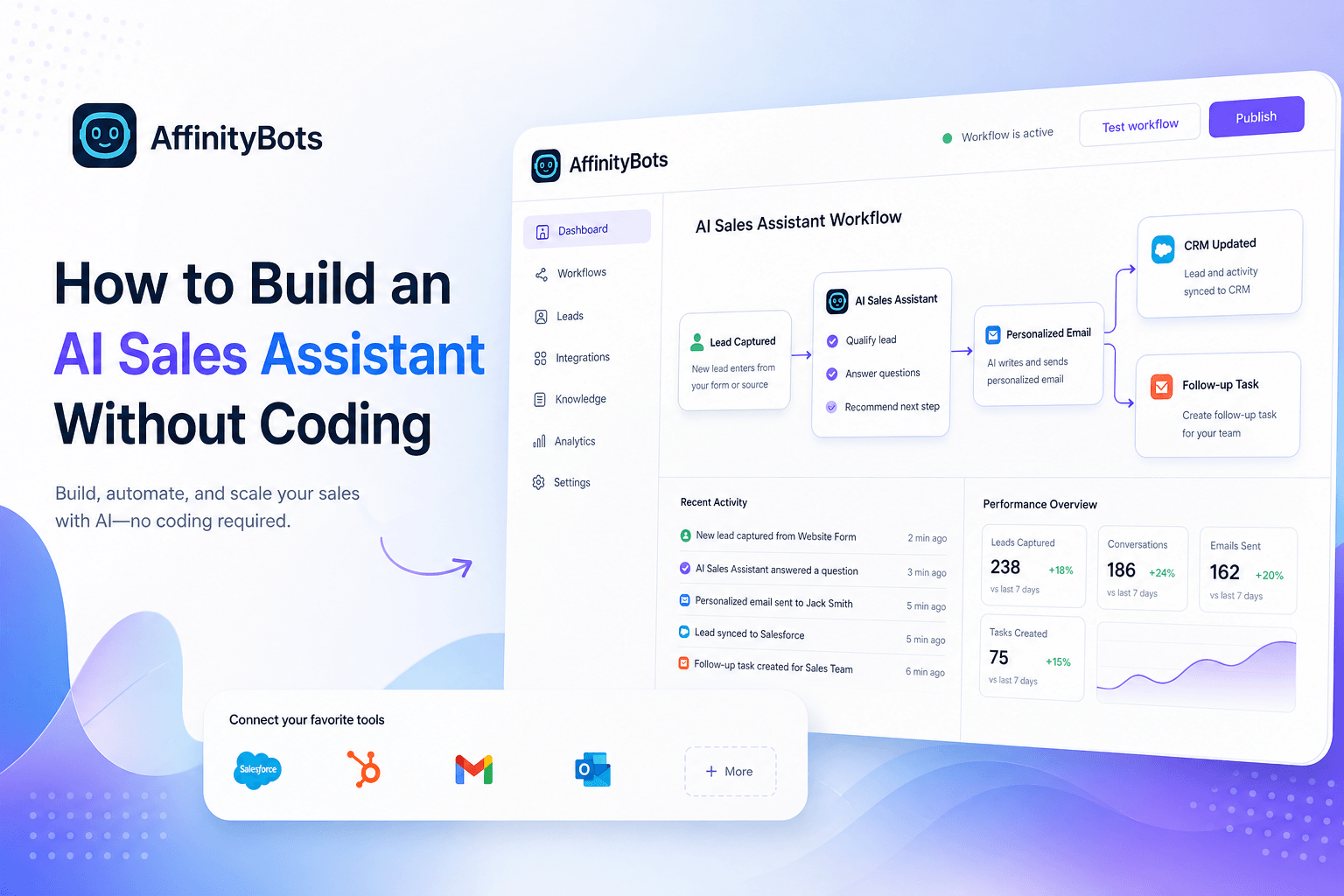
How to Build an AI Sales Assistant Without Coding
Learn how to build an AI sales assistant without coding using no-code tools, simple workflows, and CRM integrations.
If you are trying to figure out how to build an AI sales assistant without coding, start with this simple truth: the hard part is not the AI. The hard part is designing a workflow that actually helps your sales team.
A useful AI sales assistant should do more than sit in a chat box and answer a few canned questions. It should help capture leads, qualify them, answer common sales questions, send the right follow-up, and hand people off to a human when needed. The good news is that you can build all of that with no-code tools if you keep the scope tight and connect it to the systems you already use.
In this guide, you will learn what a no-code AI sales assistant is, which tools are worth considering, and how to build one step by step.
Why teams build AI sales assistants without code
Sales teams lose time in the same places over and over again. Someone fills out a form. A rep has to reply. The lead needs to be qualified. Notes need to be added to the CRM. A meeting has to be booked. If the lead is not a fit, someone still has to respond.
That work matters, but it does not all need a human touch at the first step.
A no-code AI sales assistant helps by taking care of the repetitive front-end work so your team can spend more time on real conversations and qualified opportunities.
Here is what makes this approach appealing:
- It is fast to launch. You can go from idea to live workflow in days instead of waiting on a full development cycle.
- It is easier to test. You can adjust prompts, rules, and handoffs without rebuilding the whole system.
- It improves consistency. Every lead gets a timely response and the same qualification flow.
- It extends coverage. Your assistant can reply after hours, on weekends, and during busy periods.
- It fits lean teams. Smaller teams can automate important work without hiring engineering help for every change.
What a no-code AI sales assistant actually does
A no-code AI sales assistant is usually a chatbot, workflow, or agent-based system built with visual tools instead of custom code. Its job is to help move prospects through early sales steps without creating more work behind the scenes.
Depending on your setup, it can:
- answer basic product or pricing questions
- collect contact and company details
- ask qualification questions
- route leads by region, use case, or company size
- book meetings
- create or update CRM records
- trigger follow-up emails or internal alerts
- hand off complex conversations to a rep
The best assistants feel less like a novelty and more like a reliable first layer of your sales process.
If you are building inside AffinityBots, that can go beyond a single chatbot. The platform is built around agents, workflows, knowledge, tools, and Smart Tables. In practice, that means you can create a sales assistant that answers questions from approved documents, checks structured lead data, updates systems, and passes the conversation to the next step when needed. If that operating model is new to you, AI agent teams in 2026: how multi-agent systems actually work gives helpful context.
Choosing the right no-code tool
There is no universal best tool. The right choice depends on how simple or complex your process is.
| Tool | Best for | Strengths | Watch for |
|---|---|---|---|
| AffinityBots | Multi-step sales workflows | Agents, knowledge, Smart Tables, tools, deployments | Best suited to teams that need more than a simple chat widget |
| Zapier | Fast app-to-app automation | Large integration library, easy setup | Complex logic can become hard to manage |
| Make | Visual workflow automation | Flexible scenarios, strong branching | Slightly steeper learning curve |
| Landbot | Conversational lead capture | Strong chatbot and form experiences | Often needs other tools for deeper back-end workflows |
| Chatfuel | Messaging-based chatbot flows | Fast setup for common chat use cases | Less ideal for broader ops-heavy automation |
A simple rule helps here:
- If you mainly need lead capture and basic qualification, a chatbot-first tool may be enough.
- If you need routing, CRM updates, internal alerts, approvals, and reusable data, choose a platform built for workflows.
You should also think about how well the platform connects with the tools your team already uses. If CRM is central to your process, review your stack alongside guides like best workflow automation tools for small businesses in 2026.
Step 1: Define one clear sales job
The fastest way to build a weak assistant is to ask it to do everything.
Start with one job that delivers clear value. Good first use cases include:
- qualifying demo requests
- answering common pre-sales questions
- routing inbound leads
- booking meetings for qualified prospects
- re-engaging older leads
Then map the path from start to finish:
- Where does the lead enter the workflow?
- What questions should the assistant ask?
- What qualifies someone as a good fit?
- What happens after qualification?
- When should a human step in?
For a first version, smaller is better. A focused assistant is easier to train, easier to test, and much easier to improve.
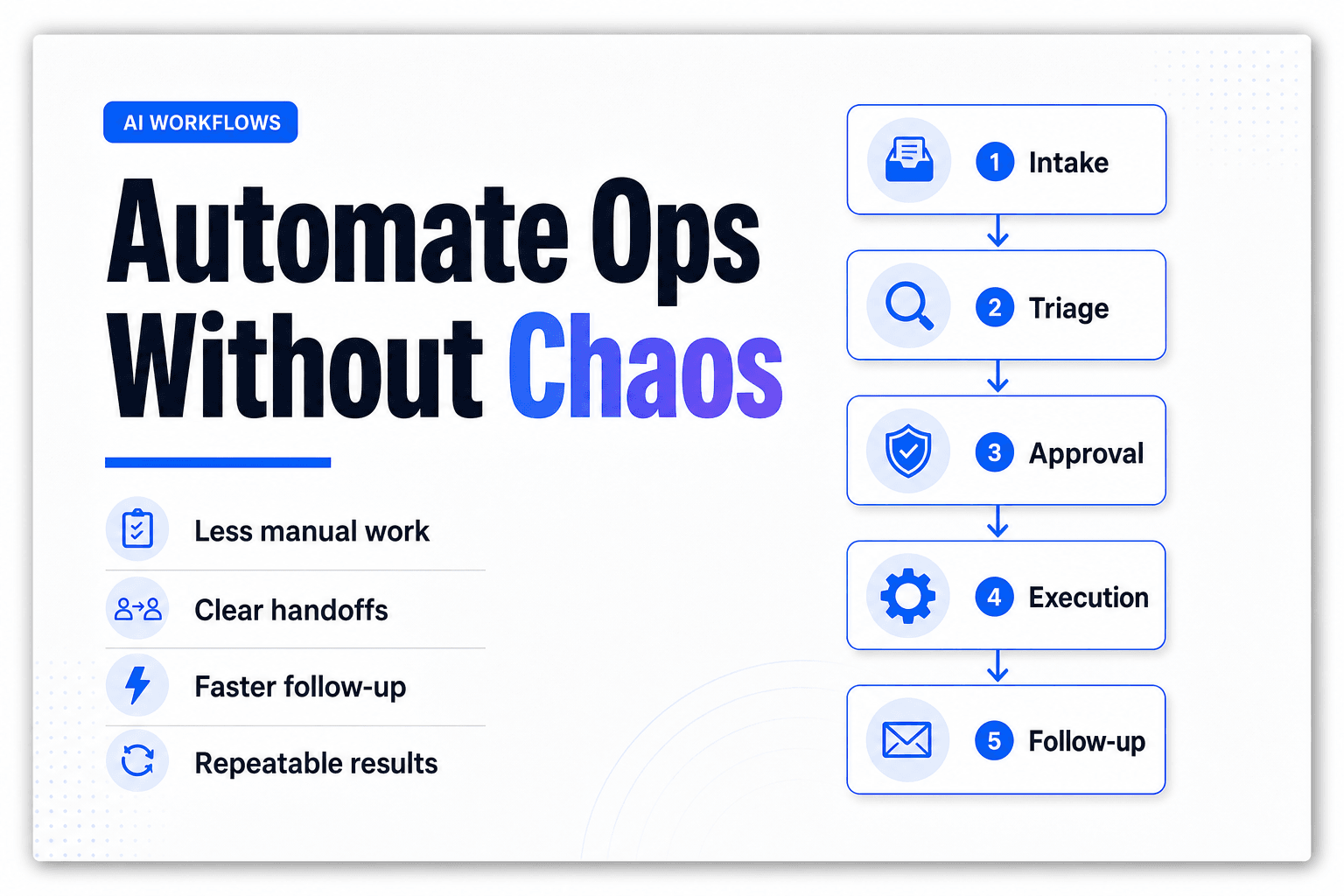
Example starter workflow
- A visitor submits a demo form
- The assistant asks three to five follow-up questions
- Answers are stored in a CRM or table
- Qualified leads get a booking link
- Lower-fit leads get a follow-up email sequence
- Edge cases go to a sales rep
Step 2: Gather the right source material
Your assistant will only sound smart if the source material behind it is clear and current.
Before you write prompts, pull together the information it should use:
- product overviews
- pricing FAQs
- objection-handling notes
- qualification rules
- approved positioning
- meeting booking rules
- escalation instructions
This step matters more than most teams expect. A lot of AI sales assistants underperform because they are working from thin, outdated, or inconsistent content.
If you are using a platform with knowledge retrieval, make sure the documents are organized in a way the assistant can actually use. If you need help tightening your source material first, read Combining RAG with reasoning in AI.
Step 3: Build the workflow
Once the goal and source material are clear, you can build the workflow itself.
Create the assistant with a single purpose
Name it around the job it owns, such as:
- Qualify inbound demo leads
- Answer pricing questions for SMB buyers
- Route partner inquiries to sales
The name helps keep the scope honest. If the purpose is vague, the experience usually becomes vague too.
Write clear instructions
Good prompts are practical, not clever. Tell the assistant what to do, what sources to use, what tone to follow, and when to escalate.
A simple example:
Act as a helpful sales assistant. Ask one question at a time. Use the approved sales FAQ to answer product questions. If the lead asks about custom pricing, legal terms, or security reviews, route the conversation to a human sales rep.
That is enough to create a useful starting point.
Add decision points
At some point, the assistant needs to decide what happens next. That usually includes questions like:
- Is this lead a fit for our target customer profile?
- Should this prospect get a booking link?
- Does this answer need a human rep?
- Should the workflow create or update a CRM record?
If you are using AffinityBots, this is where a workflow plus structured data can be helpful. Smart Tables can hold lead or account data that the assistant can reference or update. If you want a quick overview in a sales workflow context, see instant AI lead response best practices and workflows for 2026, which covers agents, workflows, and Smart Tables together.
Set clear handoff rules
This part is often skipped, and it should not be.
Your assistant should know when to stop and pass the conversation to a person. Build explicit handoff triggers for things like:
- custom pricing requests
- procurement or legal questions
- enterprise security reviews
- unclear answers
- frustrated users
- exceptions to your normal process
The smoother the handoff, the more useful the assistant feels.
Step 4: Connect it to your sales stack
An AI sales assistant becomes much more valuable when it can take action outside the conversation.
Common integrations include:
- CRM: HubSpot, Salesforce
- Email: Gmail, Outlook
- Scheduling: Google Calendar, Calendly
- Team notifications: Slack
- Forms and webhooks: site forms, landing pages, inbound submissions
This is where no-code automation really earns its place. Instead of leaving useful information trapped in a chat transcript, you can move it into the systems your team already trusts.
If your process needs multiple actions across tools, an agent-and-workflow setup can be especially useful. In AffinityBots, tools connect agents to APIs, files, tables, and external systems, which makes it easier to turn a conversation into something operational.
Step 5: Test before you publish
Do not go live just because the workflow runs once.
Test the assistant like a real prospect would. Try clean paths, messy paths, vague answers, and objections. Look for places where the experience gets confusing or brittle.
Run through this checklist:
- Does it answer common questions correctly?
- Does it ask qualification questions in a sensible order?
- Does it save data where it should?
- Does it route people correctly?
- Does it escalate at the right moment?
- Does the tone sound like your brand?
After launch, review real interactions every week at first. You are looking for patterns, not perfection. Most improvements come from small changes, such as tightening a question, adding missing source material, or adjusting a handoff rule.
Common mistakes to avoid
A lot of no-code sales assistants fail for predictable reasons.
Trying to automate too much too soon
Start with one use case. Prove it works. Then expand.
Using weak source material
If your assistant is pulling from outdated docs or inconsistent messaging, it will create more cleanup for your team.
Forgetting the handoff
AI should help your reps, not trap prospects in a loop.
Ignoring data structure
Lead information should end up somewhere useful, not buried in chat logs.
Skipping review after launch
The first version is never the final version. Ongoing review is part of the build.
FAQ
Can I build an AI sales assistant without coding skills?
Yes. Most no-code platforms use visual builders, prebuilt integrations, and prompt-based setup, so you can launch a practical first version without writing code.
What should my AI sales assistant do first?
Start with one job that is repetitive, easy to measure, and useful to sales. Lead qualification and common pre-sales questions are usually strong starting points.
Do I need CRM integration?
Not always, but it is highly recommended. CRM integration makes follow-up, reporting, lead routing, and sales visibility much easier.
How do I keep the assistant accurate?
Use approved source material, keep those documents current, and review conversations regularly. Accuracy usually improves when your content and rules improve.
What if my sales process is more complex than a basic chatbot?
That is where workflow-based tools can help. If your process includes multiple steps, internal routing, structured data, and system actions, a platform like AffinityBots can be a better fit than a chat-only tool.
Final thoughts
Learning how to build an AI sales assistant without coding is really about building a better sales process in small, usable pieces.
Start with one clear use case. Give the assistant good source material. Connect it to the tools your team already uses. Then test, review, and improve from real conversations.
If your needs are simple, a lightweight chatbot may be enough. If you need a more operational setup with agents, workflows, knowledge, tools, and structured data, AffinityBots gives you a framework to build something more capable.
The best first step is simple: pick one sales task you want to automate this week and build version one. A focused launch will teach you more than a perfect plan sitting in a document.
Further reading
For broader context and comparison, these resources are worth reviewing:
Related Articles
Continue exploring more insights on ai automation