How to Send Personalized Emails at Scale Using AI
Learn how to send personalized emails at scale using AI with better segmentation, smarter workflows, and higher email marketing efficiency.
Most email teams do not have a personalization problem. They have a workflow problem.
It is easy to add a first name to a subject line. It is much harder to send the right message to the right person, at the right moment, without turning every campaign into a messy manual project. That is where AI can help.
When you use AI well, it does more than speed up writing. It helps you segment smarter, tailor messaging by audience, trigger campaigns based on behavior, and keep the whole process moving without losing control of quality.
In this guide, you will learn how to send personalized emails at scale using AI, what to watch out for, and how to build a workflow that feels efficient, not robotic.
Why Personalization at Scale Matters
Subscribers are used to relevant content now. If every person on your list gets the same message, performance usually suffers. Opens get weaker, clicks drop, and unsubscribes creep up.
That is why marketers are moving beyond simple merge tags and leaning into personalization based on things like:
- customer behavior
- lifecycle stage
- purchase history
- product interest
- website activity
- content preferences
- lead score or account fit
Industry guidance from Salesforce, Mailmodo, Mailjet, and ActiveCampaign all points in the same direction. Better email results come from relevance, strong data, and consistent automation.
AI makes that level of personalization easier to scale. It does not replace strategy. It helps you execute it.
What AI Email Personalization Actually Looks Like
AI email personalization is not one feature. It is a set of capabilities working together inside a system.
Smarter segmentation
AI can spot patterns in your audience that are easy to miss when you build segments by hand. Instead of sending broad campaigns to huge lists, you can create tighter groups based on behavior, intent, and readiness to buy.
If your segmentation still needs a clearer operating model, our guide to AI-first workflows is a strong place to start.
Faster content variation
You do not need to write every email from scratch. AI can help generate multiple versions of subject lines, previews, intros, offers, and calls to action for different segments. That gives your team more flexibility without adding hours of copy production.
Better timing and triggers
Some platforms use behavioral data to help determine when someone is more likely to engage. That could mean sending a follow-up after a pricing page visit, a product reminder after inactivity, or a nurture email after a content download.
Ongoing optimization
AI can also support testing. It can help generate variants, surface patterns in campaign performance, and make it easier to refine what you send over time.
The important part is simple: AI works best when your data is clean and your human review process is strong.
The Biggest Challenges of Scaling Personalized Email
Before you automate more, it helps to understand what usually breaks first.
1. Weak or messy data
If your CRM is incomplete, your tags are inconsistent, or your email platform is missing key behavioral signals, personalization gets sloppy fast. AI can only work with what you give it.
2. Too many moving parts
As campaigns get more personalized, they also get more complex. You have more segments, more variants, more approvals, and more opportunities for mistakes.
3. Compliance and trust issues
There is a fine line between helpful and invasive. If personalization feels too personal, too aggressive, or too opaque, it can hurt trust. Your data use should align with consent, privacy policies, and local regulations.
4. Content bottlenecks
AI can draft quickly, but teams still need to review tone, claims, formatting, and brand voice. If nobody owns that process, speed turns into chaos.
That is why the best email teams do not just automate writing. They automate the workflow around it.
How to Send Personalized Emails at Scale Using AI
Here is a practical framework you can use.
Step 1: Start with the campaign goal
Do not begin with the tool. Begin with the outcome.
Ask yourself what the email is supposed to do:
- book demos
- recover abandoned carts
- nurture leads
- drive repeat purchases
- re-engage cold subscribers
- move free users toward activation
Your goal shapes everything that follows, including the segment, the copy, the timing, and the metric you care about most.
Step 2: Build segments that reflect real differences
This is where personalization becomes meaningful.
Pull together the fields and signals that actually matter for messaging, such as:
- company or industry
- lifecycle stage
- recent site activity
- product usage
- previous purchases
- content downloads
- sales status
- engagement history
A brand-new lead who downloaded a pricing guide should not receive the same email as a long-time customer checking upgrade options. Those are different moments, and they deserve different messages.
If your data needs cleanup first, it is worth grounding personalization in reliable sources—see combining RAG with reasoning in AI before you scale anything.
Step 3: Create reusable content blocks
One of the fastest ways to improve email production is to stop writing full campaigns from scratch every time.
Build modular blocks for:
- subject lines
- opening hooks
- product benefits
- objection handling
- proof points
- calls to action
- follow-up reminders
Once those pieces are in place, AI can remix and tailor them for different audiences while keeping your messaging consistent.
Step 4: Use AI to generate tailored variations
Now you are ready for AI to do real work.
Give it clear context, approved messaging, and audience-specific instructions. Then use it to create versions for different groups, such as:
- ecommerce buyers
- SaaS decision-makers
- trial users who stalled
- customers at churn risk
- warm leads who visited a pricing page
This is where many teams save the most time. They are not asking AI to invent strategy. They are using it to turn a strong strategy into multiple usable assets.
For a broader look at how AI supports coordinated campaigns and operations, see harnessing agentic AI for business.
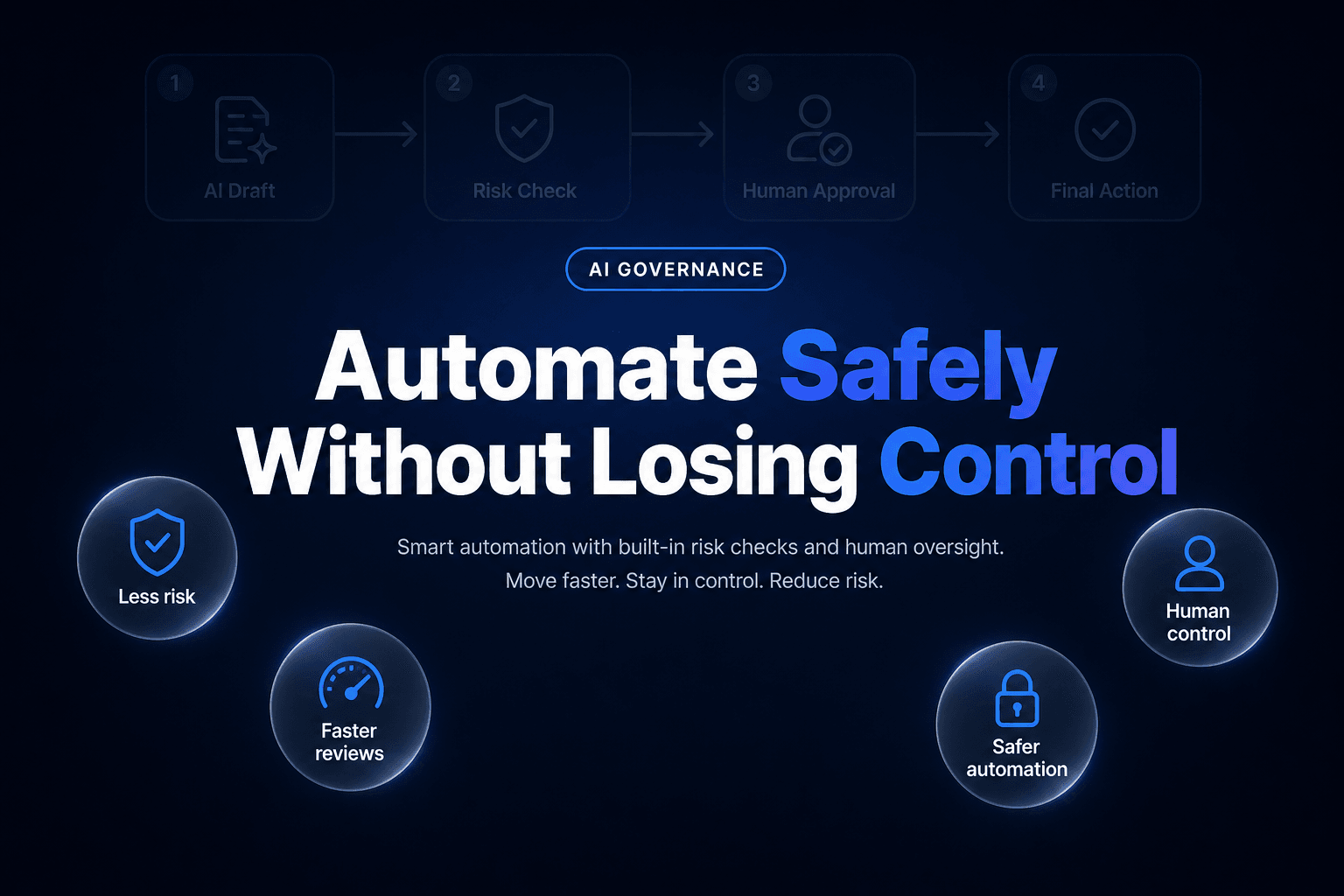
Step 5: Add human review before anything goes live
This is the part you do not skip.
Review every campaign for:
- brand voice
- factual accuracy
- compliance
- offer relevance
- tone
- awkward phrasing
- broken personalization logic
AI is fast, but speed is not the same as judgment. A human still needs to catch what the system misses.
Step 6: Automate the process, not just the copy
This is where many teams level up.
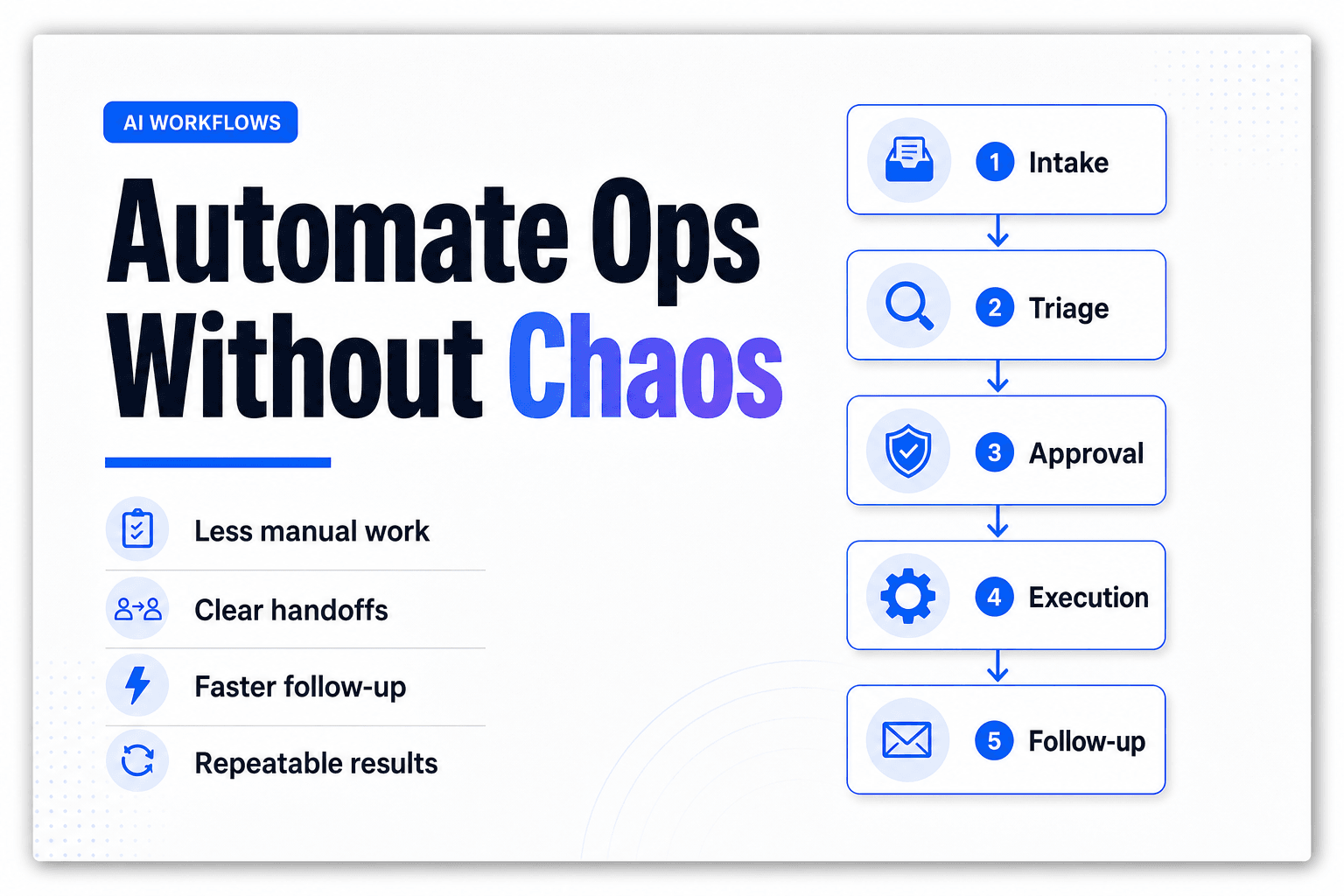
Instead of relying on a single assistant to generate text on demand, build a workflow where each part of the process has a job. For example, one step can pull campaign context, another can read audience data, another can draft variants, and another can review for quality.
That is the kind of setup AffinityBots is designed to support. As a multi-agent AI automation platform, it gives teams a way to coordinate agents, workflows, knowledge, Smart Tables, tools, and triggers in one system. In practice, that means you can structure email operations more like a repeatable machine and less like a string of one-off prompts.
This approach becomes especially useful when you are managing recurring campaigns, multiple audience segments, or approvals across marketing and compliance teams. If you want examples of how structured automation works in practice, explore this comparison of workflow automation tools for small businesses and this walkthrough of how to build an AI agent team for content creation.
Best AI Tools for Email Personalization in 2026
Different tools solve different parts of the email personalization puzzle. The right choice depends on where your team needs the most help.
| Tool | Best for | Notes |
|---|---|---|
| AffinityBots | Workflow orchestration and multi-agent collaboration | Useful for teams that need structure, approvals, shared knowledge, and repeatable workflows around personalization |
| ActiveCampaign | Email automation and segmentation | Strong choice for lifecycle marketing and automated journeys |
| Salesforce | CRM-driven personalization at scale | Often a fit for enterprise teams with deep customer data and sales alignment |
| Mailmodo | Interactive email experiences | Helpful for brands that want more dynamic emails and richer engagement formats |
| GMass | Outreach-style sending at scale | Useful for simpler outreach workflows and high-volume sends |
| Mailjet | Email infrastructure and campaign management | Commonly referenced for delivery, campaign execution, and email best practices |
If you already have an email platform, you may not need to replace it. You may just need a better orchestration layer around it.
Best Practices That Keep AI Personalization Useful
Personalize beyond the first name
A first name is not a strategy. Real personalization comes from intent, timing, and relevance.
Keep your data clean
Audit tags, custom fields, and source systems regularly. Personalization breaks when the underlying data is unreliable.
Test before you scale
Try smaller experiments with subject lines, timing, offers, and audience segments before pushing changes across your whole program.
Set guardrails for AI outputs
Approve prompts, define tone rules, and identify claims the AI should never make on its own. That keeps quality high and risk low.
Respect privacy and consent
Use customer data in ways that are transparent and appropriate. If a campaign touches privacy or compliance-sensitive issues, have the right stakeholder review it before launch.
How to Measure Whether It Is Working
The best metrics depend on the goal of the campaign, but most teams should track:
- open rate
- click-through rate
- reply rate
- conversion rate
- unsubscribe rate
- revenue per recipient
- production time saved
Also look at operational efficiency. If AI saves writing time but creates more review confusion, your process still needs work.
Common Mistakes to Avoid
These are the traps that show up most often:
- automating before your strategy is clear
- personalizing from weak or outdated data
- creating too many variants with no QA process
- relying on AI copy without human review
- ignoring privacy and compliance concerns
- mistaking more activity for better performance
Good personalization is not about sending more email. It is about sending email that feels timely, useful, and relevant.
FAQ
What does personalized emails at scale using AI mean?
It means using AI and automation to tailor email content, timing, and offers for many recipients without manually creating every version yourself.
Do I need a huge list to benefit from AI personalization?
No. Smaller teams can benefit too, especially if they want better segmentation and a faster production process.
Can AI write an entire email campaign?
It can draft a large portion of it, but human review is still important for voice, accuracy, quality, and compliance.
What data matters most for AI email personalization?
Behavioral data, lifecycle stage, product interest, previous engagement, and purchase history are often more useful than basic demographic details on their own.
Where does AffinityBots fit into the process?
AffinityBots helps coordinate the work across multiple agents, workflows, and data sources, which makes it easier to scale personalization without losing structure or oversight.
Conclusion
If you want to send personalized emails at scale using AI, think bigger than copy generation.
The real advantage comes from building a system that connects clean data, smart segmentation, reusable content, human review, and workflow automation. When those pieces work together, AI stops feeling like a gimmick and starts becoming a real operational advantage.
Start small. Test what works. Tighten the workflow. Then scale what proves itself.
Related Articles
Continue exploring more insights on email marketing