How to Set Up AI Approval Gates for Refunds, Escalations, and Sensitive Actions
Set up AI approval gates for refunds, escalations, and sensitive actions to reduce risk without slowing down automation.
What happens when your AI gets a little too helpful?
A draft reply is nice. A classified ticket is useful. An automatic refund to the wrong customer, or a VIP escalation quietly closed by a bot with confidence issues, is how you end up explaining “efficiency gains” to Legal. That tension is exactly why approval gates matter. Most companies are already using agents in some form, but only 15% of IT application leaders say they’re considering, piloting, or deploying fully autonomous AI agents, according to a 2025 Gartner survey. Translation: businesses want automation, but they do not want freestyle decision-making in sensitive workflows.
The good news is that approval gates do not need to turn your workflow into a bureaucratic haunted house. In practice, the best setups are simple, explicit, and annoyingly hard for an agent to bypass.
The biggest mistake is gating by tool, not by consequence
A lot of teams start with the obvious rule: “refunds need approval” or “email sends need approval.” Reasonable. Also incomplete.
What actually matters is business consequence, not just the tool being used. The same CRM update can be harmless or expensive depending on the field. Changing a lead owner is one thing. Changing account tier, contract status, or renewal date is another. An email draft is low risk. Sending that email to the wrong enterprise customer with the wrong pricing is not.
We’ve found it helps to sort actions into three buckets:
- Low risk: summarize, tag, classify, draft
- Medium risk: update non-critical fields, route tickets, create tasks
- High risk: issue refunds, cancel subscriptions, grant access, send external messages, modify financial or legal records
That structure matters more in 2026 because agent usage is outpacing governance maturity. Microsoft’s 2026 Work Trend Index warns that security leaders now have to account for data exfiltration, unintended system actions, and unauthorized access as agents move from helper to operator. If your approval logic only asks “which tool is this?” instead of “what could this action trigger?”, you’re guarding the door and ignoring the windows.
This is also where many teams benefit from reading 9 Mistakes to Avoid When Giving AI Agents Access to Your Business Tools, because access design and approval design are really the same argument wearing different clothes.
If every action needs approval, your system is broken
Here’s the mildly contrarian bit: more approvals do not automatically mean more safety.
If your managers have to approve every refund, every escalation, every outbound reply, and every unusual edge case, one of two things happens. Either the queue backs up and customers wait longer, or humans start rubber-stamping requests without reading them. Neither outcome deserves the word “governance.”
IBM made this point bluntly in Why ‘human in the loop’ alone is not a governance strategy. A human checkpoint is not protection if the person reviewing lacks context, authority, or time. That is not control. That is liability with extra steps.
A better design is selective friction. Put approvals only where the blast radius justifies the pause.
A practical gating model
Use rules like these:
- Auto-approve reversible, low-impact actions
- Require approval for irreversible or customer-facing actions
- Escalate automatically when confidence is low, data is missing, or policy exceptions appear
- Block entirely when the request violates hard rules
That logic works especially well in support flows. A bot can classify intent, verify whether a refund request meets policy, draft the response, and package the case for review. The human should approve the money movement, not re-do the bot’s homework. If you’re building that front-end triage layer, How to Create an AI Triage System for Email, Requests, and Internal Tickets pairs nicely with this approval model.
Your approval request should read like a case file, not a vibe
Most approval flows fail for a boring reason: the human reviewer gets garbage context.
An approver should not have to click through six tools, inspect raw logs, and decode why the agent thinks a refund is justified. If the agent wants approval, it needs to present the case clearly. Otherwise, the human either rejects good requests out of caution or approves bad ones out of fatigue.
A useful approval packet usually includes:
- Requested action: refund, escalation, cancellation, access grant
- Reason: policy basis or trigger that led to the recommendation
- Key facts: order number, account tier, dates, amount, prior contacts
- Confidence and uncertainty: what the agent knows, and what it does not
- Proposed customer message: draft reply or escalation note
- Downstream impact: what systems will change if approved
In other words, the approval step should reduce decision load, not just move it around.
Microsoft’s 2026 failure-mode update for agentic systems gets very specific here. Their red team found that human-in-the-loop controls can be bypassed through description laundering, compound action decomposition, and approval patterns that hide the true blast radius of a request. That means your approval screen cannot just say “Approve account update?” It needs to state exactly what will change, in which systems, and what follows next.
For multi-step systems, this is where clean handoffs matter. How to Design a Multi-Agent Workflow That Actually Hands Work Off Cleanly is worth a read if your approvals sit between one agent’s recommendation and another agent’s execution.
Split judgment from execution, or prepare for weird accidents
One of the safest patterns we’ve seen is simple: the agent that decides should not be the agent that executes.
Why? Because classification errors happen. Retrieval errors happen. Prompt injection happens. Humans also make mistakes, but they usually do it one screen at a time. Agents can do it at API speed.
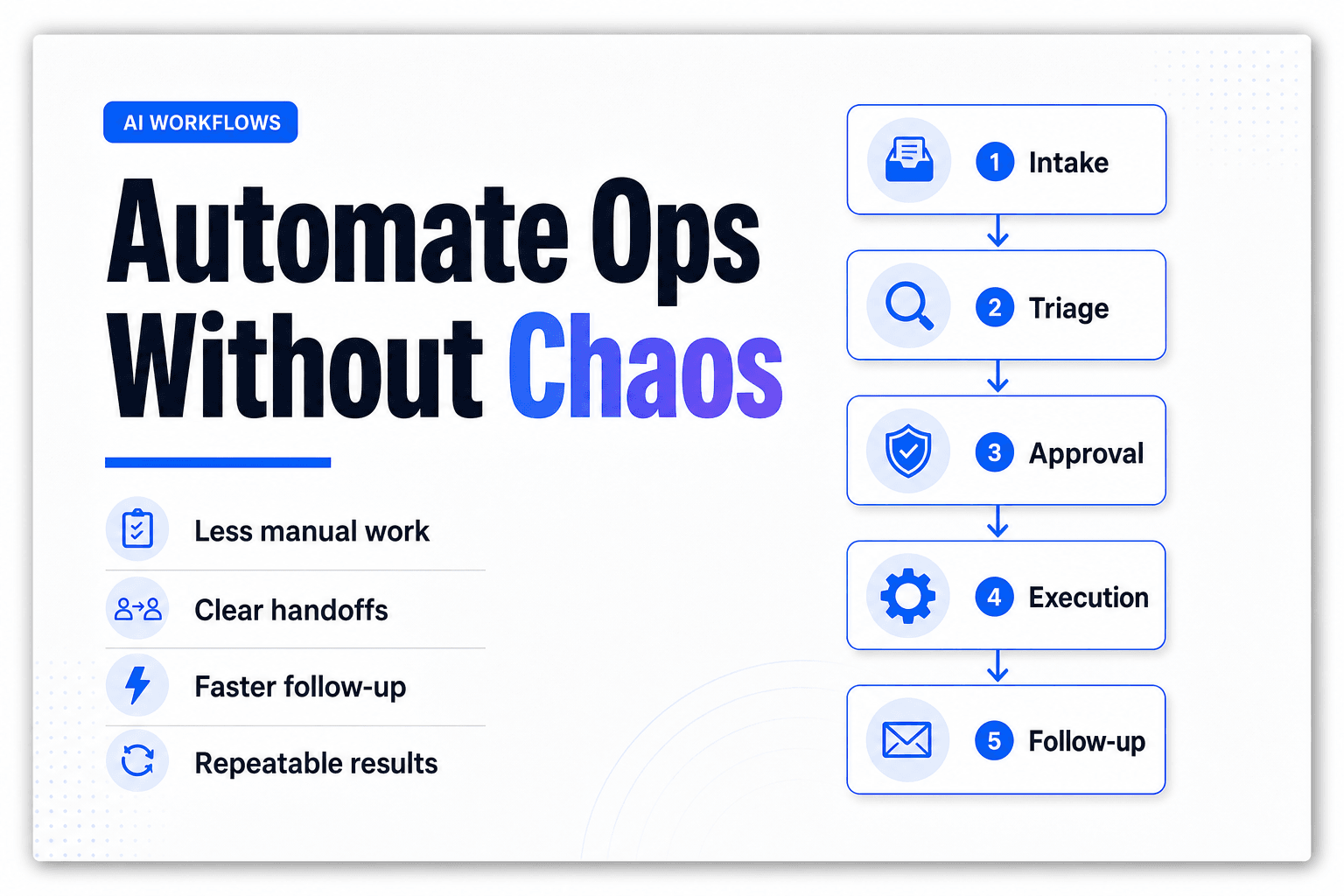
A safer pattern looks like this:
customer request
-> classify intent
-> validate required fields
-> check policy and eligibility
-> package approval request
-> human approves or rejects
-> execution agent performs action
-> log outcome and notify stakeholders
This does two useful things.
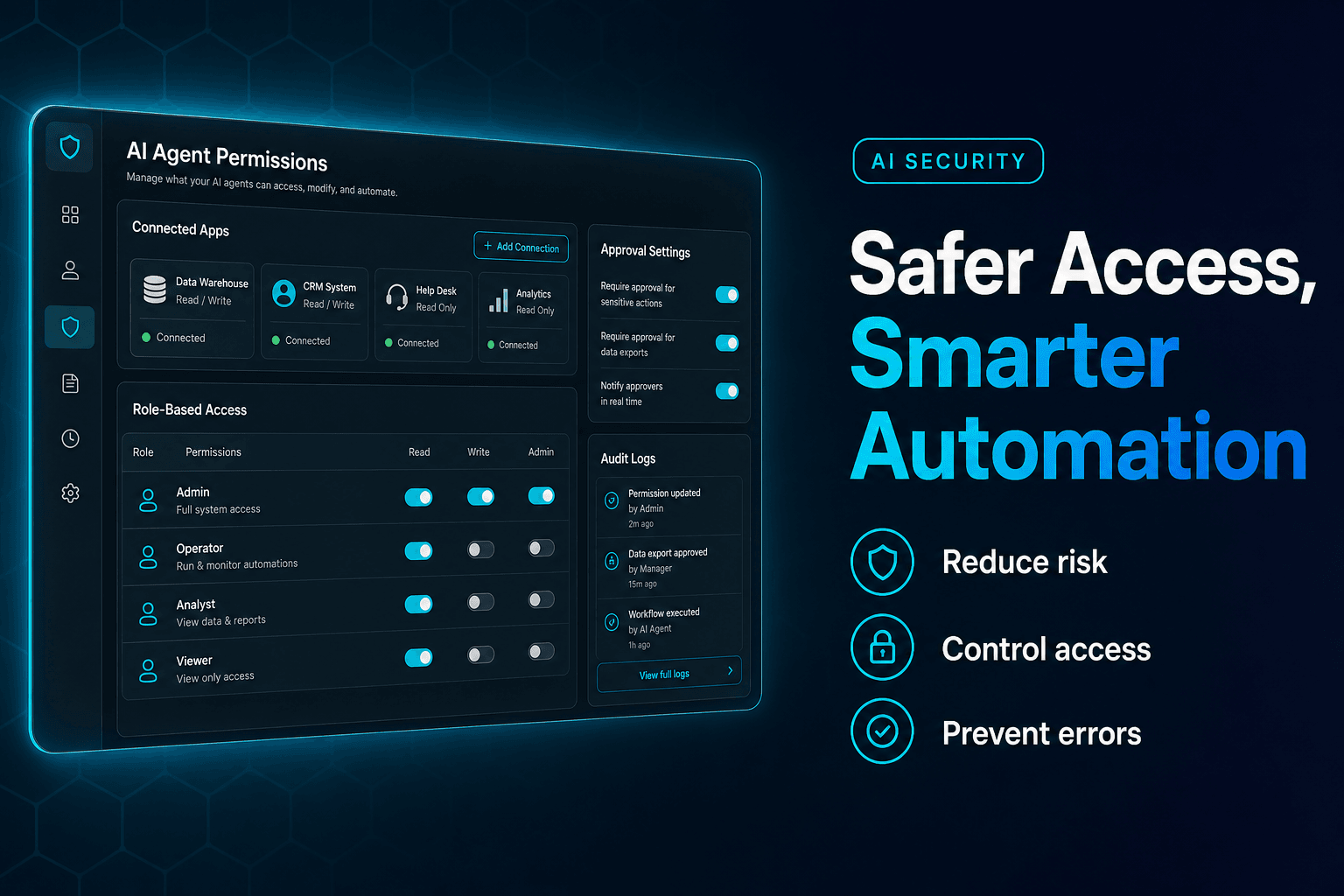
First, it makes the workflow debuggable. You can see whether the problem came from policy interpretation, missing data, or execution. Second, it limits permissions. The decisioning agent can read policy and customer context without also having the ability to issue the refund or alter entitlements.
That separation is increasingly important as agents scale. IBM’s Think 2026 recap reports that seven in ten executives say weak existing governance is slowing AI transformation, and that most large enterprises expect to deploy very large digital workforces of agents this year. Once you have dozens or hundreds of agents, “we trust the prompt” stops being a strategy and starts being a confession.
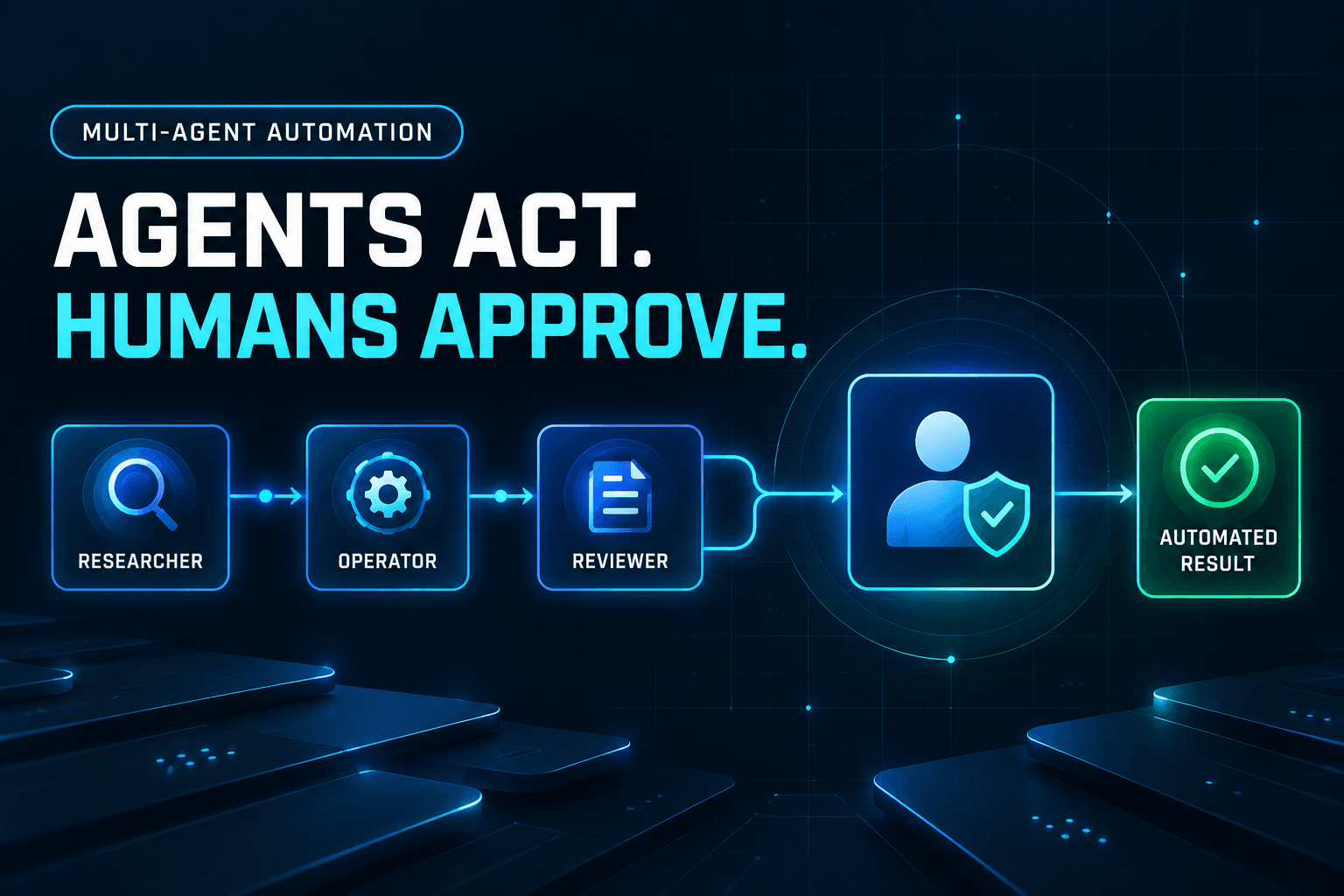
If you want the architecture behind that separation, Harnessing Agentic AI for Business: Multi-Agent Systems & Workflow Automation lays out the reviewer, operator, and human-gate patterns well.
The highest-risk actions need tiered approval, not one generic checkpoint
Not all sensitive actions deserve the same scrutiny.
A $20 courtesy refund for a duplicate charge is not the same as canceling an annual contract, changing payout details, or granting admin access to a customer workspace. Yet many teams use one approval screen and one approval rule for everything spicy. That’s lazy governance, and it breaks fast.
A better approach is tiered approvals based on reversibility, dollar value, customer impact, and compliance risk.
Action typeExampleApproval ruleLow-stakes exceptionOne-time small refund within policyTeam lead approvalMedium-stakes account actionSubscription cancellation, account credit, SLA exceptionManager approval plus policy checkHigh-stakes sensitive actionAccess grants, contract changes, billing profile changesDual approval or specialist review
This is not hypothetical caution. Microsoft Research’s ICLR 2026 paper on security and autonomy argues that consequential agent actions need deterministic system-level defenses, and it introduces autonomy metrics based on how many sensitive actions can be completed without human approval while still preserving security. The important takeaway is not “approve everything.” It is that you should engineer the workflow so the right actions need approval, and the rest can proceed safely.
In practice, sensitive workflows also need clear rejection paths:
- If rejected, does the case route to a human owner?
- Does the customer get a holding response?
- Does the system log why the action was denied?
- Does the agent learn that this policy branch is not executable?
Without those details, a rejected approval becomes a dead end instead of a controlled handoff.
Approval gates are only useful if you can audit what nearly happened
The final trap is thinking the approved action is the only thing worth logging. It isn’t.
The most valuable data often lives in the near misses:
- refund attempts denied because required evidence was missing
- escalations triggered because sentiment and policy disagreed
- access changes blocked because the role mapping looked suspicious
- repeated approval requests from one workflow that suggest prompt drift
Those signals tell you where the system is brittle before it becomes expensive.
Microsoft’s 2026 Work Trend Index notes that more mature organizations are more likely to have agent workflows, human handoffs, and quality standards documented at the team, function, and organization level. That documentation is not paperwork for its own sake. It is how you avoid rediscovering the same failure every Thursday.
At minimum, log these fields for every approval event:
- action requested
- risk tier
- evidence shown to reviewer
- approver identity
- decision time
- approve or reject outcome
- final system changes executed
- downstream automations triggered
This is where platforms with built-in observability help a lot. AffinityBots is particularly useful when you need to expose agent reasoning traces, approval checkpoints, and workflow execution in one place, instead of spreading the truth across your CRM, help desk, inbox, and whatever spreadsheet somebody heroically named final_final_v3.
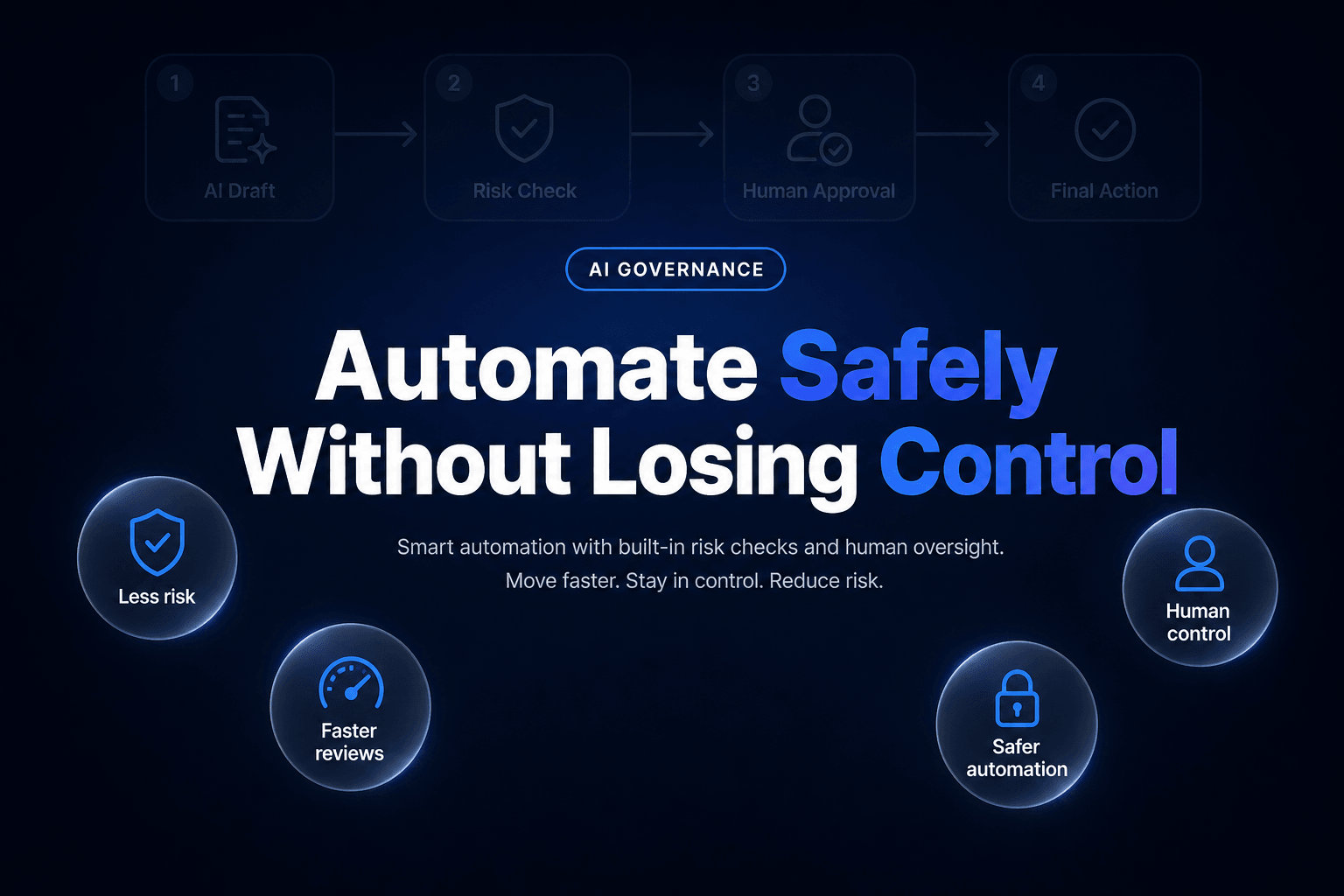
Approval gates are not there to make AI slower. They are there to make automation survivable.
When you set them up well, the bot handles the repetitive judgment prep, the human steps in only when consequence demands it, and the action is executed with enough context that nobody has to reverse-engineer what happened later. That is the sweet spot. Not “full autonomy,” not endless approvals, but controlled delegation.
If you’re rolling out AI for refunds, escalations, or sensitive tool actions, AffinityBots can help you design the workflow, permissions, approval logic, and observability layer so the agent moves fast without freelancing with your money, your customers, or your internal systems.
Related Articles
Continue exploring more insights on ai automation