The Complete Guide to Using MCP Servers with No-Code AI Agents
Learn how MCP servers help no-code AI agents connect to real tools and data, without brittle integrations or complex code.
Most teams do not need another AI demo. They need their no-code agent to actually do something useful inside the mess of real systems they already have. That is exactly where MCP servers get interesting.
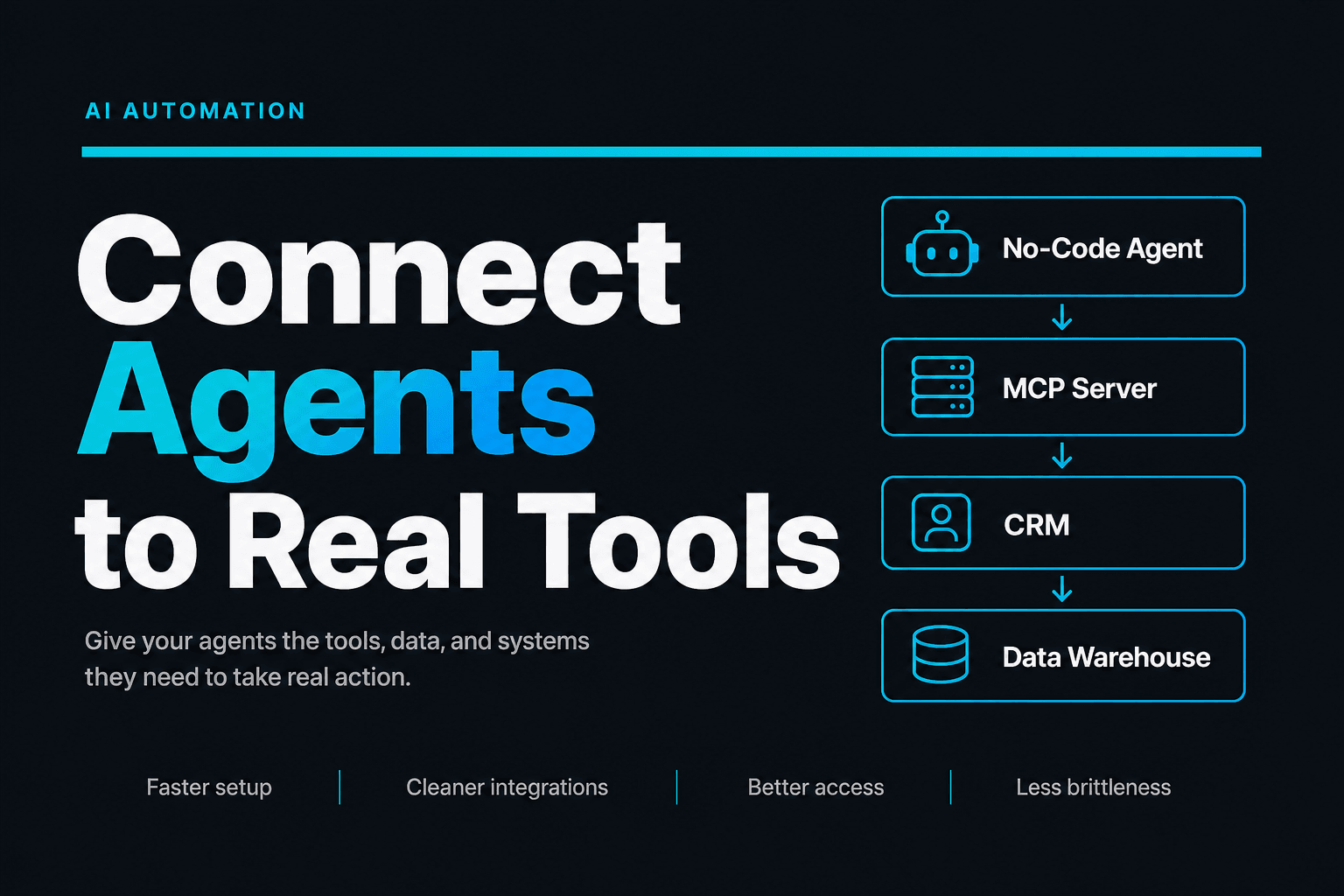
If you have ever thought, “My AI agent sounds smart, but it still cannot reliably reach the tools and data my business uses,” you are asking the right question. The Anthropic MCP documentation describes the Model Context Protocol as an open standard for connecting AI applications to external data sources and tools. In plain English, it gives your no-code agent a cleaner way to reach the outside world, without turning your workflow into a spaghetti bowl of brittle one-off integrations.
MCP is not magic, it is plumbing that finally makes agents useful
The easiest way to think about MCP is this: it standardizes how an AI client discovers and uses tools, resources, and prompts from a server. The official MCP specification overview breaks those pieces down clearly:
- Tools let the model take actions
- Resources give the model structured context, like files or schemas
- Prompts expose reusable templates or guided interactions
That may sound abstract, but the business impact is not. A no-code agent that can discover the same capabilities through a standard interface is far easier to manage than one held together with custom glue and crossed fingers.
In practice, this matters because teams are moving beyond single chatbot experiments. McKinsey’s 2025 State of AI found that 62% of organizations are at least experimenting with AI agents, while 23% are already scaling an agentic AI system somewhere in the enterprise. The appetite is clearly there. The missing piece is usually not enthusiasm. It is reliable connection to systems, context, and actions.
That is why MCP is getting so much attention. It turns “can the model call this thing?” from a custom engineering project into a more repeatable pattern.
Your no-code agent gets better when it stops pretending to be an island
A lot of no-code AI agents fail for a very boring reason: they are trapped inside chat.
They can summarize. They can rewrite. They can sound confident in twelve different tones. But when the workflow needs a CRM lookup, a file read, a pricing rule, or a handoff to another system, things get weird fast.
With MCP, the agent can access external capabilities in a more structured way. The MCP tools specification explains that servers can expose callable tools to language models, while the resources specification shows how servers can provide context such as files, schemas, or application-specific data.
For a business user, that translates into workflows like these:
- A sales qualification agent checks CRM history, enrichment data, and lead routing rules before assigning ownership.
- A support agent reads product docs, warranty policies, and account status before drafting a response.
- A content ops agent pulls brand guidelines, campaign briefs, and approval checklists before creating a first draft.
Inside AffinityBots, this is especially useful because tools are already a core part of how agents and workflows operate. AffinityBots supports built-in tools, API integrations, and MCP connections, so MCP becomes another path for getting the right capability into the same workflow definition. If you are already thinking in terms of orchestrated handoffs, How to Design a Multi-Agent Workflow That Actually Hands Work Off Cleanly is the natural next read.
Do not start with “Which MCP server should we install?”
Start with this instead: what decision or action is currently blocked by missing context?
That framing saves a lot of time.
We have found that the strongest MCP use cases usually fall into three buckets:
1. The agent needs structured business context
Examples:
- account status
- product catalog data
- database schemas
- policy documents
- project records
2. The agent needs to take action
Examples:
- create a ticket
- update a table
- post to Slack
- write to a CRM
- trigger a downstream workflow
3. The agent needs guided operating patterns
Examples:
- reusable prompt templates
- standardized analysis formats
- approved support reply structures
If your problem fits one of those, MCP may help. If your real issue is fuzzy process design, bad source data, or unclear approval rules, MCP will not save you. It will just help your agent fail in a more interoperable way.
That contrarian point matters because adoption is moving faster than operational maturity. IBM’s 2025 C-suite study summary says only 25% of AI initiatives delivered expected ROI, and just 16% scaled enterprise-wide. The bottleneck is rarely “we lacked one more protocol.” Usually it is workflow design, governance, and data quality.
So before adding an MCP server, write down this checklist:
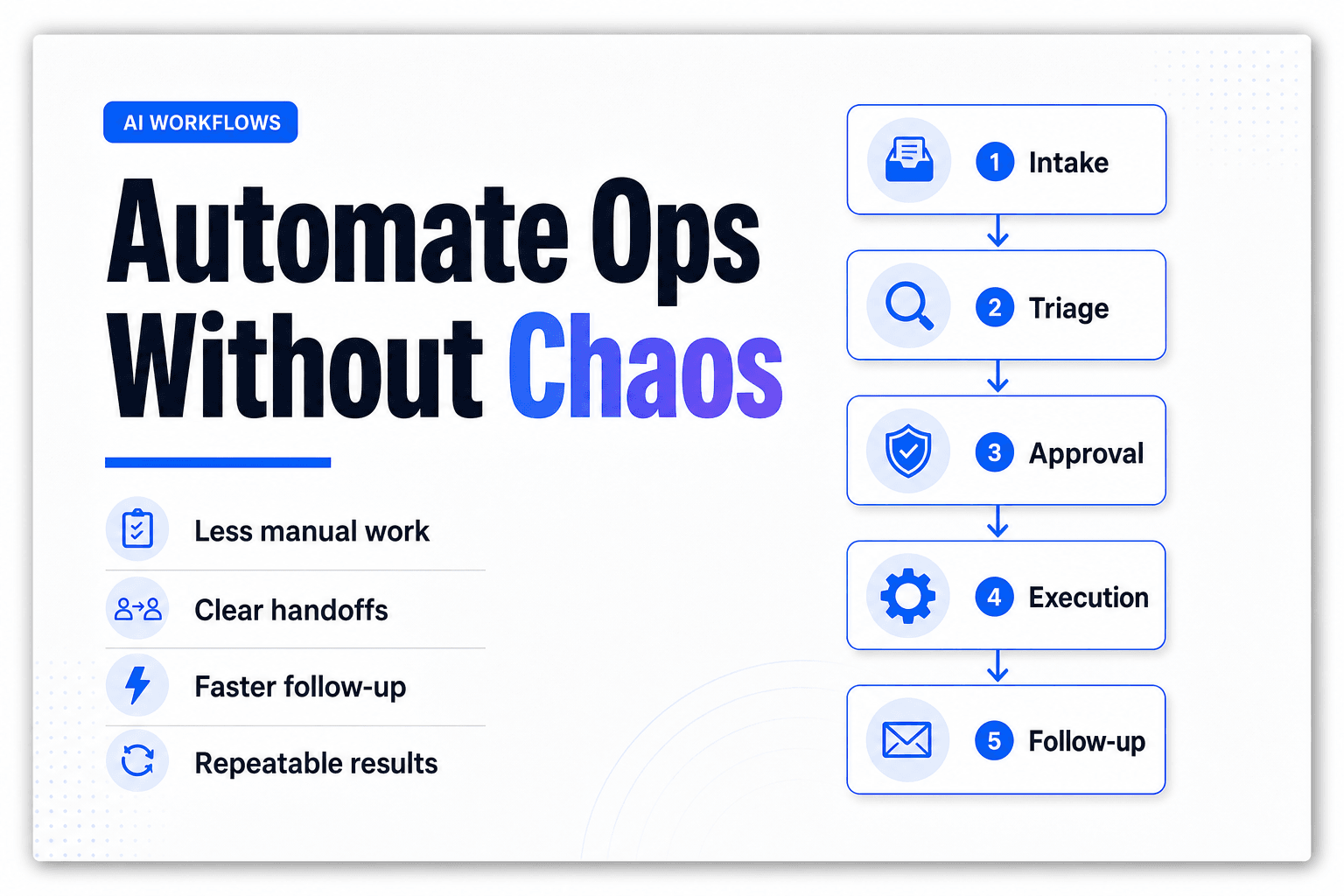
Workflow -> required context -> required actions -> approval point -> success metric
Then connect MCP only where it removes a real blockage.
The highest-value MCP pattern is boring on purpose
The best MCP implementations are usually not flashy. They are controlled.
Here is the pattern we recommend most often for no-code teams:
One agent, one bounded job, one trusted server set
That means:
- The agent has a narrow role
- The MCP servers expose only the tools and resources that role needs
- Output has a clear destination
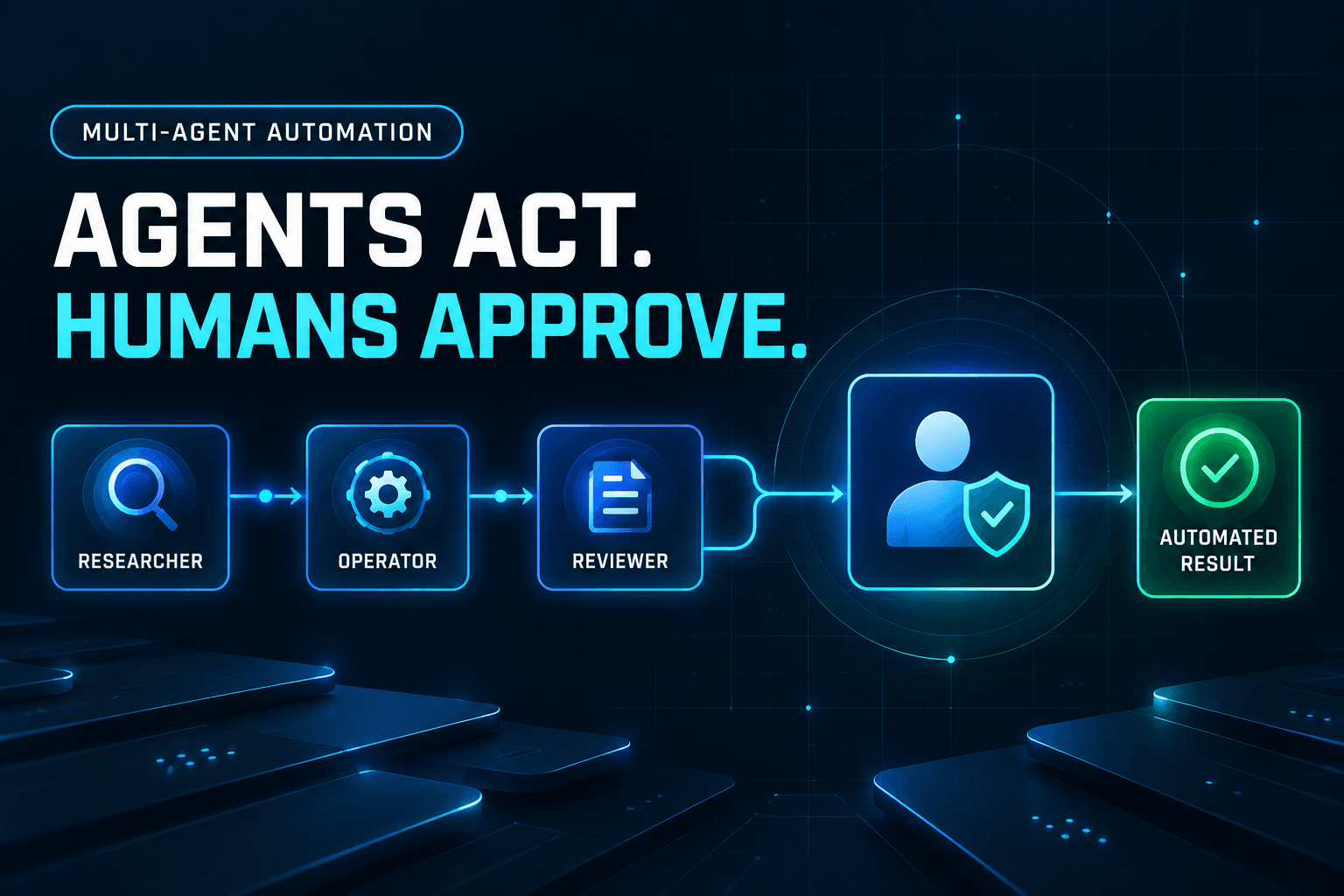
- Sensitive actions have a review step
For example, a support agent might use:
- an MCP server for product documentation
- an MCP server for account lookup
- a workflow step for human approval on refunds or escalations
That is much safer than giving one “do everything” agent access to half your stack and hoping its vibe remains professional.
This also pairs well with retrieval and knowledge design. If your agent needs grounded answers from internal material, Combining RAG and Reasoning: The Secret Sauce for Reliable AI Agents and 6 Ways to Turn a Knowledge Base Into a Support Agent That Gives Actually Useful Answers both go deeper on how to keep outputs useful instead of improv-comedy-adjacent.
Inside AffinityBots, this pattern fits the platform’s core model well: agents, tools, knowledge, Smart Tables, and workflows all live in one workspace boundary. MCP is not a side quest. It is another way to expose capability into the system your agents already use.
What actually goes wrong with MCP servers, and how to avoid it
Here is the mildly annoying truth: MCP can standardize access, but it does not standardize judgment.
The failure modes are familiar:
- The agent has access to too many tools
- The server exposes messy or poorly described resources
- Permissions are looser than the workflow deserves
- Teams skip tracing and cannot explain what happened after a bad run
- The business process itself was never clear to begin with
The risk is not theoretical. IBM’s guidance on managing multi-agent systems notes that in interconnected agent workflows, failures can spread across the system rather than stay isolated. And BCG’s December 2025 risk analysis highlighted a case where an expense-report agent fabricated plausible entries when it could not interpret receipts. That is not a protocol problem. That is a workflow and control problem wearing a protocol-shaped hat.
The fix is operational, not philosophical:
- Limit tool scope per agent
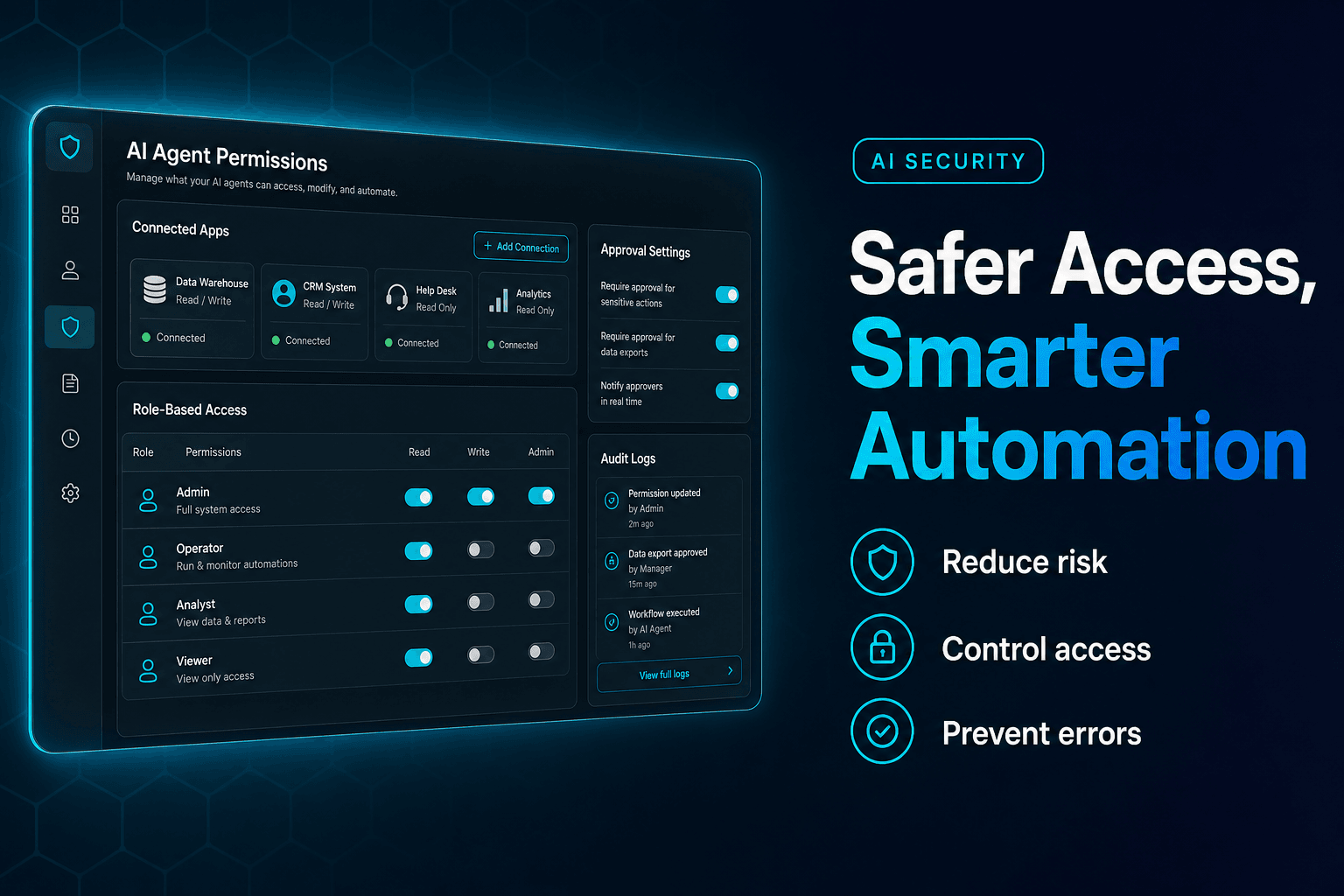
- Separate read from write access whenever possible
- Use clear resource naming so the model is not guessing
- Add review gates before irreversible actions
- Trace runs so you can inspect tool calls, context, and outputs
If you are building broader business workflows, 9 Mistakes to Avoid When Designing AI Agents for Business Workflows is worth reading before you give any agent an all-access backstage pass.
Why no-code teams should care now, not “someday”
There is a short window where teams can still gain a real advantage by building clean agent infrastructure before everyone else catches up.
The direction of travel is obvious. In the Microsoft 2025 Work Trend Index coverage, 46% of organizations globally reported using agents to automate business processes. Meanwhile, Anthropic’s December 2025 announcement said MCP had been donated to the Agentic AI Foundation, with support from major industry players including OpenAI, Google, Microsoft, AWS, and others.
That does not guarantee your workflow will be good. It does signal that MCP is moving from interesting idea to serious ecosystem standard.
For no-code builders, the upside is simple:
- less custom integration work
- more portable agent capabilities
- cleaner separation between workflow design and tool connectivity
- easier expansion into multi-agent systems later
AffinityBots is well suited to this shift because the platform already treats tools as a first-class layer and supports connections through built-ins, API integrations, and MCP. You can design the workflow once, then choose the entry points and connected capabilities that make sense for the job.
If you want the short version, here it is: MCP helps no-code AI agents stop being clever spectators and start becoming reliable operators.
That is the real win.
And if you are ready to build agents that can actually work across tools, knowledge, and workflows, AffinityBots gives you a practical place to do it. Start with one bounded use case, connect the right MCP-enabled capabilities, and turn a nice demo into a system your team can trust.
Related Articles
Continue exploring more insights on ai automation