The Complete Guide to Building AI Workflows for Repeatable Internal Operations
Learn how to build AI workflows for repeatable internal operations with clear handoffs, stop conditions, and measurable results.
Most internal operations do not fail because people are lazy. They fail because the process lives in too many places: a form, a Slack thread, someone’s memory, three spreadsheet tabs, and a polite follow-up that was supposed to happen last Thursday.
AI workflows can fix that mess, but only if you build them around repeatable work, clear stop conditions, and controlled handoffs. The opportunity is real: 37% of enterprises now focus their agentic AI efforts primarily on internal operations and efficiency, according to Contentstack’s 2026 survey of 621 enterprise digital leaders.
The trick is resisting the urge to build a digital employee that “handles operations.” That is how you get a very confident bot wandering through your systems with a metaphorical stapler. Build workflows instead.
The best first workflow is boring enough to measure
The sexiest internal process is rarely the best place to begin.
We have seen teams jump straight into “automate our entire onboarding experience” or “make an AI operations manager.” Both sound impressive in a kickoff meeting. Both also contain hidden approvals, undocumented exceptions, and at least one person who says, “Actually, we only do that for the weird cases.”
Start with work that has a visible trigger, a stable sequence, and an obvious finish line.
Good candidates usually include:
- New-hire equipment requests
- Weekly KPI reporting
- Internal vendor or purchasing requests
- Meeting follow-ups with assigned owners
- Standard employee questions about policies or benefits
- Routine document collection for clients, contractors, or finance
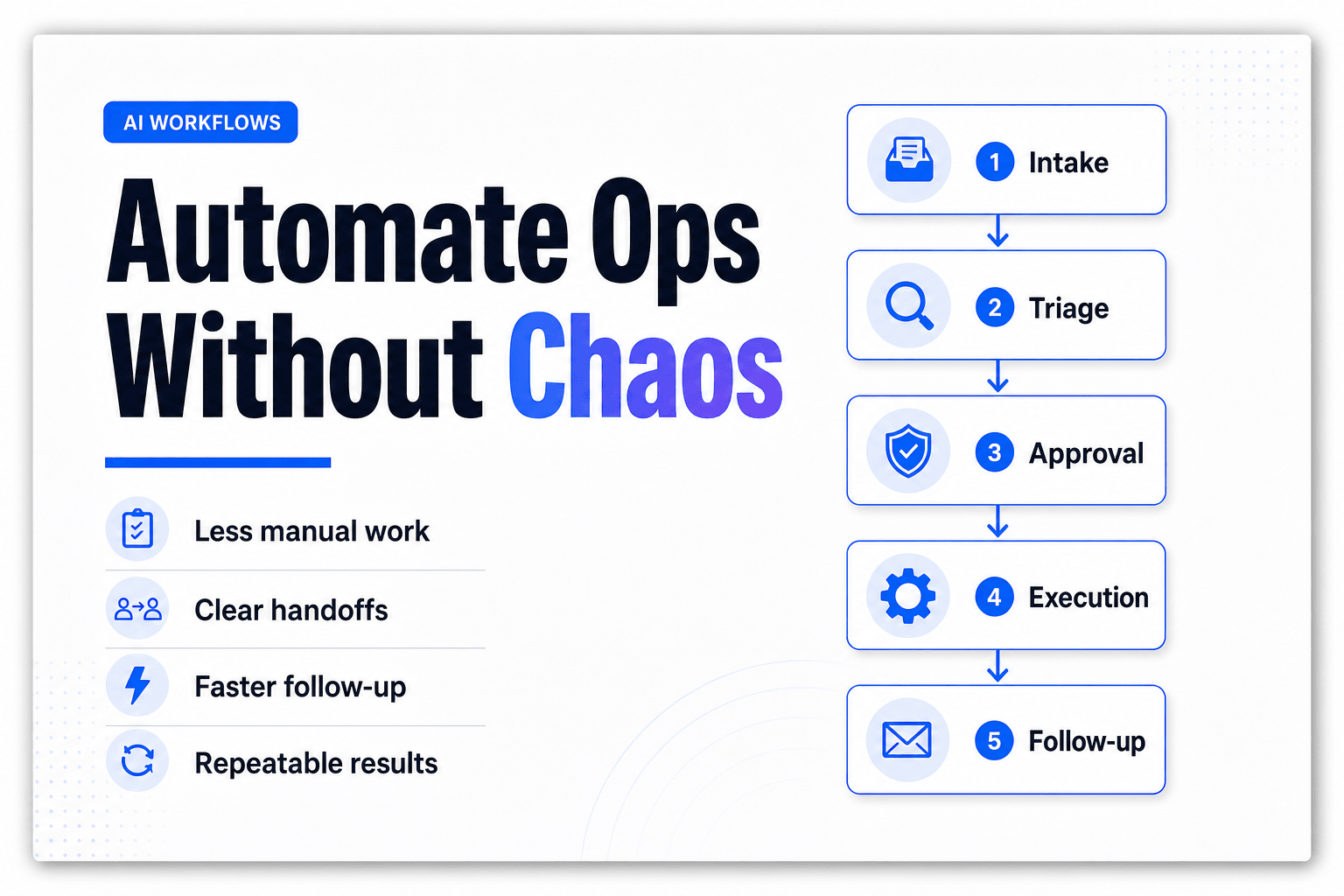
Take employee onboarding. A workable first version might begin when HR submits a form, then:
New-hire form submitted
→ Validate required fields
→ Create onboarding checklist
→ Draft manager welcome note
→ Open IT and payroll requests
→ Flag missing equipment or start-date conflicts
→ Send summary for HR approval
That workflow is useful because every step can be observed. You can measure how long it takes, where it pauses, how often data is incomplete, and whether a human had to intervene.
The goal is not to remove humans from onboarding. It is to stop HR from copying the same employee details into five tools before lunch.
For a broader view of which work is worth delegating, see these time-consuming tasks AI can eliminate from a workday. The reliable candidates tend to be repeatable, information-heavy, and mildly annoying. A surprisingly rich category.
Do not automate the process before finding the handoff that breaks it
Internal workflows are usually not one long task. They are a chain of small jobs passed between people, teams, and systems.
That handoff is where the trouble starts.
A finance request may arrive with no cost center. A manager may approve a hire without specifying laptop requirements. A weekly reporting workflow may pull numbers that do not match the finance team’s “official” sheet. None of those failures are model problems. They are missing-context problems.
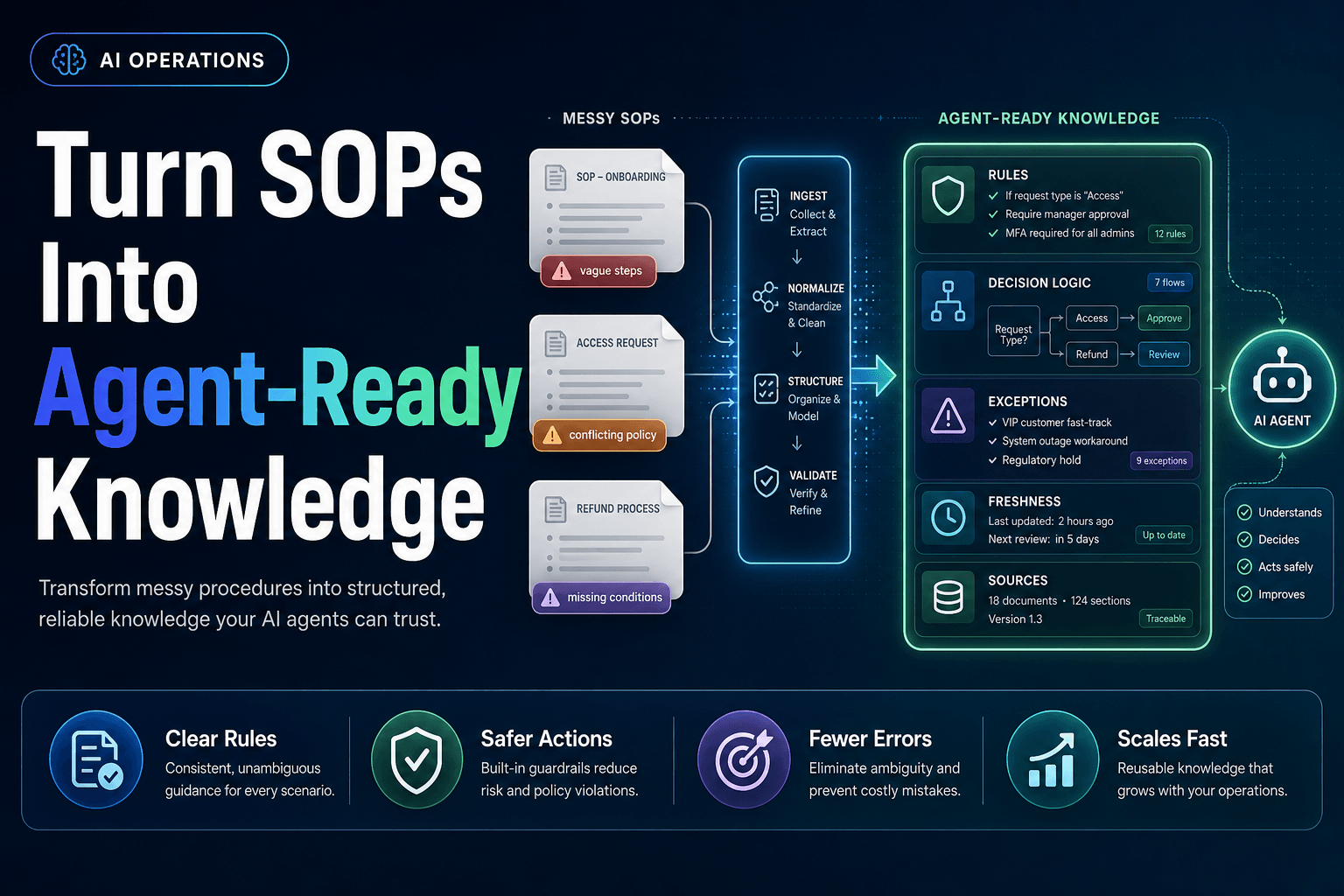
Build every workflow around a handoff contract. Each task should receive exactly what it needs and return a structured result the next task can use.
For example, a request-routing workflow should not hand the next agent a loose paragraph like, “This looks urgent, please help.” It should pass fields:
| Field | Example |
|---|---|
| Request type | Software access |
| Requester | Jordan Lee |
| System requested | Salesforce |
| Manager approval | Confirmed |
| Risk level | Medium |
| Next owner | IT operations |
| Required action | Provision access or request clarification |
This is why no-code orchestration matters. Instead of relying on someone to remember the process logic, you make the logic visible in the workflow itself: triggers, tasks, conditions, approvals, and outputs.
In AffinityBots, a sequential workflow can move predictable work from intake to review in a linear chain. For requests that require judgment, a manager hub can delegate to the right specialist at runtime, then return the work to a controlled sequence. That combination keeps the workflow understandable without forcing every request through the same tiny tunnel.
If your team is building more complex agent coordination, our guide to multi-agent workflow roles, handoffs, and state goes deeper on keeping those transfers clean.
Reporting should produce exceptions, not prettier reports
Nobody needs another AI-generated weekly report that says sales were “generally positive” and customer activity “showed encouraging momentum.” That is a horoscope with a dashboard attached.
A better reporting workflow does four things:
- Pulls approved data from the source systems.
- Checks for missing, stale, or conflicting values.
- Compares actuals against a target, prior period, or threshold.
- Sends people the exceptions that need a decision.
Say an operations lead needs a Monday morning service report. The workflow can collect ticket volume, first-response time, backlog age, reopened-ticket rate, and staffing coverage. Instead of creating a three-page narrative, it should flag items such as:
- Backlog older than five business days increased by 18%
- Two enterprise accounts have unresolved priority-one tickets
- First-response time is within target, but reopen rate rose for one product category
- Staffing coverage falls below the team’s standard on Wednesday afternoon
Now the report has a job. It tells a manager where to look.
This approach also makes reporting safer to automate. The AI can summarize, classify, and draft recommendations, while the underlying numbers remain traceable to a defined source. In practice, we recommend treating data validation as its own task before the writer agent sees anything. A polished summary of bad data is still bad data, just with better punctuation.
The market is moving toward coordinated workflows, not isolated chat windows. In KPMG’s Q2 2026 AI Quarterly Pulse survey, the share of organizations orchestrating multiple AI agents across workflows doubled from 9% to 18%, while 48% reported using agents to automate cross-functional workflows. The useful part is the coordination, not the theatrical number of bots involved.
Your workflow needs fewer permissions than your org chart suggests
Here is the mildly unpopular part: no-code does not mean no controls.
A workflow builder makes it easier for operations teams to own automation without filing an engineering ticket for every change. Great. It can also make it dangerously easy to connect an agent to the inbox, CRM, payroll system, shared drive, and approval queue in one enthusiastic afternoon.
Do not do that.
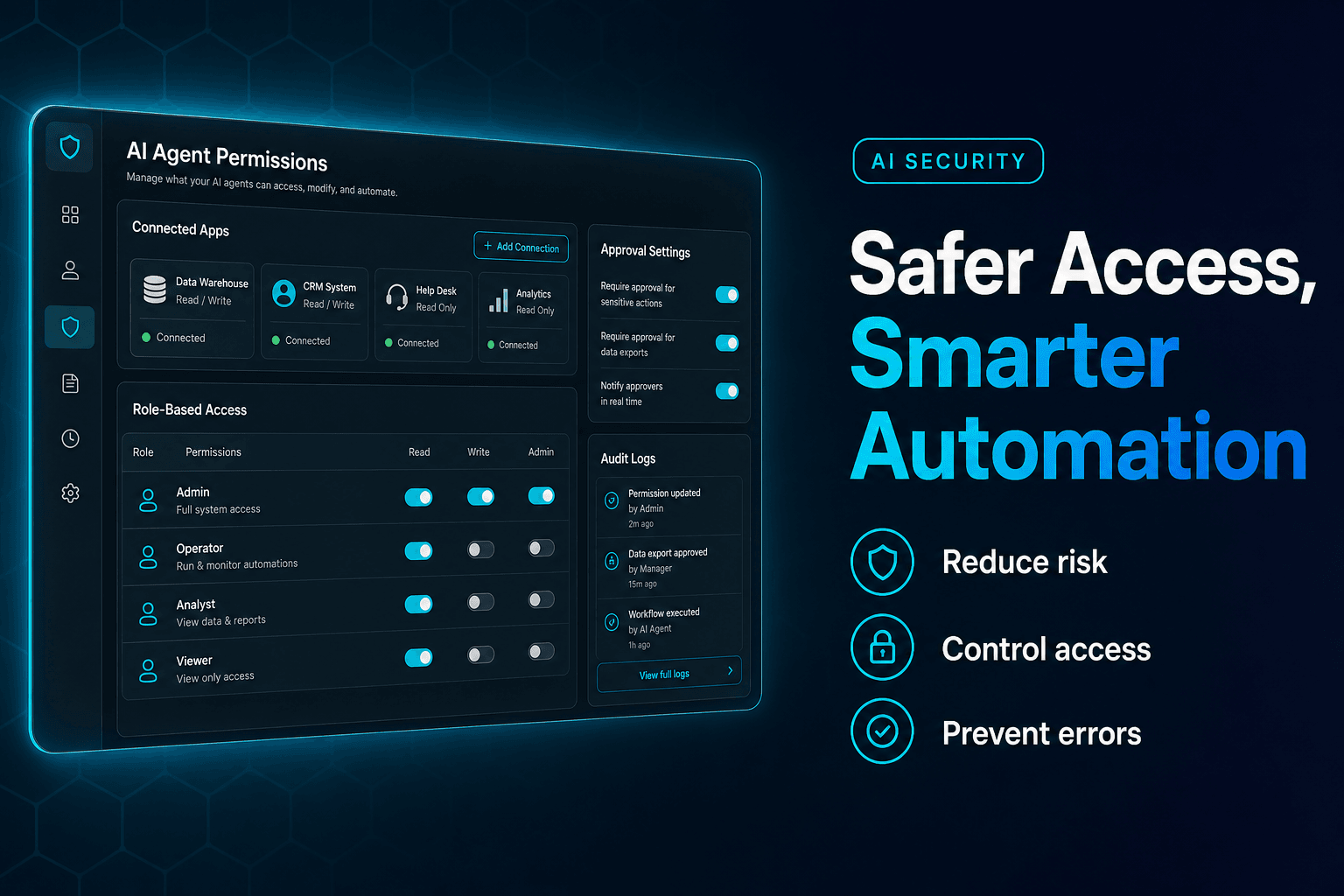
Give each agent the smallest possible set of permissions for the job at hand. A reporting agent may read approved dashboard data and post a summary to Slack. It does not need permission to edit finance records. An onboarding agent can draft welcome communications and create a checklist, but payroll changes should still require a formal approval gate.
A practical permission model looks like this:
- Read: retrieve records, policies, and reference data
- Draft: prepare emails, summaries, tickets, or updates for review
- Write with rules: update low-risk fields only after validation
- Escalate: send uncertain, sensitive, or out-of-policy cases to a human
- Act: execute a limited action after explicit approval
That last category should be rare at first.
This is not bureaucratic theater. Grant Thornton’s 2026 AI Impact Survey of 950 respondents found that only 5% of organizations permit agents to make high-stakes decisions without human review, while 60% limit them to moderate-risk task automation. Sensible teams are not trying to eliminate oversight. They are designing it into the flow.
Before connecting agents to shared systems, review these mistakes teams make when granting AI access to business tools. One overly broad credential can turn a helpful workflow into an expensive cleanup project.
Build approval gates where a wrong action costs more than a delay
The workflow should move quickly until it reaches a point where speed stops being the priority.
For internal operations, those moments are predictable:
- A reimbursement exceeds a policy threshold
- A new vendor involves security or legal review
- A customer issue requires a refund or account change
- A report contains an unusual financial variance
- An employee request involves access to sensitive data
- A follow-up would be sent externally under an executive’s name
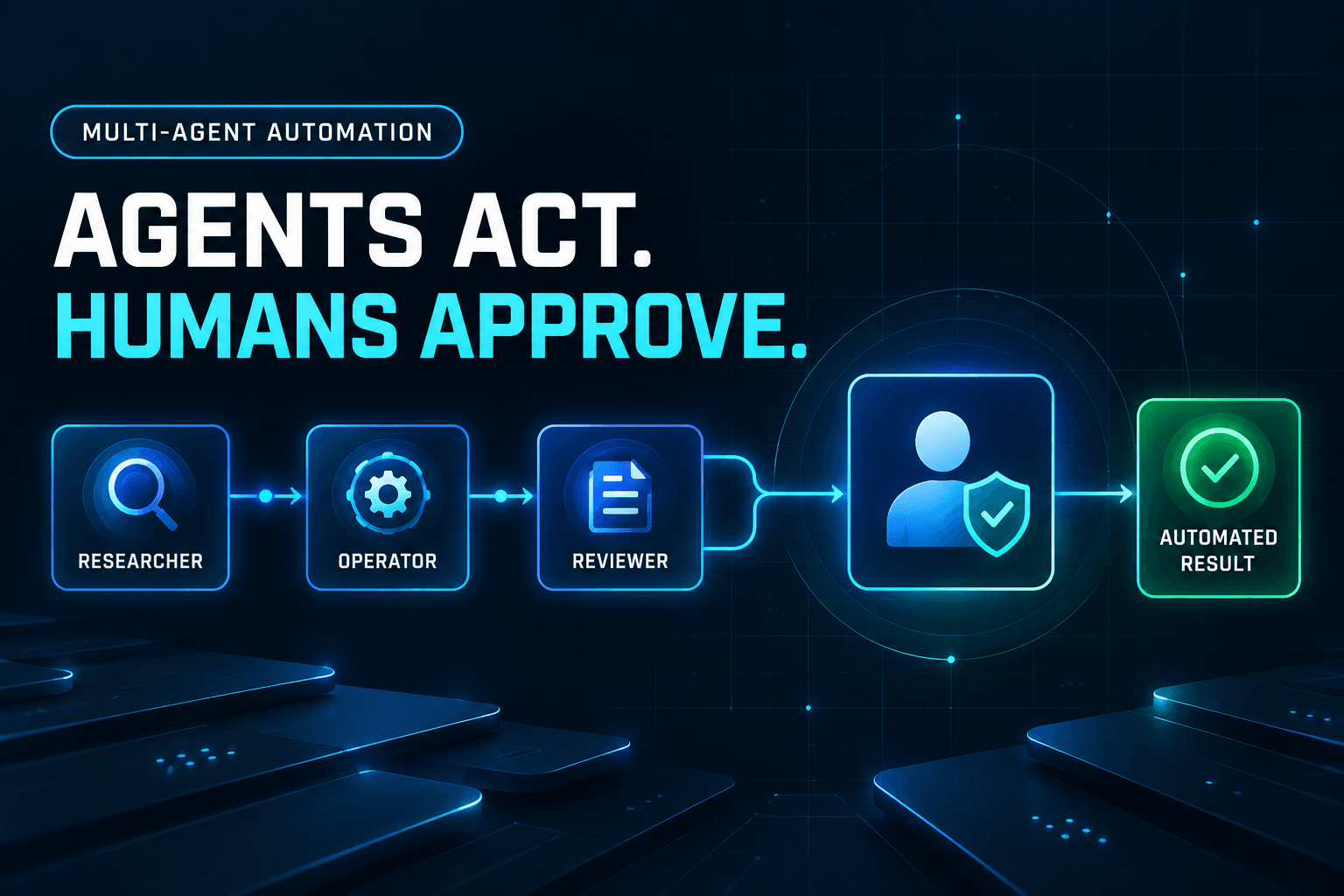
At those points, use an approval gate. The agent should package the relevant context, show its proposed action, state why it chose that action, and wait.
A good approval request is not “Approve this?” It is:
“Approve a $425 reimbursement for client travel. Receipt is attached, expense category is eligible, manager approval is present, and the amount exceeds the $300 auto-approval limit.”
That gives the reviewer a decision, not a scavenger hunt.
Keep the gate narrow. If every task needs approval, people will rubber-stamp the queue until the workflow becomes slower than the manual process it replaced. If no task needs approval, you are betting the process on perfect inputs and eternal policy stability. Neither has aged well.
For more high-risk patterns, see how to set up AI approval gates for refunds, escalations, and sensitive actions.
The real maintenance work happens after the workflow goes live
A workflow is not finished when it runs once without catching fire. It is finished when the operations team can adjust it next month without calling a developer, decoding an old prompt, or rebuilding the whole thing from scratch.
That means every workflow needs an operating rhythm.
Review it weekly for the first month, then monthly once it stabilizes. Look for:
- The percentage of runs completed without human intervention
- The most common escalation reason
- Fields that are frequently missing at intake
- Tasks that create rework downstream
- Approval rates and rejection reasons
- Time from trigger to completed action
The most useful metric is often not “hours saved.” It is the number of times the workflow prevented work from disappearing into a queue with no owner.
Be disciplined about versioning, too. When a policy changes, update the instructions, decision rules, test examples, and approval threshold together. Half-updating a workflow creates the kind of inconsistency employees spot immediately and blame on “the AI,” fairly enough.
Adoption is still uneven. McKinsey’s 2025 global AI survey found that 23% of respondents were scaling an agentic AI system somewhere in their organization, while another 39% were experimenting. The teams that get beyond experiments tend to treat workflows as operating systems for real work, not as a gallery of clever demos.
Messy internal operations are not fixed by adding a chatbot to Slack and hoping for the best. They improve when each repeated task has a trigger, a defined owner, clean inputs, a controlled handoff, and a clear place for human judgment.
That is the advantage of no-code AI workflow orchestration. Your operations team can turn a scattered process into something visible, adjustable, and repeatable, without waiting for engineering to translate every policy change into code.
Build your first internal workflow in AffinityBots: map the trigger, assign specialized agents, add the right approval gates, and let the system handle the operational glue that keeps stealing your team’s week.
Related Articles
Continue exploring more insights on ai automation