
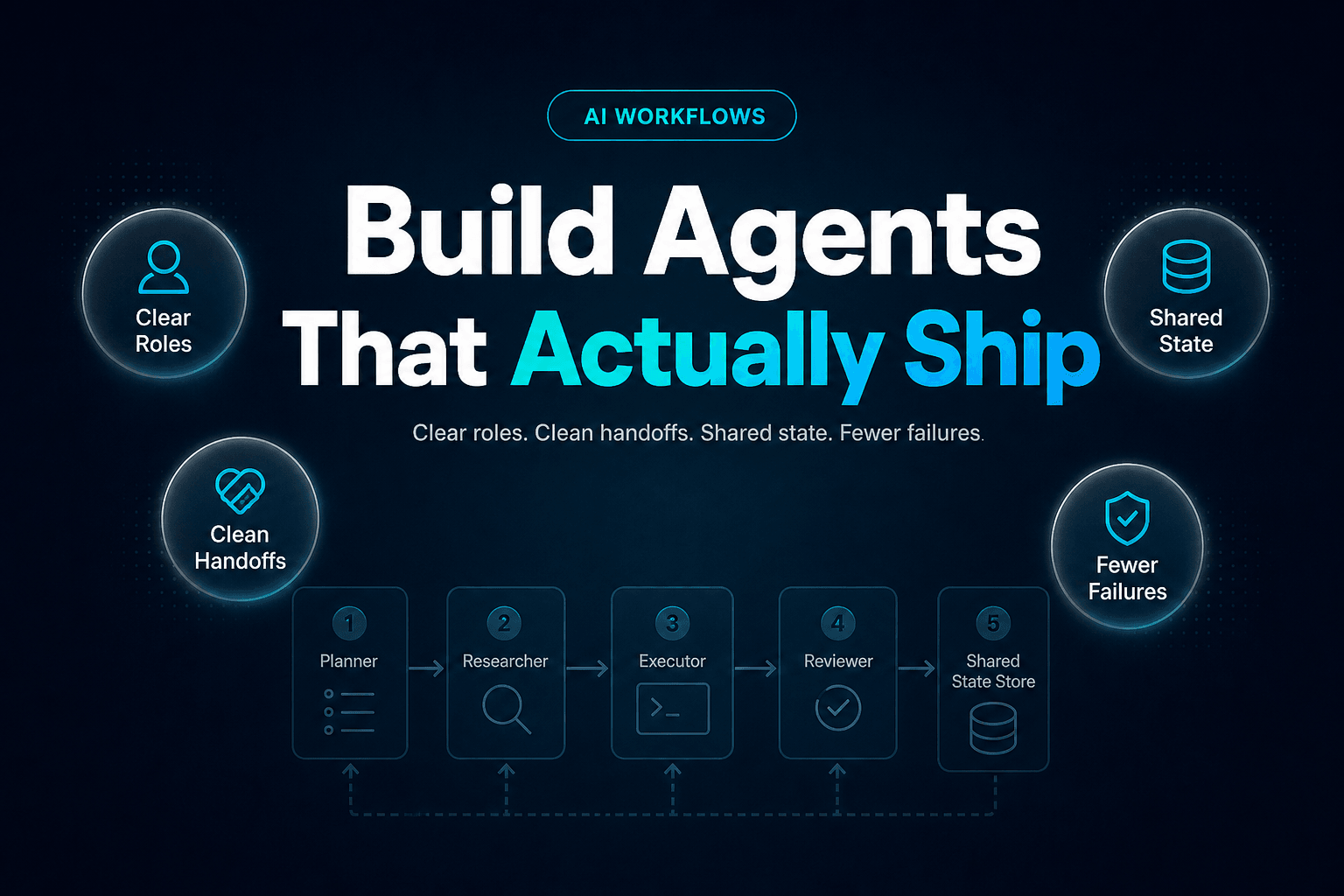
Multi-Agent Workflow Design: A Complete Technical Breakdown of Roles, Handoffs, and State
Learn roles, handoffs, and shared state for multi-agent workflows, plus the patterns and reliability checks that make them work in production.
What You'll Learn
- What a true multi-agent workflow is, beyond “several prompts wearing a trench coat”
- How to assign roles, define handoffs, and manage shared state without creating a debugging horror show
- Which workflow patterns actually hold up in production
- Where multi-agent systems usually break, and why it is rarely the model alone
- How to instrument reliability so your team can improve the workflow instead of arguing about vibes
Most articles on multi-agent workflow design do one of two things. They either float at 30,000 feet and say agents should “collaborate,” or they disappear into the weeds and forget that someone still has to ship this thing into a business process on Tuesday.
So let’s do the useful version.
The timing is not trivial. McKinsey’s 2025 State of AI found that 23% of organizations are already scaling an agentic AI system in at least one business function, while 39% are experimenting with AI agents. At the same time, Deloitte’s 2026 State of AI in the Enterprise says only 21% of organizations have a mature governance model for agentic AI. Translation: the bots are getting promoted faster than the operating model is maturing.
That gap is exactly why workflow design matters.
A multi-agent workflow is not “more prompts,” it is an operating model
A lot of teams call something multi-agent because it has a planner prompt, a writer prompt, and a reviewer prompt. Cute. Still not enough.
Independent roles need independent authority
A real multi-agent workflow has specialized units of work, separate permissions, explicit task boundaries, and a routing layer that decides what happens next. If one component can do everything, you do not have a team. You have one overworked intern with too many tabs open.
In practice, we’ve found the cleanest split usually includes:
- a planner that decomposes goals
- an executor that performs task work
- a critic that verifies quality or policy fit
- a tool-user that retrieves data or acts in systems
That role pattern lines up with how AI agent teams in 2026 are being designed in production, where orchestration and verification matter more than pretending the agents are having a tiny office culture.
The workflow is the system, not the model
If you want the blunt version, the model is only one component. The workflow decides:
- who gets the task
- what context they receive
- what they are allowed to decide
- what format they must return
- when humans are pulled in
That is why Agents vs. Workflows is such an important distinction. Agents decide how to do work. Workflows decide when, in what order, and under what constraints.
Adoption is rising, but so is orchestration debt
This is the part people skip in demos. Salesforce’s 2026 State of Sales report says 54% of sellers have already used AI agents. Great. It also says 51% report disconnected data is slowing AI down. That is not a model-quality complaint. That is workflow architecture calling from the basement.
If roles overlap, your agents will politely create chaos
The fastest way to break a multi-agent system is to make every agent “helpful.”
Planner, executor, critic: keep the jobs boring
Boring is good. Boring scales.
Here is the simplest useful division of labor:
| Role | What it should do | What it should not do |
|---|---|---|
| Planner | Break goal into tasks, define success criteria, assign work | Draft final customer output |
| Executor | Produce artifact, run transformation, complete assigned action | Redefine task scope |
| Critic | Check evidence, policy fit, completeness, risk | Invent missing facts to be "helpful" |
| Tool-user | Query systems, run APIs, fetch records, write approved updates | Decide strategy on its own |
When teams collapse those roles, the workflow gets faster for a week and less trustworthy for six months.
Tool access is a role boundary, not a convenience setting
One of the most useful constraints is scoped tool access. Your critic should not be sending emails. Your planner should not be changing CRM opportunity stages. Your executor probably should not be deleting records at all.
That is why 9 mistakes to avoid when giving AI agents access to your business tools matters beyond security theater. Permissions shape behavior. If an agent can act, eventually it will.
A real example: lead intake to SDR handoff
Consider an inbound lead workflow:
- Classifier agent tags intent and urgency
- Research agent enriches company and firmographic context
- Scoring agent calculates fit and confidence
- Outreach agent drafts a response
- Human SDR approves or steps in for high-value leads
That sounds simple until you let the outreach agent reinterpret the score, override routing logic, and decide whether procurement questions mean “enterprise opportunity.” Then it becomes a sales process designed by committee, except the committee hallucinates.
The handoff packet matters more than the prose
Most multi-agent failures are handoff failures wearing a model-shaped disguise.
Never hand off a paragraph when you need a contract
Agent A should not send Agent B a vibe. It should send a packet.
Good handoffs define:
task_idobjectiveinputs_receiveddecision_madeconfidenceevidence_refsmissing_fieldsapproved_actionsblocked_actionsescalation_reason
Here is a stripped-down example:
task_id: lead_2481
objective: qualify inbound demo request
segment: mid-market SaaS
intent_signal: pricing + migration question
lead_score: 82
confidence: high
missing_fields: employee_count
required_next_step: SDR outreach within 15 minutes
approved_actions: create_crm_task, draft_email
blocked_actions: offer_discount, reschedule_meeting
evidence_refs: form_submission, crm_record, website_enrichment
That is not glamorous. It is also how you stop Agent B from improvising policy.
If this topic is your main pain point, clean handoffs in multi-agent workflows goes deeper on exactly where those transfers break.
Handoff schemas reduce rework more than better prompting does
Teams often burn weeks tuning prompts when the real issue is that the next agent has to infer intent. If the receiving agent must guess what was decided, what remains uncertain, or what action is allowed, the workflow has already lost the plot.
We’ve found that structured ambiguity beats unstructured confidence. In plain English, it is much safer for an agent to say “confidence: medium, missing billing region” than to compose a lovely paragraph that sounds decisive and is operationally useless.
Failure paths should be designed before success paths
Every handoff should include a failure mode:
- retry with narrower instructions
- escalate to human
- request missing field
- stop and log
- route to alternate agent
Most teams define the happy path and hope the edge cases will reveal themselves gently. They do not.
Shared state is where good workflows become durable
Without state, a multi-agent workflow is just amnesia with tool access.
Working memory and system memory are not the same thing
A clean design usually separates at least three layers:
| State layer | What lives there | Retention |
|---|---|---|
| Working state | Current task, latest messages, temporary variables | Per run |
| Business memory | Stable facts like account tier, preferences, prior routing | Cross-run |
| Audit log | Decisions, tool calls, approvals, failures | Durable |
Teams get into trouble when all three are jammed into one context blob. The model then receives too much, too little, and the wrong thing, all at once.
That is also why Why Memory Is the Missing Ingredient in Useful AI Workflows matters here. State is not just “more context.” It is selective recall with operational purpose.
Shared state should be legible to machines first, humans second
Use durable fields, not narrative sludge.
Good:
account_tier = enterpriselast_handoff_status = awaiting_approvalrisk_flag = procurement_questionapproval_owner = revops_manager
Bad:
- “This seems like a pretty important lead and maybe legal should look at it?”
Machines route on fields. Humans debug from logs. Everyone loses when state is stored as mush.
Concurrency is where state bugs get expensive
The moment two agents can touch the same record, you need safeguards:
- versioning
- locks or write ownership
- idempotent actions
- conflict resolution rules
- replayable event history
If not, one agent updates the CRM stage while another overwrites the summary with stale context, and suddenly your “intelligent system” is cosplaying as a race condition.
What actually goes wrong is usually context, authority, or verification
Here is the mildly contrarian bit: many multi-agent failures are not because you needed a smarter model. They happen because your system design is sloppy.
More agents often make a weak workflow worse
Adding agents can increase specialization, parallelism, and verification. It can also multiply confusion. We’ve found multi-agent setups help only when one of three conditions is true:
- Tasks genuinely differ in tools or logic
- Independent verification improves outcomes
- Parallel execution reduces cycle time materially
If none of those apply, keep it single-agent and spend your time on state, evals, and permissions instead.
Rollbacks are more common than the hype suggests
The market is not exactly short on optimism. But production reality has teeth. Sinch’s 2026 AI Production Paradox survey found 74% of enterprises had rolled back or shut down a live AI customer communications agent after deployment due to a governance failure. Different domain, same lesson: getting an agent live is not the hard part. Keeping it reliable is.
Verification gaps block real scale
A recent 2026 arXiv study on agentic AI adoption barriers found only one of twelve companies in its sample had reached a multi-agent orchestration maturity level, with a recurring gap between experimental capability and production verification. That maps closely to what we see. Teams can demo impressive behavior. They struggle to prove, repeatedly, that the workflow can be trusted with messy business inputs.
Design for observability first, optimization second
You cannot improve what you cannot inspect.
Every step should leave a trail
At minimum, log:
- prompt or instruction version
- input payload
- tool calls
- output schema
- confidence or uncertainty markers
- human approvals
- retries
- final outcome
This is not just for debugging. It is how you compute rework, escalation rate, cycle time, and failure hotspots.
Measure the handoff, not just the final answer
Too many teams evaluate only the last output. That misses the real defects.
A better scorecard looks like this:
Workflow metrics
- task completion rate
- handoff acceptance rate
- percent of runs requiring human correction
- time from trigger to approved action
- retry count per stage
- tool-call failure rate
- stale-state overwrite incidents
Notice what is absent: “Did the response sound smart?”
Evaluation should mirror the workflow, not just the model
If your workflow includes planner, executor, critic, and tool-user, evaluate each role separately and the full run together. A strong final result can hide a bad process. That matters because bad process is what breaks at volume.
There is a good real-world signal here too. In a 2026 Nubank paper on customer support AI agents at 100M-user scale, the team tied evaluation design to production outcomes and reported a 29 percentage-point gain in self-service rate and a 37 percentage-point improvement in AI transactional NPS in one deployment. The interesting part is not just the uplift. It is that they connected offline evaluation to online impact. That is how grown-up systems get built.
Start with one ugly workflow, not a grand multi-agent empire
The best first workflow is usually not flashy. It is the one with clear inputs, a painful handoff, and measurable downstream value.
Good first targets have visible friction
Strong candidates include:
- lead qualification to sales outreach
- support triage to resolution routing
- contract intake to legal review
- onboarding intake to task creation
- invoice exception detection to finance approval
These work because they already contain explicit stages, human review points, and costly delays.
If you are in revenue operations, turning a lead intake form into an automated AI follow-up system is a good example of how a clean trigger plus structured routing can outperform “we’ll get back to you soon.”
Sequence your implementation in the least glamorous order
We usually recommend this order:
- Define task boundaries
- Define handoff schema
- Define state model
- Scope tool permissions
- Add human approvals
- Instrument logs and metrics
- Then optimize prompts
Most teams do step 7 first because it feels like progress.
Build around inspectability, not magic
This is where platforms matter. If you cannot see per-task execution history, message payloads, tool results, and approval events, you will debug by folklore. That gets expensive quickly.
Key Takeaways
- A multi-agent workflow is an operating model, not a prompt chain
- Clear role separation beats “helpful” overlapping agents
- Handoff packets should be structured contracts, not paragraphs
- State design is what makes workflows durable across runs
- Most failures come from context gaps, weak authority boundaries, and missing verification
- Observability is not optional if you want to improve reliability
- Start with one workflow where the handoff already hurts, then make it boring, explicit, and measurable
Multi-agent workflow design is not mainly about making agents seem collaborative. It is about making work transferable, inspectable, and safe enough to trust in production.
That is the difference between a clever demo and a workflow your team actually keeps.
If you want to build multi-agent systems that can hand work off cleanly, keep state straight, and show you exactly what happened at each step, AffinityBots gives you the pieces that matter: scoped agents, workflow orchestration, controlled triggers, tool access, and visible run history. Start with one real process, wire the handoff properly, and make the packet boring on purpose. That is usually where the scale starts.