How to Create an AI Triage System for Email, Requests, and Internal Tickets
Learn how to build an AI triage system that sorts email, requests, and internal tickets faster, with less noise and better prioritization.
What if the biggest bottleneck in your operation is not volume, but sorting? Teams drown because everything arrives looking equally urgent. A broken laptop, a contract redline, a refund request, and a CEO forward all land in the same digital pile. No wonder triage is where work goes to die.
That’s also why AI triage is suddenly worth doing. In McKinsey’s State of AI report, 78% of organizations said they use AI in at least one business function, up from 72% in early 2024. The interesting part is not adoption. It’s where the value shows up first: messy, repetitive intake work that humans are weirdly expensive at doing badly.
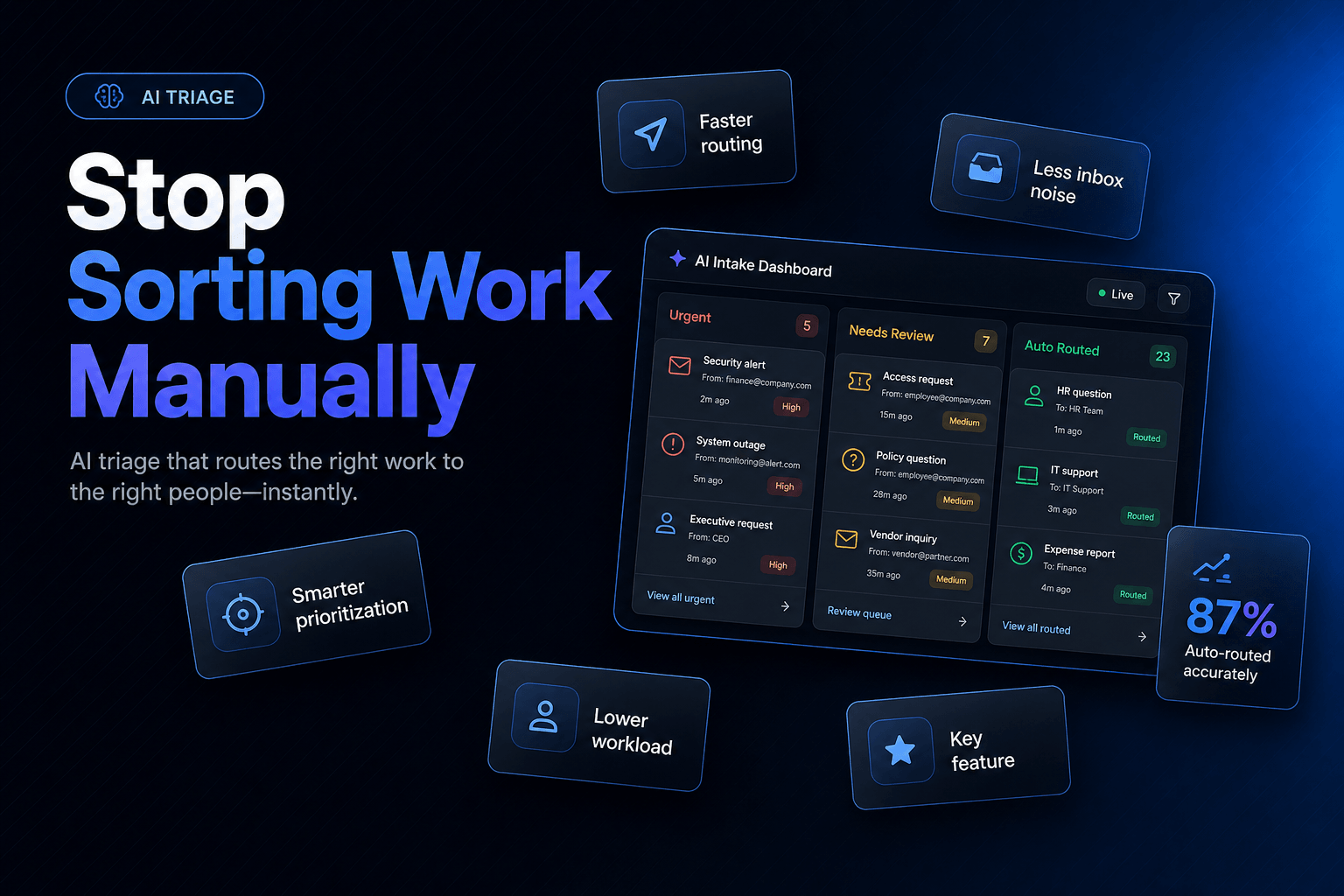
If you want to create an AI triage system for email, requests, and internal tickets, the goal is not a flashy bot. It’s a calm front door. One that reads incoming work, decides what it is, captures missing context, routes it correctly, and escalates only when needed. We’ve found the best systems feel almost boring. That’s a compliment.
Don’t automate replies first, automate sorting first
Most teams start in the wrong place. They obsess over drafting answers, when their real problem is that work enters the system in a chaotic, inconsistent mess.
A good triage layer should do four things before anyone replies:
- Classify the request by intent
- Assess urgency, risk, and business impact
- Enrich the request with missing context
- Route it to the right queue, person, or workflow
That sounds basic. It is. It’s also where the operational win lives.
Think about a shared inbox or internal service desk. Half the delay usually comes from the first touch: someone reads the message, guesses the category, reassigns it, asks for missing details, then waits. AI can compress that entire sequence into seconds, especially when the request patterns are repetitive enough to model and the business rules are clear enough to enforce.
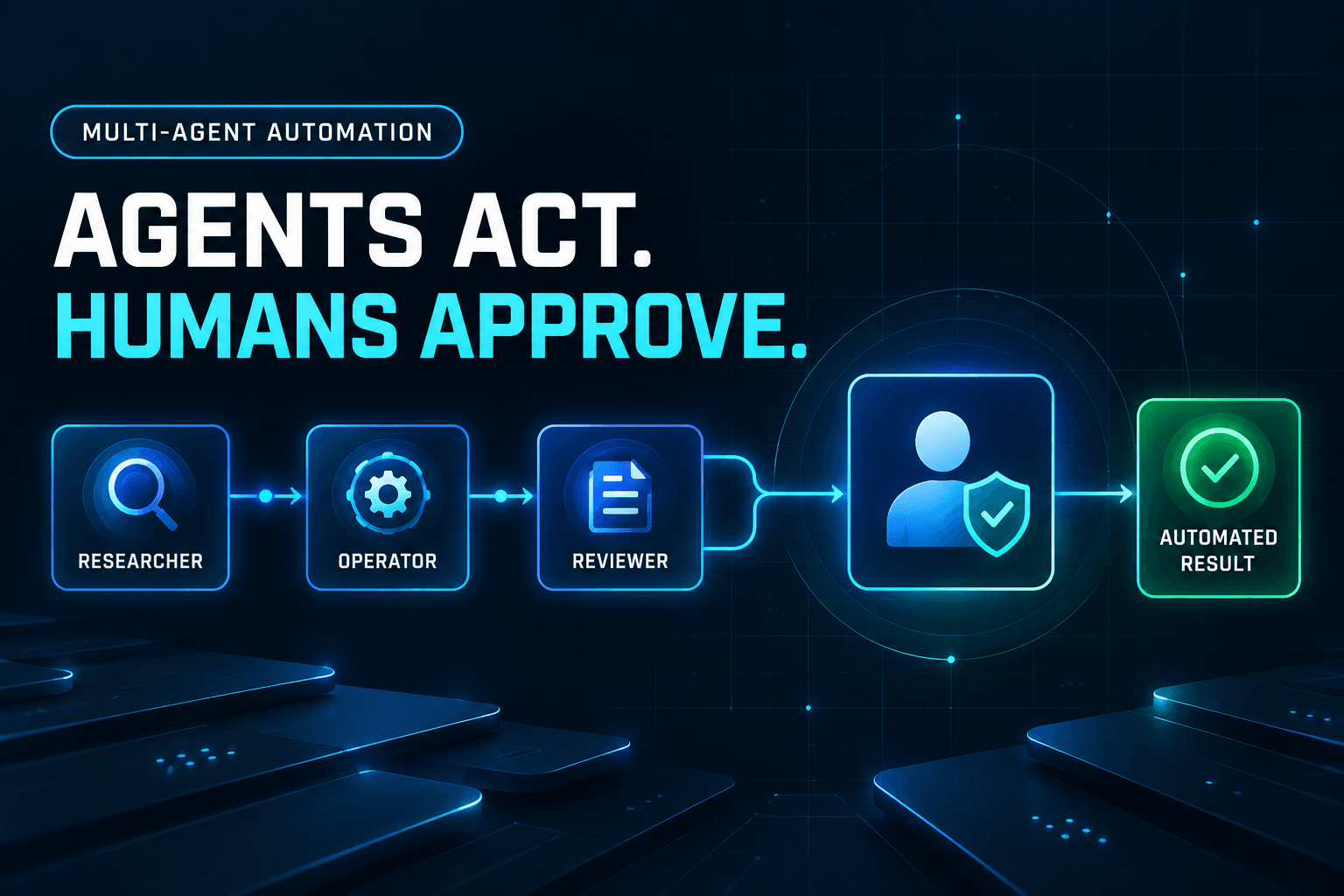
This is the difference between a chatbot and an actual agent workflow. If you need that distinction sharpened, AI agents vs chatbots is worth revisiting. A triage system should not just “understand language.” It should take structured action.
In practice, your first version should focus on narrow request types such as:
- IT access requests
- HR policy questions
- Procurement approvals
- Customer support intake
- Finance or billing exceptions
If one inbox handles five request types but two drive 70% of the noise, start there. Not because “start small” is trendy advice, but because bad triage logic multiplied across every workflow becomes industrialized confusion.
The highest-friction moment is missing context, not high volume
Here’s what actually slows teams down: not the number of tickets, but the number of incomplete ones.
Someone emails “VPN not working.” Great. On what device? From which office? Is this a new hire? Is there an outage? Is the person traveling? Human agents burn time collecting the same details over and over. AI triage should capture those details before the ticket reaches the resolver.
This is where structured intake beats generic automation. Your triage agent should ask only the questions that change the next action. Nothing more.
For example:
For IT requests
- Is this blocking work right now?
- Which device or system is affected?
- When did it start?
- Has this worked before?
For finance requests
- Is this about an invoice, refund, or payment failure?
- What order, vendor, or account is involved?
- What is the dollar amount?
- Is there a deadline tied to this issue?
For HR requests
- Is this a policy question, access issue, or onboarding task?
- Is the employee start date within 7 days?
- Does this involve manager approval?
The trick is to turn vague language into structured fields. Once that happens, routing becomes dramatically cleaner, and reporting stops being fiction.
This is also where memory matters. If the system already knows the requester’s department, manager, location, account tier, or past issue history, it can ask fewer questions and make better decisions. We’ve seen this be the difference between an AI system that feels sharp and one that feels like an intern on its first day. Why memory makes AI workflows useful goes deeper on that design pattern.
A practical scorecard for enrichment looks like this:
Input quality checkWhy it mattersIntent identifiedPrevents wrong-queue routingRequired fields capturedReduces back-and-forthPriority assignedProtects SLAsRelated records attachedGives resolver contextConfidence score loggedMakes review easier
If your triage layer can’t improve request quality, it’s not really triage. It’s just autocomplete wearing a badge.
Reply in seconds, route with restraint
Fast is good. Reckless is expensive.
According to Zendesk’s 2025 IT service report, 95% of IT leaders said AI improved their IT service KPIs, and 70% reported a strong or transformational impact. That tracks with what we see operationally: the biggest gains often come from immediate acknowledgment, cleaner categorization, and fewer dead-end handoffs.
But here’s the catch. The triage system should not send every item directly to the “right” human. Sometimes the correct destination is another automated step.
A mature routing flow usually has at least these paths:
- Self-serve: the user gets the exact answer or form they need
- Action workflow: the system completes a safe task automatically
- Specialist queue: the issue is routed with full context
- Escalation: the issue is flagged for urgent human review
That middle path is the one teams miss. If an employee requests software access, the best route may not be “IT queue.” It may be: verify manager, check policy, create approval task, then provision access if approved. That is triage plus orchestration.
If you’re designing those handoffs, how to design a multi-agent workflow that actually hands work off cleanly is directly relevant. Good triage does not dump work downstream. It packages it.
A simple routing rule stack might look like this:
If confidence < 0.80 -> human review queue
If request contains legal, payroll, security, or termination terms -> restricted queue
If category = password reset and identity verified -> automated workflow
If category = onboarding and start date < 3 days -> high priority IT/HR queue
If sentiment = frustrated and VIP = true -> senior human queue
Notice what’s missing: heroics. The best triage systems win by making fewer dumb decisions, not more impressive ones.
The contrarian bit: most AI triage systems fail because taxonomy is a mess
Let’s say the quiet part out loud. Many “AI triage” projects fail for a boring reason: the company itself does not agree on what kinds of work it receives.
Your inbox labels are sloppy. Your help desk categories are ancient. Half your teams use different names for the same request. Then leaders blame the model when the routing looks messy. The model is not the only one confused.
This is why the setup work matters more than the prompt.
Before you automate triage, fix these three things:
- Category sprawl: collapse duplicate or vague labels
- Routing ownership: define who actually owns each request type
- Escalation rules: document what must never be auto-routed blindly
That contrarian reality shows up in broader adoption data too. In Intercom’s 2026 Customer Service Transformation Report, 82% of senior leaders said they invested in AI for customer service in 2025, and 87% planned to in 2026. Plenty of spending, plenty of ambition. The deployment gap, as Intercom frames it, is depth. Surface-level AI is easy. Useful AI requires operational cleanup.
And governance is not optional. In McKinsey’s 2025 State of AI report, only 27% of respondents said all gen AI content is reviewed before use, while a similar share said 20% or less is checked. That’s a polite way of saying plenty of teams are shipping automation with very uneven oversight.
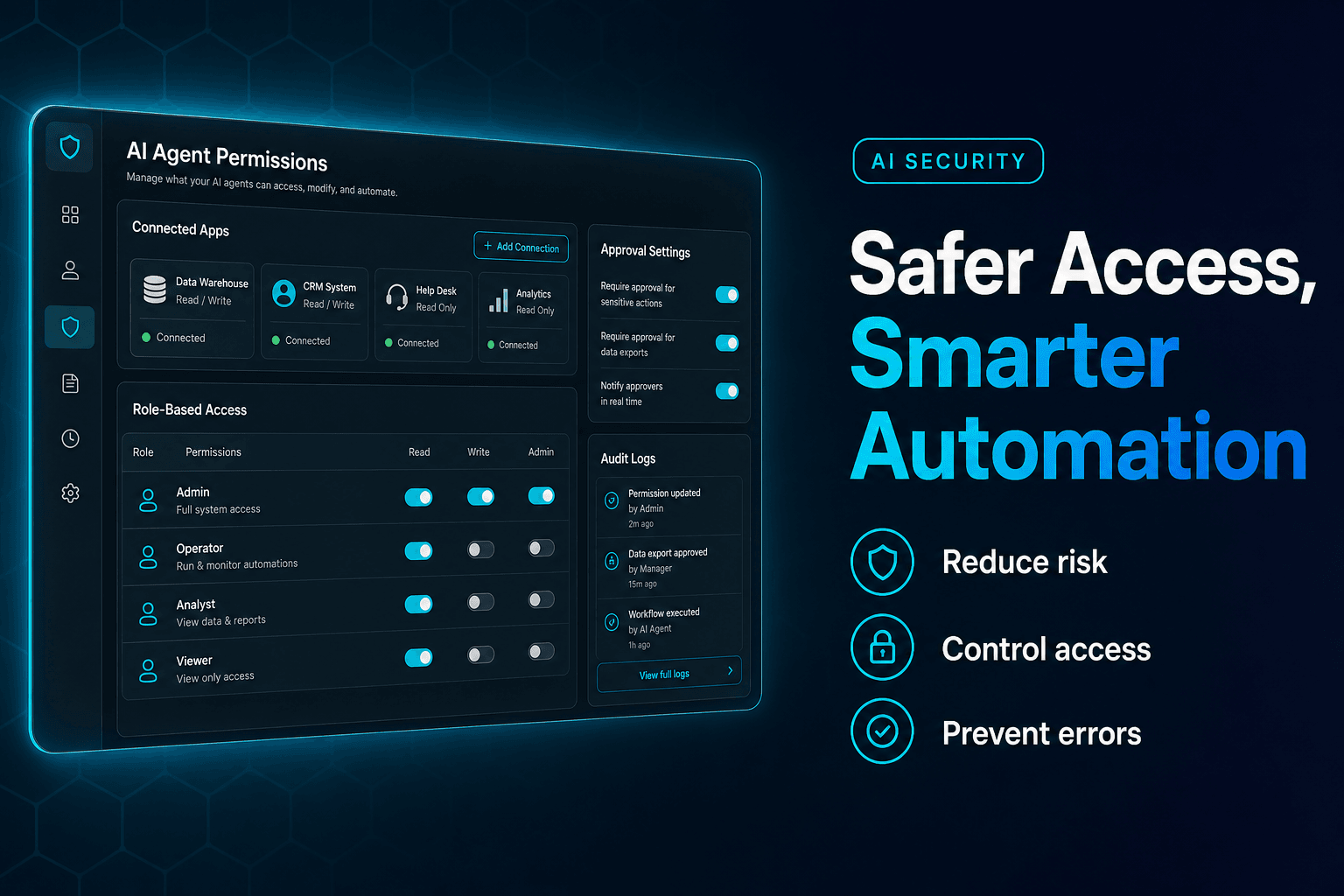
If your triage system touches access, payroll, legal, security, refunds, or vendor approvals, read 9 mistakes to avoid when giving AI agents access to your business tools before you let it loose. Bad routing is annoying. Bad routing with permissions is how people end up on incident calls.
Measure triage quality, not just ticket deflection
A triage system can look productive while quietly making life worse.
If all you measure is deflection or speed, the AI will learn to be confidently unhelpful. What matters is whether it sent the work to the right place, with the right context, fast enough to matter.
Track metrics like these instead:
- Correct-route rate: Was the first destination correct?
- Reassignment rate: How often did humans bounce it elsewhere?
- Missing-info rate: How often did resolvers need more details?
- Time-to-first-owner: How long until someone accountable had it?
- SLA breach rate by category: Did triage reduce downstream misses?
- Human override rate: Where is the model still guessing badly?
In internal operations, one of our favorite signals is time-to-useful-work. Not time to first response. Time until someone can actually act without asking basic follow-ups.
A healthy pilot usually shows progress in this order:
- Faster acknowledgment
- Better categorization
- Fewer reassignments
- Higher resolver productivity
- Better requester satisfaction
That order matters. If you chase CSAT first, you’ll be tempted to overdesign the assistant persona instead of fixing the intake workflow.
Also, review real conversations. Every month. Not dashboards alone. A sample of 30 to 50 triaged requests will tell you more than a vanity chart ever will. You’ll spot bad labels, brittle rules, and confidence thresholds that are too generous. That’s where the real optimization lives.
Build the front door like a workflow, not a bot
The cleanest AI triage systems are not one model with a giant prompt. They are small decisions connected by rules, memory, tools, and fallbacks.
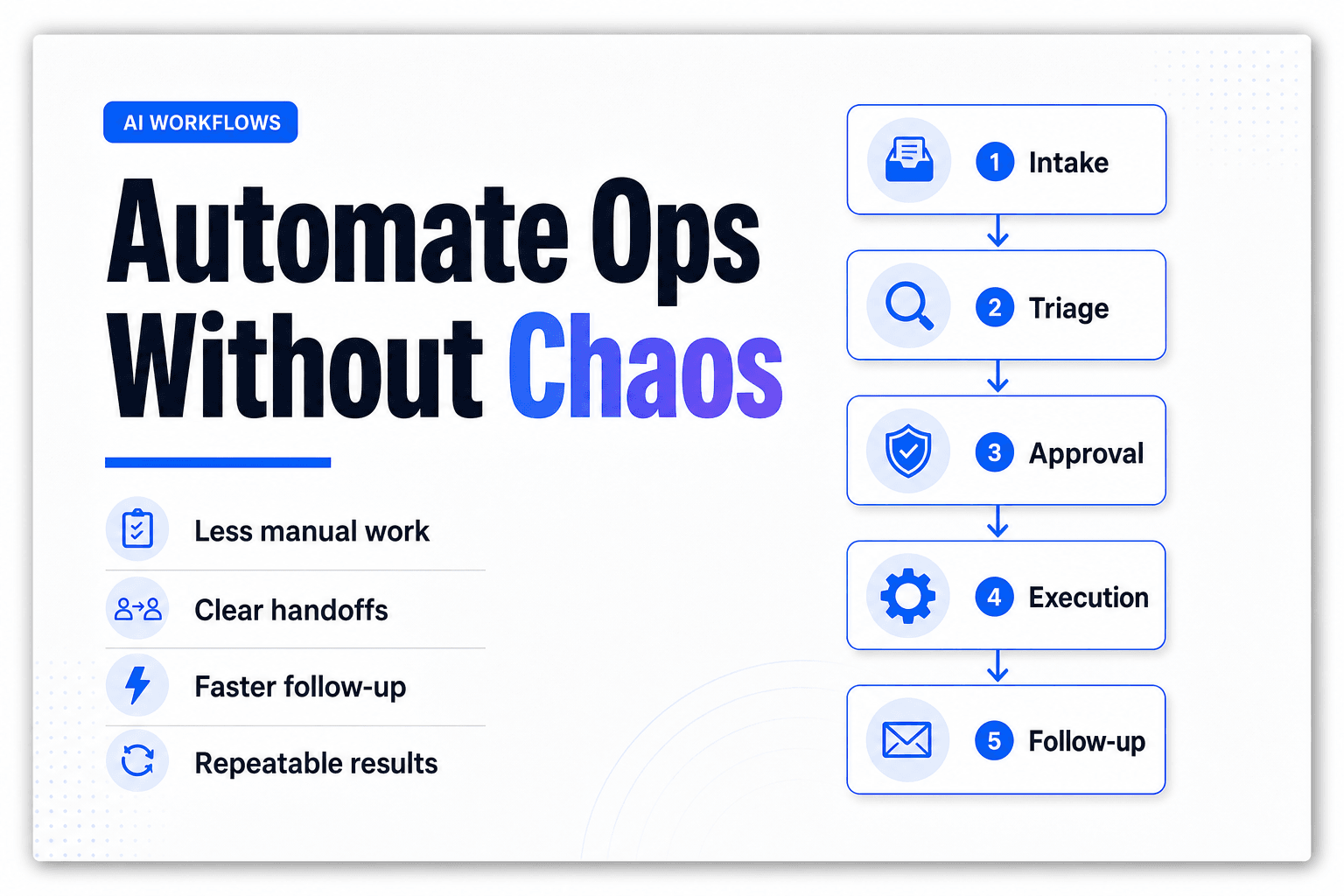
A practical architecture looks like this:
1. Intake layer
Capture email, form, Slack message, or ticket text.
2. Classification layer
Detect intent, urgency, requester type, and confidence.
3. Enrichment layer
Pull CRM, HRIS, directory, order, device, or account context.
4. Decision layer
Apply routing logic, approval logic, and exception handling.
5. Execution layer
Create ticket, update fields, notify queue, trigger workflow, or ask follow-up.
6. Review layer
Log reasoning, overrides, and outcomes for continuous improvement.
That’s why platforms that support tool use and multi-step orchestration tend to outperform single-bot setups. You’re not trying to make one assistant magically “know” everything. You’re building a disciplined system that can look things up, make bounded decisions, and hand off cleanly. If external systems are involved, the complete guide to using MCP servers with no-code AI agents is helpful for thinking through how agents connect to real tools without turning your stack into spaghetti.
One more practical note: keep a human review lane alive even after the model gets good. Not because humans are always better, but because edge cases never stop showing up. New policies appear. Internal jargon mutates. Executives invent special exceptions like it’s a hobby.
A triage system that cannot be corrected quickly becomes a very efficient source of wrong answers.
AI triage is not about replacing the team that handles work. It’s about finally giving that team a front door that behaves. If your inboxes, request channels, and internal tickets all feel like one long game of digital whack-a-mole, this is one of the highest-leverage systems you can build.
The best part is that you do not need a moonshot architecture to get there. You need a clear taxonomy, a narrow first use case, structured enrichment, guarded routing rules, and tight feedback loops. Then you expand.
If you want to build an AI triage system that can classify requests, gather the right context, route work cleanly, and connect into the tools your team already uses, AffinityBots is built for exactly that kind of operational workflow. Start with one intake channel, one high-volume request type, and one measurable outcome. That’s usually where the chaos starts losing.
Related Articles
Continue exploring more insights on ai automation