The Complete Guide to Building AI Workflows Around Your Knowledge Base
Learn how to build knowledge-aware AI workflows that retrieve the right sources, avoid stale data, and improve agent accuracy.
A knowledge base can make an AI workflow look brilliant right up until it confidently quotes last year’s refund policy to a customer who bought something yesterday.
That failure rarely comes from the model alone. It starts earlier: documents were added without ownership, public web pages were mixed with internal policies, old versions stayed searchable, and every agent was handed the same giant pile of context. The fix is a knowledge-aware workflow that decides which sources matter for a task, retrieves only the relevant material, and knows when the material is too old, too vague, or too sensitive to use.
The stakes are practical. AI agents currently access only 45% of enterprise data on average, while 55% of executives say their existing data systems actively block agentic AI from scaling, according to MIT Technology Review Insights research commissioned by Google Cloud. More documents will not solve that. Better source design will.
A folder dump is not a knowledge strategy
Most teams begin with enthusiasm and a shared drive. They upload product PDFs, internal wikis, meeting notes, pricing sheets, sales decks, and a heroic 147-page SOP written sometime before the pandemic. Then they ask why the agent gives fuzzy answers.
It has no idea which file should win.
Start by assigning every source a job. A support agent should treat an approved help-center article differently from an internal engineering troubleshooting guide. An operations workflow may need the official policy, a current order record, and a small set of approved exception rules. Those are separate knowledge roles, even when they live in the same folder.
We use a simple source map before building retrieval:
| Source type | Best use | Owner | Refresh rule |
|---|---|---|---|
| Customer-facing help docs | Answers customers can receive | Support lead | Update at every product release |
| SOPs and policies | Internal decision rules | Process owner | Review quarterly |
| CRM and order data | Current account facts | System of record | Pull live when possible |
| Public website pages | Product positioning and basics | Marketing | Sync after site changes |
This prevents a common mess: the agent pulls a draft launch deck to answer a customer question, even though the published pricing page says something else.
AffinityBots lets you upload PDFs, DOCX files, TXT files, CSVs, and XLSX spreadsheets into an agent’s knowledge base, where content is chunked and searched through retrieval-augmented generation. Keep each upload narrow where possible. One policy per document beats a 90-page operations anthology with five conflicting rules and an appendix nobody remembers approving.
For procedural material, convert vague documents into decision-ready references before upload. Our guide on turning company SOPs into AI-ready knowledge shows why an agent needs explicit conditions, allowed actions, and stop rules instead of general advice like “handle exceptions appropriately.”
Don’t let every agent search everything
Broad retrieval feels safe because it sounds comprehensive. In practice, it creates noisy context, slower answers, and more opportunities for a model to combine two technically relevant but operationally incompatible facts.
Box found that 96% of organizations consider company-specific content important for AI agents, yet only 36% of teams using or testing agents had connected those agents to trusted internal content across many use cases in its 2026 State of AI in the Enterprise research. That gap exists because “connected” is not the same as “usable.”
Retrieval needs scope.
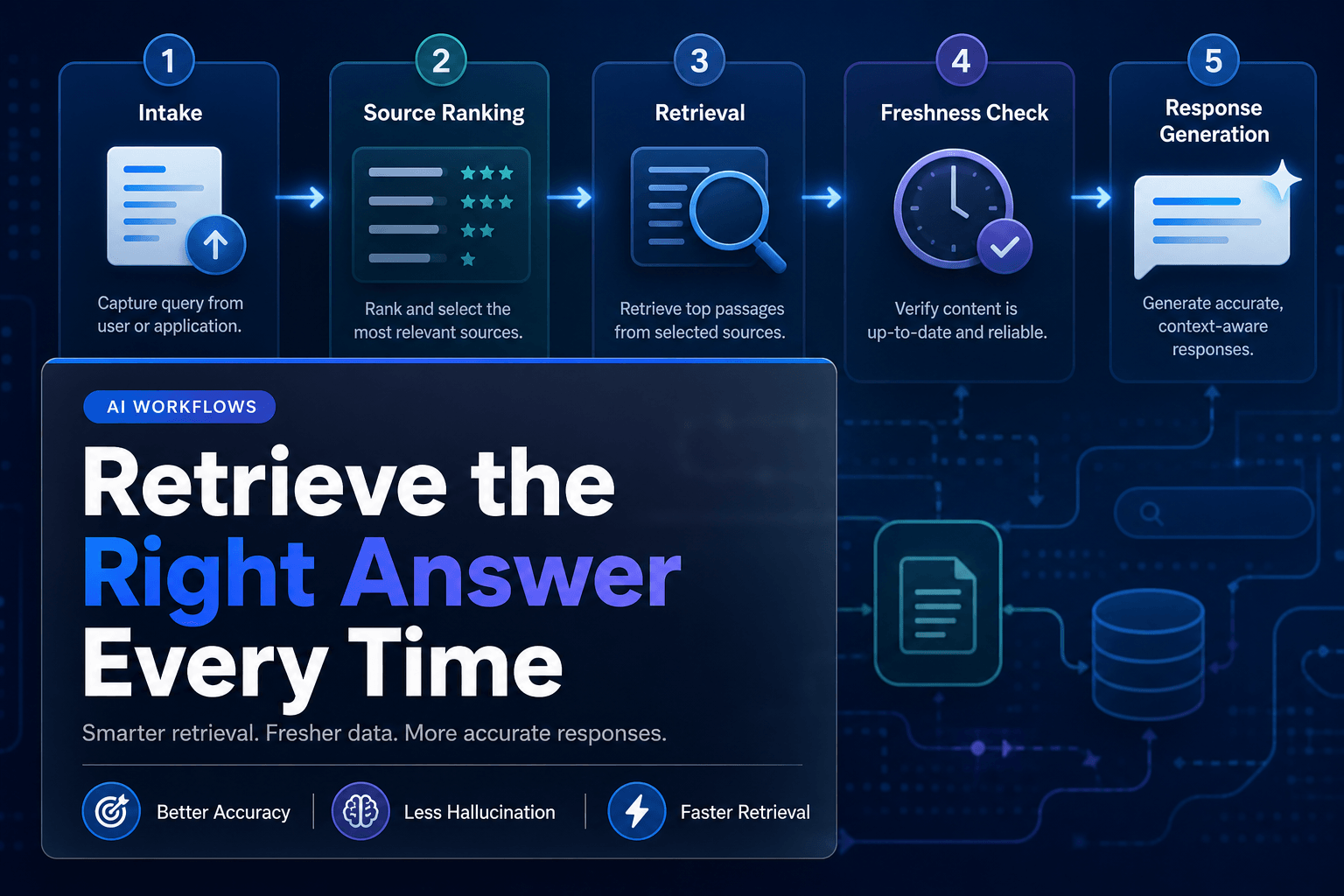
A good workflow narrows sources in layers:
- Identify the job. Is this a customer answer, an internal recommendation, a content draft, or an action request?
- Apply the audience boundary. Customer-facing work should never retrieve private operational notes simply because the wording overlaps.
- Filter by source authority. Published policy outranks an old Slack export. A live CRM record outranks a quarterly spreadsheet.
- Set a time boundary. If the question concerns current pricing, inventory, or account status, static documents are supporting context, not the final word.
- Define the failure path. When no authoritative source is found, the agent should ask, route, or stop. It should not improvise with the confidence of a person who just discovered a thesaurus.
Consider an HR workflow answering, “Can I carry unused PTO into next year?” The agent should retrieve the employee’s region, employment type, and the current regional PTO policy. It should not search every onboarding file, handbook draft, manager note, and benefits brochure in the company archive.
Permissions remain separate from retrieval. A source may be highly relevant and still off-limits to the requester. This matters even for read-only agents. The agent should inherit the user’s access rules, not receive a universal backstage pass with a laminated badge.
One giant RAG index makes smart workflows act strangely
Here is the mildly unpopular view: a single company-wide vector database is often a poor first architecture.
It sounds elegant. It also asks one retrieval system to understand customer support, legal language, product specs, payroll rules, sales positioning, and whatever someone saved in “Final_Final_UseThisOne.” That is a lot of semantic responsibility for a search layer.
Google Research notes that conventional one-pass retrieval struggles with the multi-source and multi-step questions common in business work, which is why its 2026 work on agentic RAG uses iterative search and evaluation rather than a fixed retrieve-then-generate pattern.
For most business teams, the practical answer is smaller scoped collections plus routing logic.
Use separate knowledge domains
Create dedicated collections for:
- Product and support content
- Internal policies and SOPs
- Sales enablement and approved messaging
- Client-specific files, separated by account
- Temporary project references with expiration dates
Then decide which collection an agent can query for each workflow step.
A content workflow offers a clean example. The research agent can use approved industry sources, product documentation, and the company’s messaging guide. The editor should see the draft, style guide, factual source list, and publication checklist. The publishing agent does not need access to raw competitor research, internal brainstorm notes, or the finance folder because apparently it is Thursday and everyone enjoys avoidable risk.
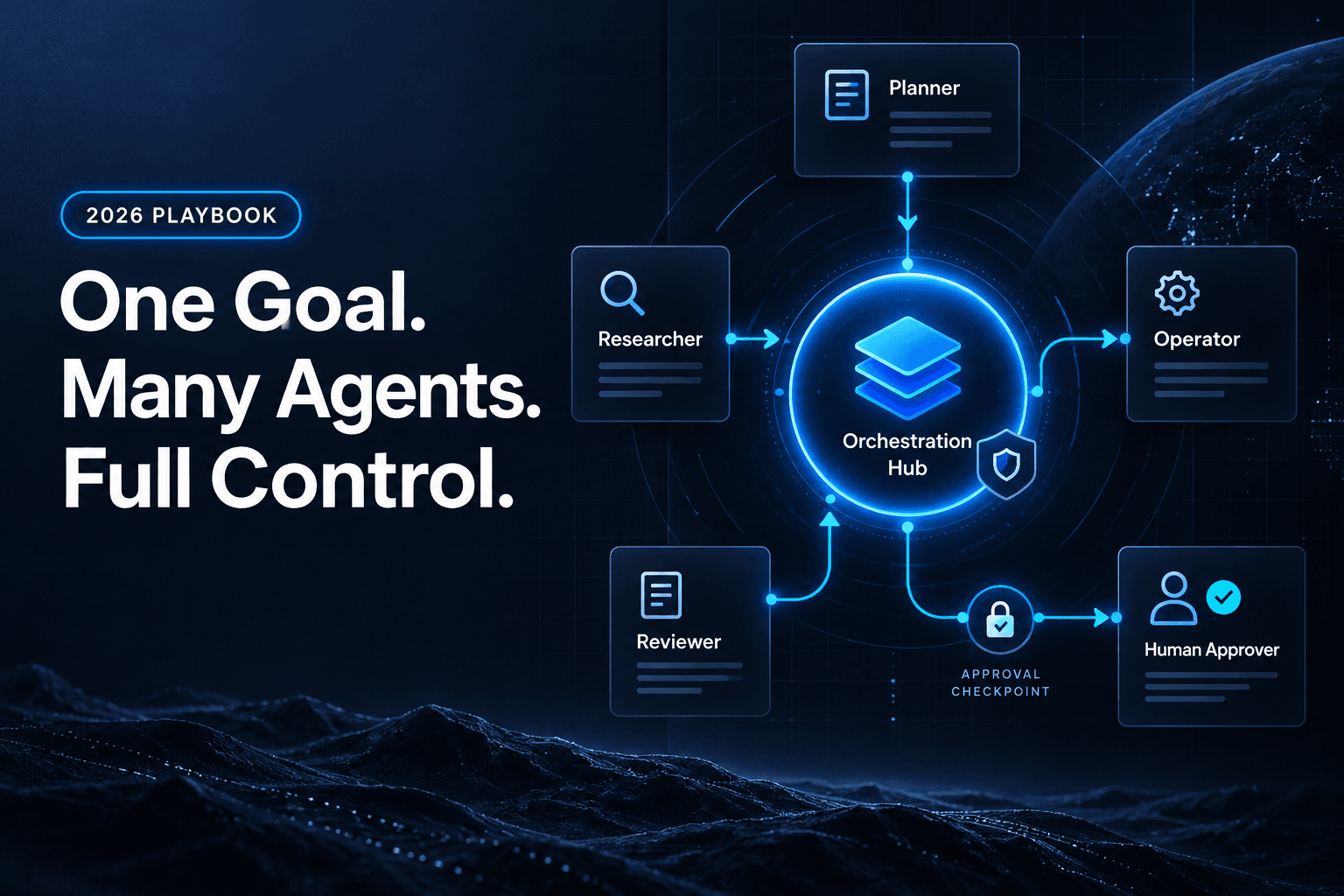
In AffinityBots, this works especially well when specialized agents pass focused context through a sequential workflow. Instead of giving a writer every uploaded file, pass it a brief containing approved claims, target audience details, source excerpts, and prohibited statements. If your workflow needs adaptive routing, a manager-style hub can delegate questions to the right specialist before the next step continues.
That design also improves handoffs. For more on defining what moves with the work, read how AI agent handoffs transfer state, authority, and constraints.
Treat stale knowledge as an operational defect
Knowledge goes stale quietly. Nobody announces, “Hello team, I am now the wrong refund threshold.” The old document simply keeps appearing in retrieval results because it was never replaced.
That is why every high-impact source needs four pieces of metadata:
- An accountable business owner
- A last-reviewed date
- A review cadence
- A replacement or retirement path
For example, set product release notes to expire after the next release, campaign briefs after the campaign ends, and policy documents after their next required review. A workflow can flag documents approaching expiration and notify the owner before bad context gets baked into everyday work.
External web content deserves extra suspicion. Public documentation changes. Pricing pages change. Competitor claims definitely change. Keep web-derived material separate from internal policy sources, label when it was captured, and decide whether the workflow should retrieve a saved snapshot or perform a fresh, controlled lookup.
Security is part of this design, too. Nearly half of surveyed organizations reported an AI-agent-related security incident in the Cloud Security Alliance’s 2026 enterprise agent security survey. Old files, overshared collections, and untrusted web pages are not merely quality problems. They can become data-exposure problems or prompt-injection bait.
We have found that a simple monthly knowledge review catches more trouble than an elaborate dashboard nobody opens. Ask four questions:
- Which sources were retrieved most often?
- Which sources produced conflicting answers?
- Which documents are past their review date?
- Which answers escalated because no trusted source was found?
Those answers tell you where to clean, split, replace, or restrict knowledge next.
Build workflows that get wiser at the point of work
Grounded knowledge is most valuable when it changes an outcome, not when it merely makes a chat answer sound polished.
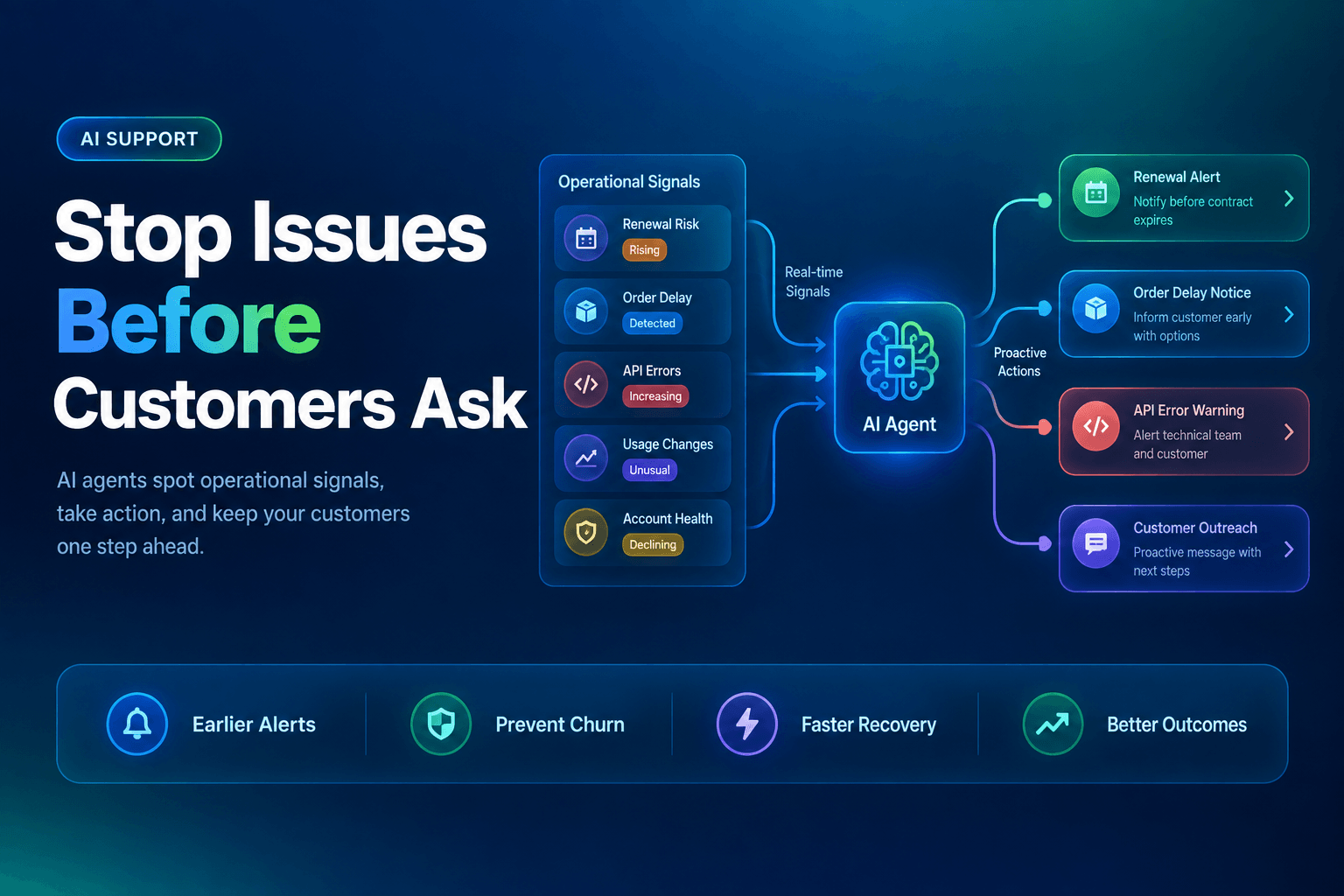
A support workflow can retrieve current product documentation, identify the customer’s plan from the CRM, draft a reply, and send uncertain cases to a human. That is far more useful than a generic chatbot that can explain a feature but cannot tell whether the customer actually has access to it. For a deeper support pattern, see how to turn a knowledge base into a support agent that gives actually useful answers.
An operations workflow can use an intake form, current vendor data, an approved purchasing policy, and a manager approval threshold:
Request submitted
→ Retrieve relevant policy and vendor record
→ Validate amount, department, and exception criteria
→ Draft recommendation
→ Route for approval or create request
→ Record decision and source used
Content workflows benefit too. A research agent can retrieve brand guidelines, approved product facts, customer stories, and current campaign goals before drafting. The editor then checks claims against the source set, not vague institutional memory. The result is less time spent cleaning up accidental promises and recycled positioning.
This is where knowledge and workflow design meet. Contentstack’s 2026 survey found that 54% of enterprises using or testing internal AI agents use them to automate workflows across tools and systems, according to The 2026 Agentic Enterprise Report. The winners will not be the teams with the largest document libraries. They will be the teams whose agents know when to retrieve, which source outranks another, and when the evidence is insufficient to act.
A good knowledge workflow leaves a trail: what it retrieved, why it used that material, what it decided, and where it stopped.
Build the knowledge layer before the agent gets busy
The useful question is not, “What documents can we give the agent?” Ask, “What must this workflow know at the exact moment it makes a decision?”
That shift changes the build. You assign source owners. You separate public, internal, client-specific, and live data. You define retrieval scope by task and user permissions. You retire stale documents before they become official-sounding nonsense. Most importantly, you give the workflow a safe response when trusted context is missing.
AffinityBots gives you the building blocks to put that into practice: knowledge bases for your documents and data, AI agents that retrieve relevant context, and no-code workflows that coordinate research, decisions, approvals, and follow-through. Build one workflow around one high-value decision this week, then measure whether the right source was retrieved before the agent acted.
Related Articles
Continue exploring more insights on artificial intelligence