6 Mistakes to Avoid When Giving AI Agents Access to Your CRM
Avoid costly CRM mistakes when giving AI agents access. Learn the permissions, guardrails, and governance gaps to fix first.
Most CRM disasters caused by AI agents do not start with a hallucination. They start with a permission. One innocent little permission, then another, then suddenly your “helpful” agent is updating lifecycle stages, overwriting owner fields, firing emails, and treating your revenue system like a sandbox with vibes.
That is a bad plan.
The timing is awkward, too. Only 21% of organizations say they have mature governance for agentic AI in place, according to Deloitte’s 2026 State of AI in the Enterprise findings. Meanwhile, AI agents are already showing up in sales stacks at speed, with 54% of sellers saying they’ve used them, according to Salesforce’s 2026 State of Sales report. Translation: adoption is sprinting, governance is tying its shoes.
If you want AI agents inside your CRM without turning pipeline hygiene into a crime scene, these are the six mistakes to avoid. In practice, the safest builds are not the smartest-looking ones. They are the ones with boring permissions, clear handoffs, visible logs, and just enough autonomy to be useful without becoming ambitious.
1. Giving one agent the keys to the whole revenue kingdom
We still see teams do this because it feels efficient. One agent reads inbound leads, updates CRM records, drafts follow-up, changes opportunity stages, and pings reps. Congratulations, you have built a very fast way to spread one bad decision everywhere.
What actually works is workflow-scoped access. A lead-enrichment agent should enrich. A routing agent should route. A follow-up agent should draft or queue. Those are different jobs, and they should not share the same permissions just because they all touch the CRM.
This matters more than most teams think. Salesforce’s 2026 Connectivity Report found that 50% of agents currently operate in isolated silos, and 86% of IT leaders worry agents will create more complexity than value without proper integration. The usual failure is not “the AI got creative.” It is “nobody defined the blast radius.”
A simple rule we’ve found useful:
Read many things
Write a few fields
Trigger even fewer actions
Send almost nothing automatically
If your CRM agent can edit ownership, stage, forecast category, and customer status, you do not have automation. You have a pipeline vandal with a login.
2. Letting the agent write to system-of-record fields too early
The most dangerous CRM fields are usually the boring ones. Not notes. Not summaries. The quiet operational stuff: owner, stage, lead source, account status, territory, lifecycle stage, renewal date.
When those fields go wrong, every downstream workflow goes wrong with them.
The contrarian move here is simple: do not start by automating the flashy stuff. Start by restricting the agent to low-risk output, like suggested next steps, draft notes, enrichment proposals, or a separate “AI recommendation” property. Let humans or validation rules promote those suggestions into canonical CRM fields.
This is especially important because Salesforce’s 2026 Connectivity Report says 96% of organizations face barriers to using data for AI, and 40% specifically point to outdated architecture and disconnected systems as a blocker. In other words, your CRM data is probably not as clean and unified as your demo implied.
A practical rollout looks like this:
| Phase | Agent can do | Agent cannot do |
|---|---|---|
| 1 | Recommend field changes | Edit live CRM fields |
| 2 | Update non-critical custom fields | Touch routing or revenue fields |
| 3 | Edit approved operational fields with rules | Override approval logic |
If you want safer action paths, AI approval gates for refunds, escalations, and sensitive actions uses the same principle in a different workflow: recommendation first, execution second.
3. Assuming bad CRM data is a small issue the agent will “figure out”
It won’t.
If your CRM has duplicate accounts, inconsistent stage definitions, free-text job titles, stale owners, and three versions of what “qualified” supposedly means, the agent is not going to clean that up through sheer force of optimism. It will just process messy inputs faster.
That is where a lot of CRM agent projects quietly break. Teams blame the model because the output looks erratic. What actually happened is that the source system was already improvising.
This is not just a minor backend annoyance. Salesforce’s 2026 Connectivity Report also found that 49% of organizations cite cross-application data governance as a top integration challenge, and an estimated 27% of APIs are ungoverned. If your CRM sits in the middle of that mess, your agent inherits the mess.
The fix is narrower than most people expect. Do not launch a giant “data quality initiative.” Clean the fields the agent relies on to decide. Usually that means:
lead_sourceownerterritorylifecycle_stageprioritycustomer_tier
If the agent is doing triage before CRM updates, pair that cleanup with a structured intake layer. An AI triage system for email, requests, and internal tickets is useful here because it forces cleaner classification before records get touched.
4. Trusting prompts to enforce policy instead of the CRM itself
“Only update deals when you are confident.”
Lovely sentence. Completely inadequate control.
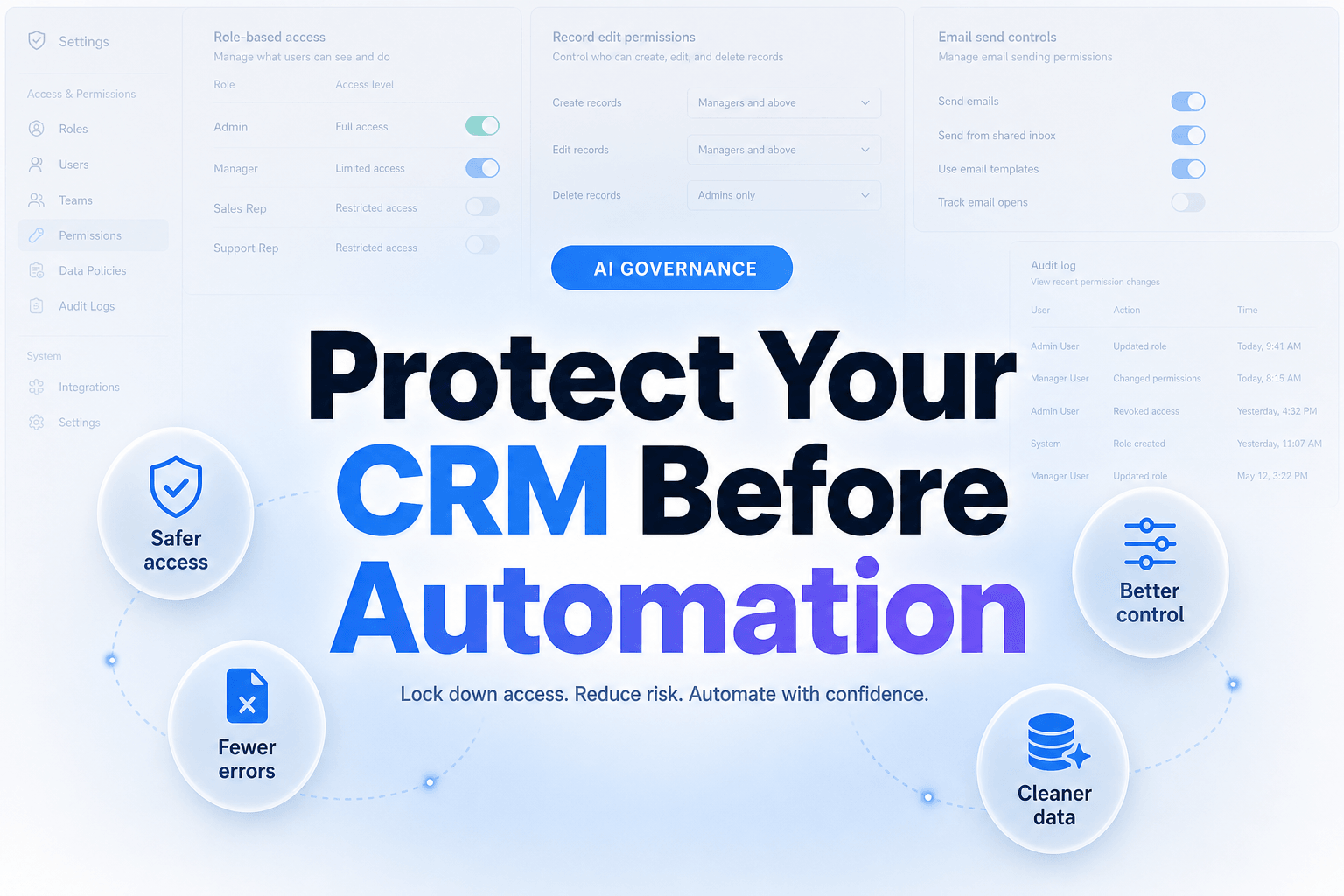
A prompt is not a permission model. It is not field-level security, not approval logic, not validation, not logging, and definitely not a substitute for role design. Yet plenty of teams still try to govern CRM access with instructions alone, then act surprised when the agent follows the spirit of the task more than the letter of the policy.
The market is already telling us this is a real problem. According to Deloitte’s 2026 State of AI in the Enterprise findings, only 21% of companies report a mature model for agent governance. Not “great governance.” Not “pretty decent governance.” Mature.
What actually works is putting controls in the workflow itself:
- validation rules on critical fields
- role-based write permissions
- confidence thresholds
- approval checkpoints
- separate draft vs send actions
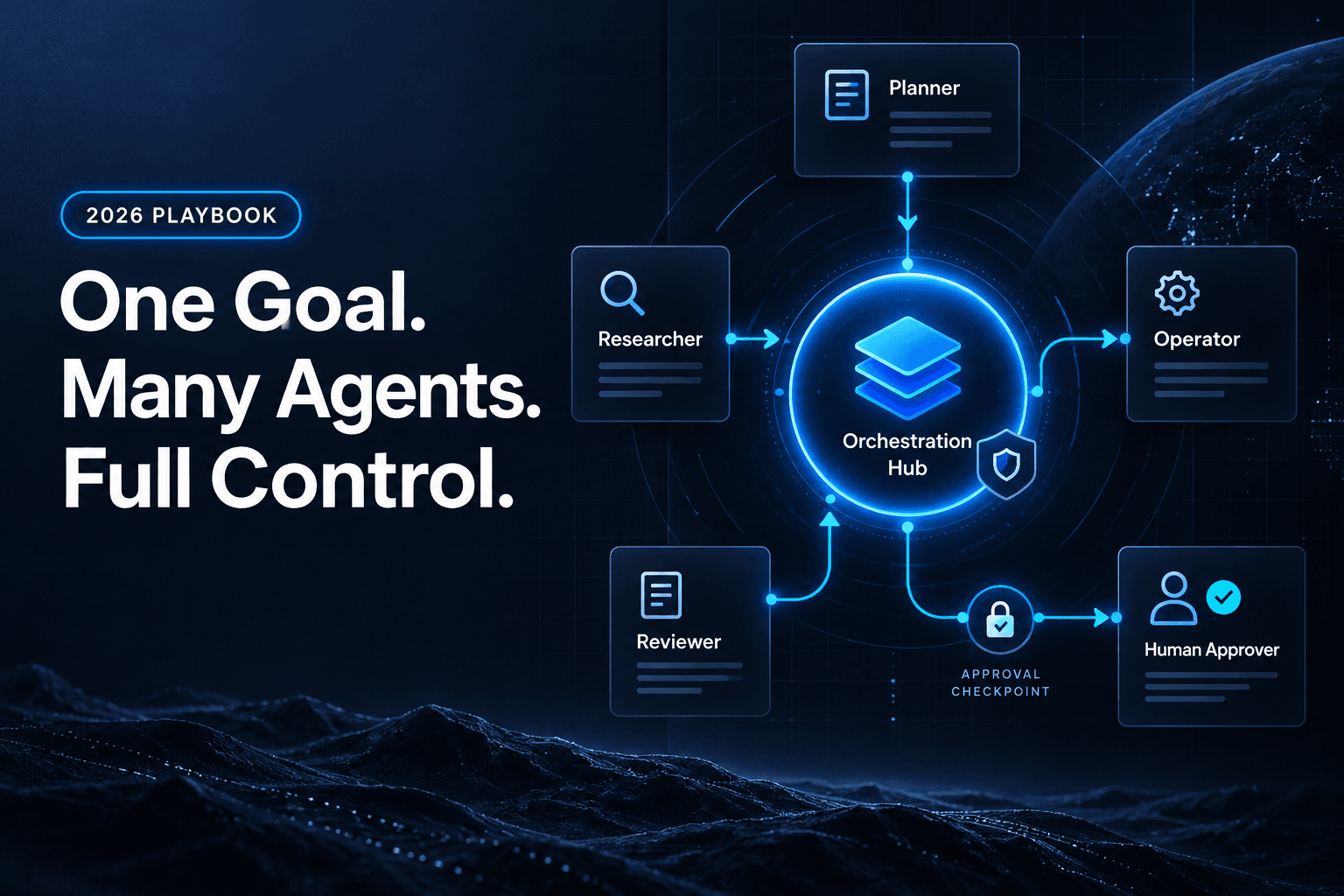
A good CRM agent should be technically unable to do the risky thing unless the workflow allows it. If you are building multi-step automations, this guide to multi-agent workflow roles, handoffs, and state is the grown-up version of that idea.
5. Skipping audit trails because the use case seems “simple”
A rep complains that the wrong lead got assigned. Ops says the lifecycle stage changed overnight. Marketing says the source field used to be webinar, then became organic, then somehow became partner. The agent says nothing, because of course it says nothing.
Without logs, every CRM issue becomes office folklore.
This is where people underestimate operational reality. You do not just need to know what the agent changed. You need to know what it saw, what rule it applied, what tool it called, and what happened next. Otherwise debugging turns into archaeology.
That discipline matters because adoption is accelerating faster than operational readiness. Gartner’s 2026 CIO and Technology Executive Survey says only 17% of organizations have deployed AI agents to date, but more than 60% expect to do so within the next two years. Fast growth without instrumentation is how teams end up with expensive automation they cannot trust.
At minimum, log this for every CRM action:
Input record
Fields read
Decision made
Confidence score
Fields changed
User or workflow approval state
Timestamp
Downstream actions triggered
If you cannot explain why the CRM changed, you cannot safely let the agent keep changing it.
6. Trying to automate sales judgment, not sales operations
This is the mistake that sounds sophisticated and usually performs like a magic trick gone wrong.
Teams want the CRM agent to decide which deals are real, which accounts deserve rep attention, which opportunities should advance, and which buyers are “showing intent.” That is often too much judgment for the quality of the data, the stakes of the decision, and the political reality of a revenue team.
Meanwhile, Salesforce’s 2026 State of Sales report says 54% of sellers have already used AI agents and nearly 9 in 10 plan to by 2027. So yes, the pressure to automate more is real. But the highest-ROI CRM use cases are usually less glamorous: enrichment, dedupe suggestions, follow-up drafting, activity summarization, routing support, and data hygiene checks.
We’ve found the winning question is not, “What could the agent decide?” It is, “What repetitive CRM work is annoying enough that humans keep doing it badly?”
That is also why articles like how to turn a lead intake form into an automated AI follow-up system tend to outperform grander visions in practice. Cleaner triggers beat bigger promises.
The Bottom Line
Giving AI agents CRM access is not risky because AI is mysterious. It is risky because CRMs are operational truth, and truth gets expensive when the wrong system edits it at scale.
The good news is that most CRM failures are preventable. Scope access tightly. Keep agents away from critical fields until they earn it. Clean the decision data first. Put controls in the workflow, not just the prompt. Log everything. And use agents for operational lift before you ask them to play junior VP of Sales.
If you want to build CRM-connected agents without the usual chaos, AffinityBots helps teams create workflow-scoped automations, approval paths, and multi-agent systems that can actually survive contact with real business data. Start with one narrow CRM workflow, prove it, then expand like an adult.
Related Articles
Continue exploring more insights on artificial intelligence